







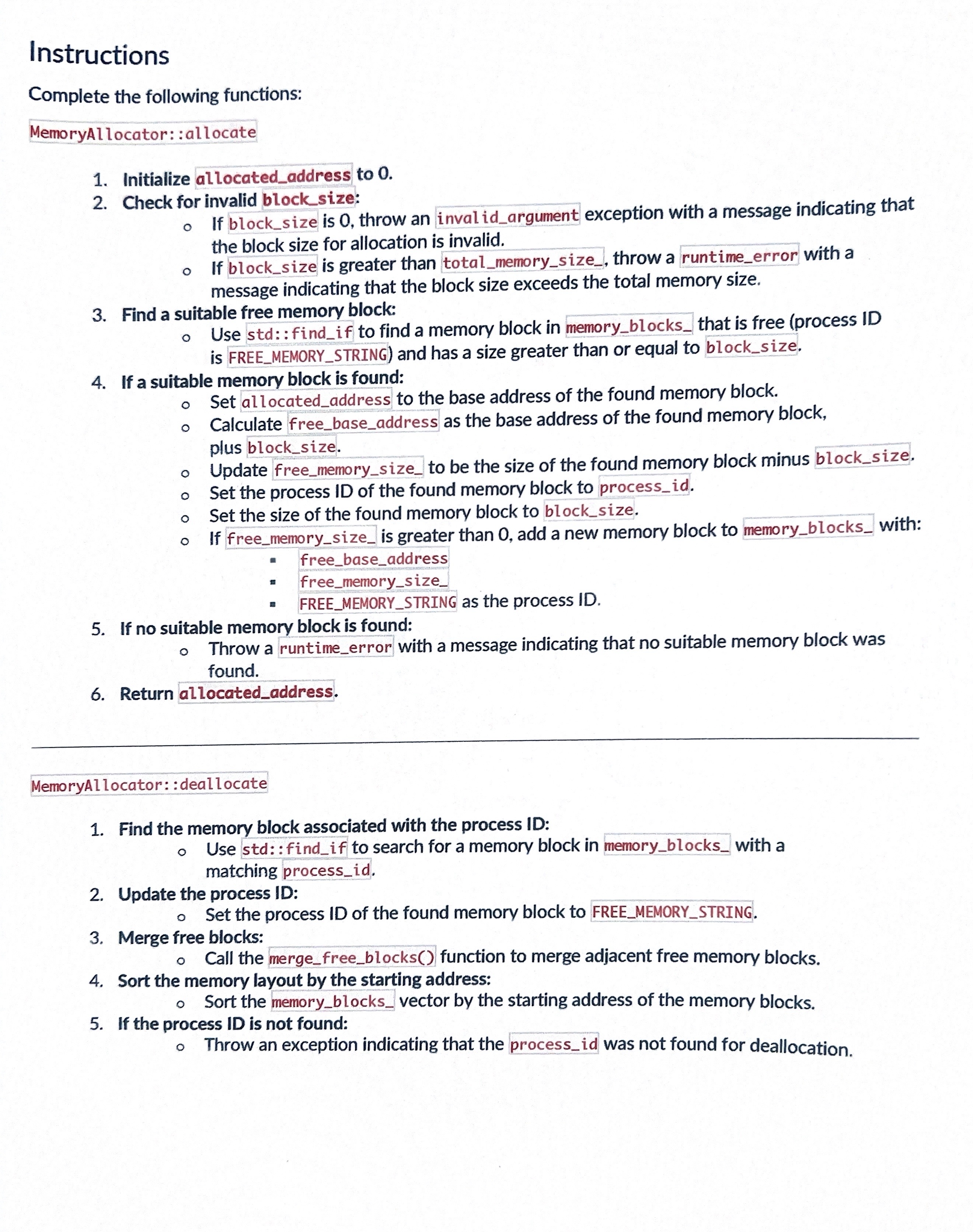
Question: Instructions Complete the following functions: MemoryAllocator: :allocate Initialize allocated _ address to 0 . Check for invalid block _ size: If block _ size is
Instructions
Complete the following functions:
MemoryAllocator: :allocate
Initialize allocatedaddress to
Check for invalid blocksize:
If blocksize is throw an inval idargument exception with a message indicating that
the block size for allocation is invalid.
If blocksize is greater than totalmemorysize throw a runtimeerror with a
message indicating that the block size exceeds the total memory size.
Find a suitable free memory block:
Use std: : findif to find a memory block in memoryblocks that is free process ID
is FREEMEMORYSTRING and has a size greater than or equal to blocksize.
If a suitable memory block is found:
Set allocatedaddress to the base address of the found memory block.
Calculate freebaseaddress as the base address of the found memory block,
plus blocksize.
Update freememorysize to be the size of the found memory block minus blocksize.
Set the process ID of the found memory block to processid
Set the size of the found memory block to blocksize.
If freememorysize is greater than add a new memory block to memoryblocks with:
freebaseaddress
freememorysize
FREEMEMORYSTRING as the process ID
If no suitable memory block is found:
Throw a runtimeerror with a message indicating that no suitable memory block was
found.
Return allocatedaddress.
MemoryAllocator: : deallocate
Find the memory block associated with the process ID:
Use std:: findif to search for a memory block in memoryblocks with a
matching processid
Update the process ID:
Set the process ID of the found memory block to FREEMEMORYSTRING.
Merge free blocks:
Call the mergefreeblocks function to merge adjacent free memory blocks.
Sort the memory layout by the starting address:
Sort the memoryblocks vector by the starting address of the memory blocks.
If the process ID is not found:
Throw an exception indicating that the processid was not found for deallocation.
Step by Step Solution
There are 3 Steps involved in it
1 Expert Approved Answer
Step: 1 Unlock

Question Has Been Solved by an Expert!
Get step-by-step solutions from verified subject matter experts
Step: 2 Unlock
Step: 3 Unlock
 Study Help