







Question: Instructions: Create the Python program exercise below and submit the link of the following files through the cloud storage (OneDrive or GDrive): .py file, screenshots
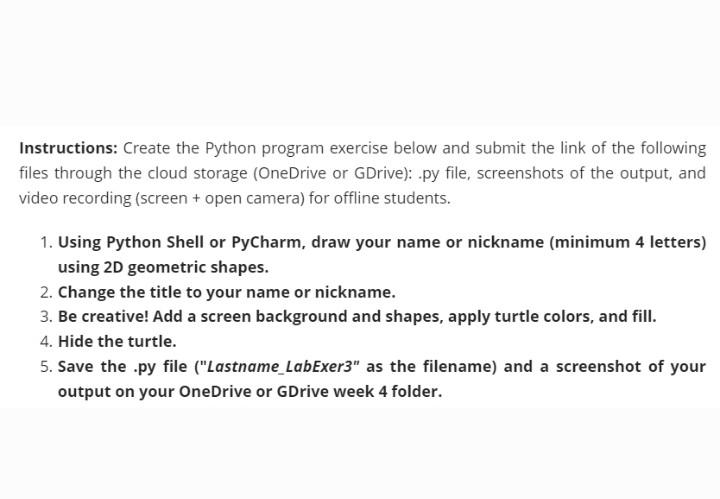
Instructions: Create the Python program exercise below and submit the link of the following files through the cloud storage (OneDrive or GDrive): .py file, screenshots of the output, and video recording (screen + open camera) for offline students. 1. Using Python Shell or PyCharm, draw your name or nickname (minimum 4 letters) using 2D geometric shapes. 2. Change the title to your name or nickname. 3. Be creative! Add a screen background and shapes, apply turtle colors, and fill. 4. Hide the turtle. 5. Save the .py file ("Lastname_LabExer3" as the filename) and a screenshot of your output on your OneDrive or GDrive week 4 folder
Step by Step Solution
There are 3 Steps involved in it
1 Expert Approved Answer
Step: 1 Unlock

Question Has Been Solved by an Expert!
Get step-by-step solutions from verified subject matter experts
Step: 2 Unlock
Step: 3 Unlock
 Study Help