







Question: Instructions Download the dice images: dice.zip Open the Java project 1410_LABS and add a new package called guidice. Create a new JFrame called LabGuidice.java Display
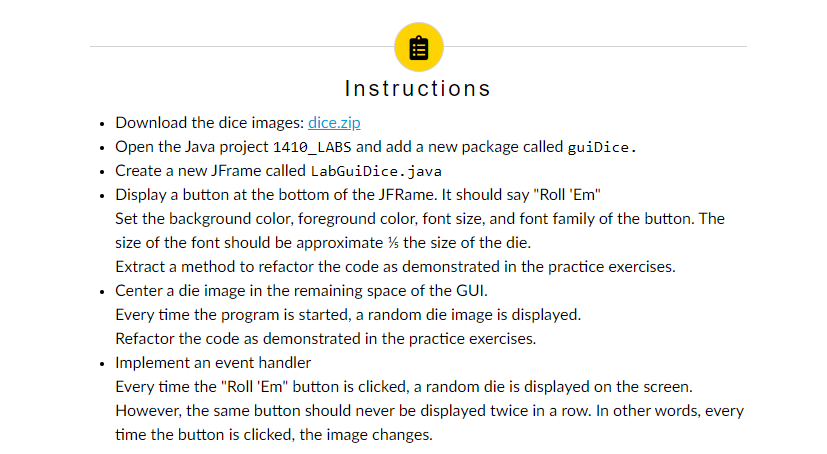
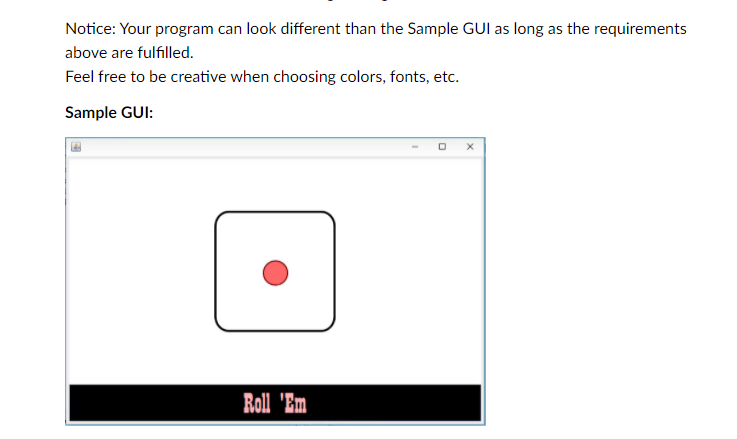
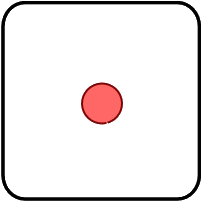
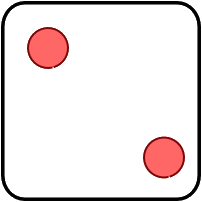
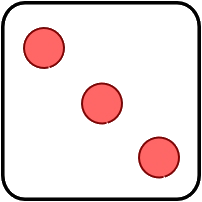
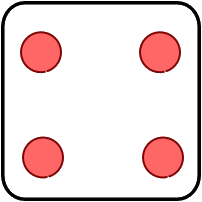
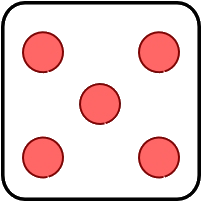
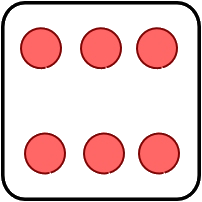
Instructions Download the dice images: dice.zip Open the Java project 1410_LABS and add a new package called guidice. Create a new JFrame called LabGuidice.java Display a button at the bottom of the JFRame. It should say "Roll 'Em" Set the background color, foreground color, font size, and font family of the button. The size of the font should be approximate 's the size of the die. Extract a method to refactor the code as demonstrated in the practice exercises. Center a die image in the remaining space of the GUI. Every time the program is started, a random die image is displayed. Refactor the code as demonstrated in the practice exercises. Implement an event handler Every time the "Roll 'Em" button is clicked, a random die is displayed on the screen. However, the same button should never be displayed twice in a row. In other words, every time the button is clicked, the image changes. Notice: Your program can look different than the Sample GUI as long as the requirements above are fulfilled. Feel free to be creative when choosing colors, fonts, etc. Sample GUI: X Roll HD
Step by Step Solution
There are 3 Steps involved in it

Get step-by-step solutions from verified subject matter experts
 Study Help