







Question: Instructions: For this assignment, refer to instructions below list the assigriment requirements. Patient File and BMI A text file contains patient ID, height (in inches),
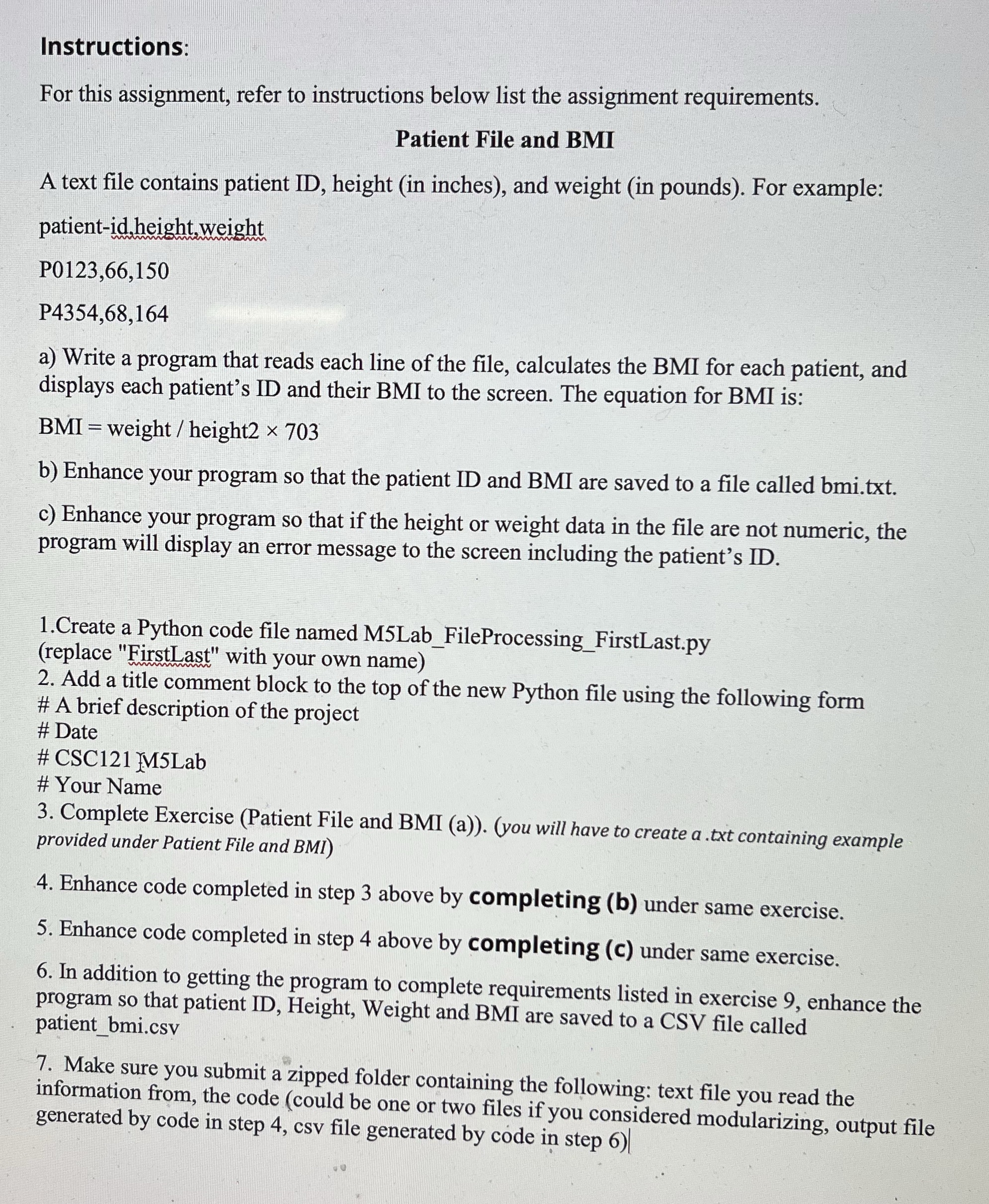
Instructions: For this assignment, refer to instructions below list the assigriment requirements. Patient File and BMI A text file contains patient ID, height (in inches), and weight (in pounds). For example: patient-id height.weight P0123,66,150 P4354,68,164 a) Write a program that reads each line of the file, calculates the BMI for each patient, and displays each patient's ID and their BMI to the screen. The equation for BMI is: BMI = weight / height2 x 703 b) Enhance your program so that the patient ID and BMI are saved to a file called bmi.txt. ) Enhance your program so that if the height or weight data in the file are not numeric, the program will display an error message to the screen including the patient's ID. 1.Create a Python code file named M5Lab_FileProcessing F irstLast.py (replace "FirstLast" with your own name) 2. Add a title comment block to the top of the new Python file using the following form # A brief description of the project # Date # CSC121 M5Lab # Your Name 3. Complete Exercise (Patient File and BMI provided under Patient File and BMI) (). (you will have to create g -IXt containing example 4. Enhance code completed in step 3 above by completing (b) under same exercise. 3. Enhance code completed in step 4 above by completing (c) under same exercise. 6. In addition to get'ting the program to complete requirements listed in exercise 9, enhance the program so that patient ID, Height, Weight and BM] are saved to a CSV file called patient bmi.csy 7. Make sure you submit a zipped folder containin information from, the code (could be one or generated by code in step 4, csv file generat g the following: text file you read the two lgs if you considered modularizing, output file ed by code in step 6)|
Step by Step Solution
There are 3 Steps involved in it

Get step-by-step solutions from verified subject matter experts
 Study Help