







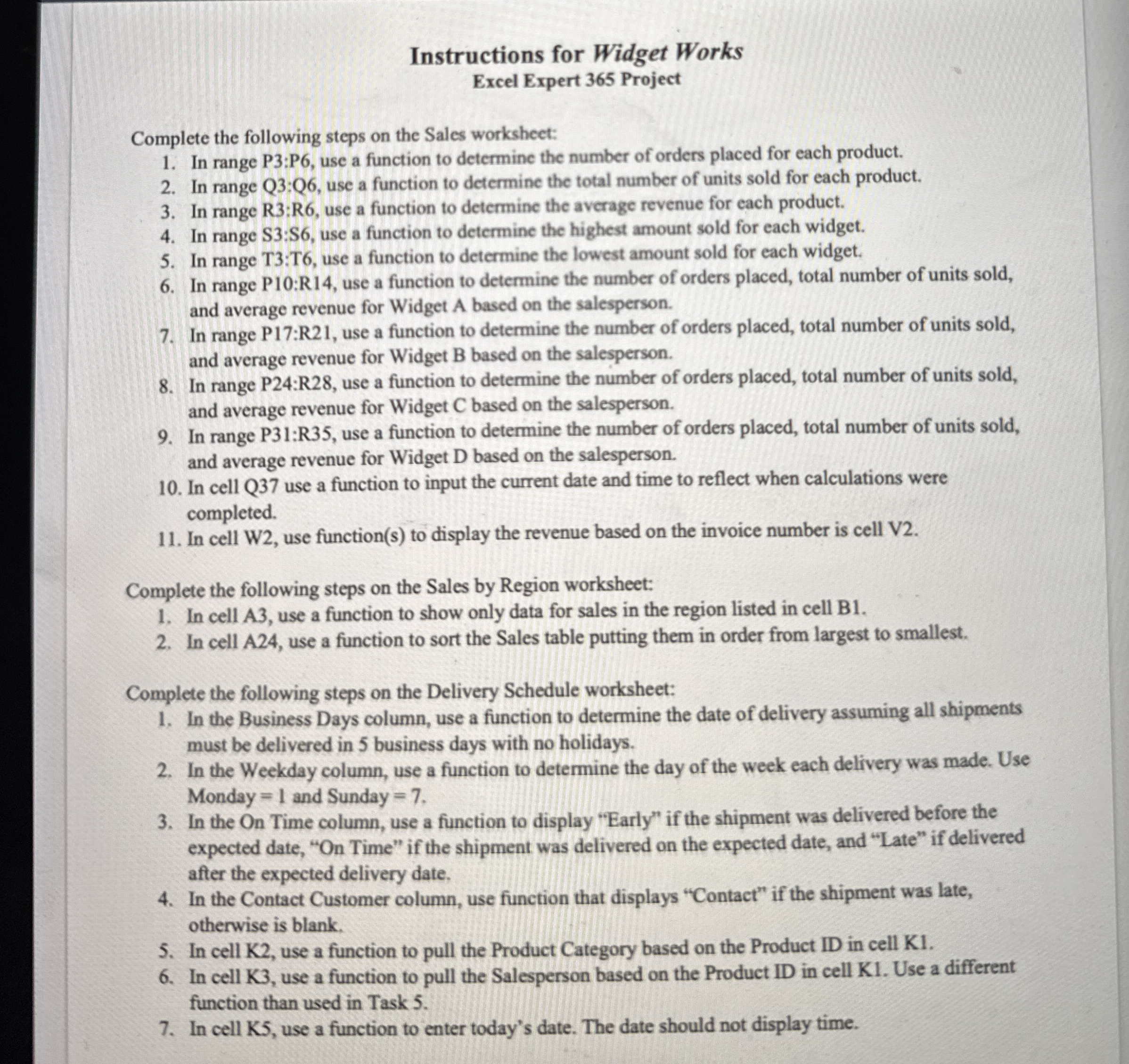
Question: Instructions for Widget Works Excel Expert 3 6 5 Project Complete the following steps on the Sales worksheet: In range P 3 : P 6
Instructions for Widget Works
Excel Expert Project
Complete the following steps on the Sales worksheet:
In range : use a function to determine the number of orders placed for each product.
In range Q:Q use a function to determine the total number of units sold for each product.
In range R:R use a function to determine the average revenue for each product.
In range S:S use a function to determine the highest amount sold for each widget.
In range T:T use a function to determine the lowest amount sold for each widget.
In range P:R use a function to determine the number of orders placed, total number of units sold, and average revenue for Widget A based on the salesperson.
In range P:R use a function to determine the number of orders placed, total number of units sold, and average revenue for Widget based on the salesperson.
In range P:R use a function to determine the number of orders placed, total number of units sold, and average revenue for Widget C based on the salesperson.
In range P:R use a function to determine the number of orders placed, total number of units sold, and average revenue for Widget D based on the salesperson.
In cell Q use a function to input the current date and time to reflect when calculations were completed.
In cell W use functions to display the revenue based on the invoice number is cell V
Complete the following steps on the Sales by Region worksheet:
In cell A use a function to show only data for sales in the region listed in cell B
In cell use a function to sort the Sales table putting them in order from largest to smallest.
Complete the following steps on the Delivery Schedule worksheet:
In the Business Days column, use a function to determine the date of delivery assuming all shipments must be delivered in business days with no holidays.
In the Weekday column, use a function to determine the day of the week each delivery was made. Use Monday and Sunday
In the On Time column, use a function to display "Early" if the shipment was delivered before the expected date, On Time" if the shipment was delivered on the expected date, and "Late" if delivered after the expected delivery date,
In the Contact Customer column, use function that displays "Contact" if the shipment was late, otherwise is blank.
In cell K use a function to pull the Product Category based on the Product ID in cell K
In cell K use a function to pull the Salesperson based on the Product ID in cell K Use a different function than used in Task
In cell K use a function to enter today's date. The date should not display time.
Step by Step Solution
There are 3 Steps involved in it
1 Expert Approved Answer
Step: 1 Unlock

Question Has Been Solved by an Expert!
Get step-by-step solutions from verified subject matter experts
Step: 2 Unlock
Step: 3 Unlock
 Study Help