







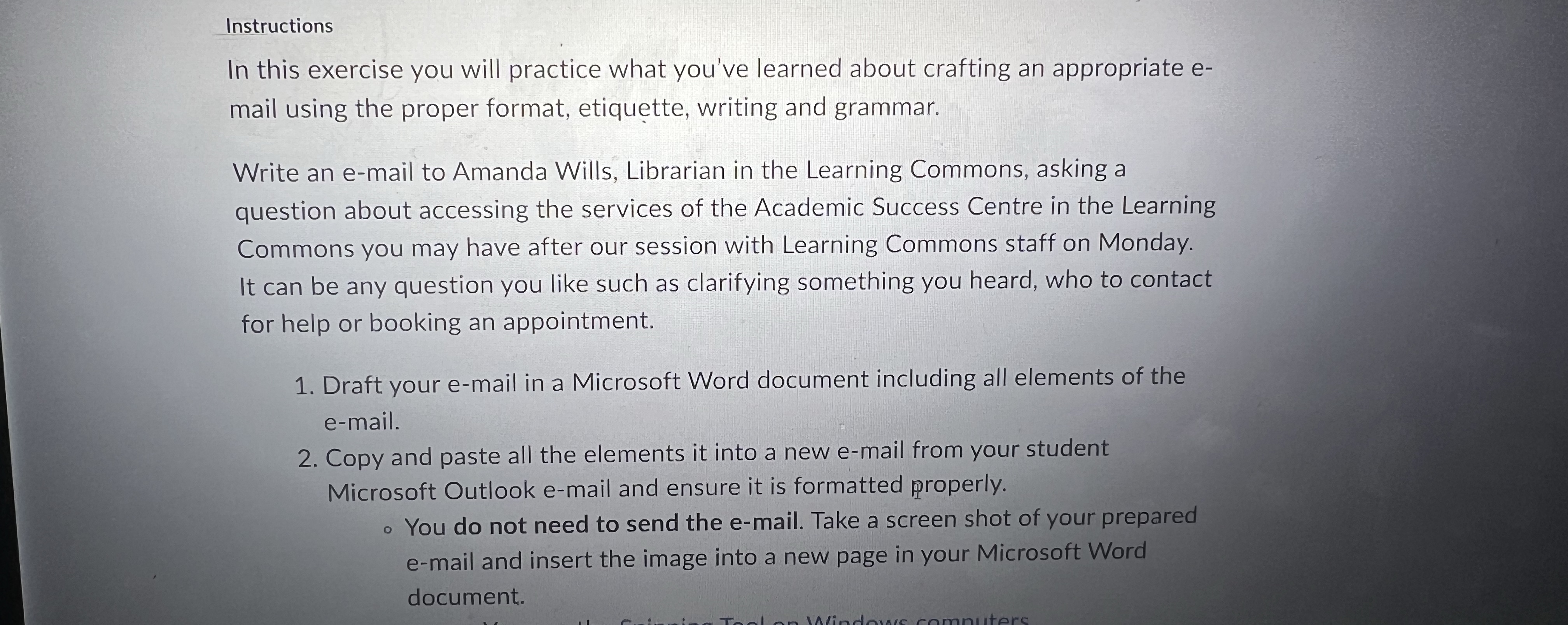
Question: Instructions In this exercise you will practice what you've learned about crafting an appropriate e - mail using the proper format, etiquette, writing and grammar.
Instructions
In this exercise you will practice what you've learned about crafting an appropriate e
mail using the proper format, etiquette, writing and grammar.
Write an email to Amanda Wills, Librarian in the Learning Commons, asking a
question about accessing the services of the Academic Success Centre in the Learning
Commons you may have after our session with Learning Commons staff on Monday.
It can be any question you like such as clarifying something you heard, who to contact
for help or booking an appointment.
Draft your email in a Microsoft Word document including all elements of the
email.
Copy and paste all the elements it into a new email from your student
Microsoft Outlook email and ensure it is formatted properly.
You do not need to send the email. Take a screen shot of your prepared
email and insert the image into a new page in your Microsoft Word
document.
Step by Step Solution
There are 3 Steps involved in it
1 Expert Approved Answer
Step: 1 Unlock

Question Has Been Solved by an Expert!
Get step-by-step solutions from verified subject matter experts
Step: 2 Unlock
Step: 3 Unlock
 Study Help