







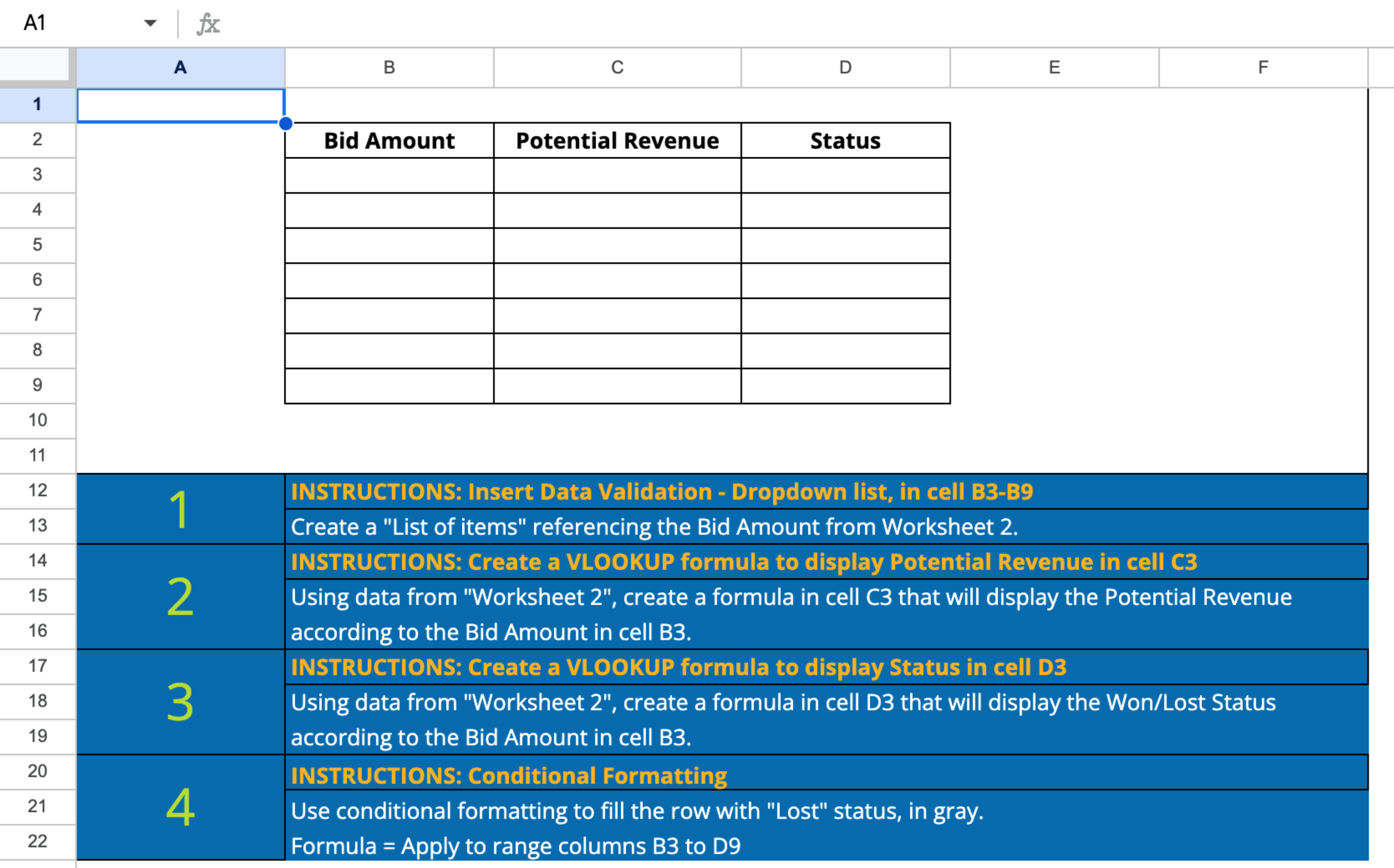
Question: INSTRUCTIONS: Insert Data Validation - Dropdown list, in cell B 3 - B 9 Create a List of items referencing the Bid Amount from Worksheet
INSTRUCTIONS: Insert Data Validation Dropdown list, in cell BB
Create a "List of items" referencing the Bid Amount from Worksheet
INSTRUCTIONS: Create a VLOOKUP formula to display Potential Revenue in cell C
Using data from "Worksheet create a formula in cell C that will display the Potential Revenue
according to the Bid Amount in cell B
INSTRUCTIONS: Create a VLOOKUP formula to display Status in cell D
Using data from "Worksheet create a formula in cell D that will display the WonLost Status
according to the Bid Amount in cell B
INSTRUCTIONS: Conditional Formatting
Use conditional formatting to fill the row with "Lost" status, in gray.
Formula Apply to range columns B to D
Step by Step Solution
There are 3 Steps involved in it
1 Expert Approved Answer
Step: 1 Unlock

Question Has Been Solved by an Expert!
Get step-by-step solutions from verified subject matter experts
Step: 2 Unlock
Step: 3 Unlock
 Study Help