







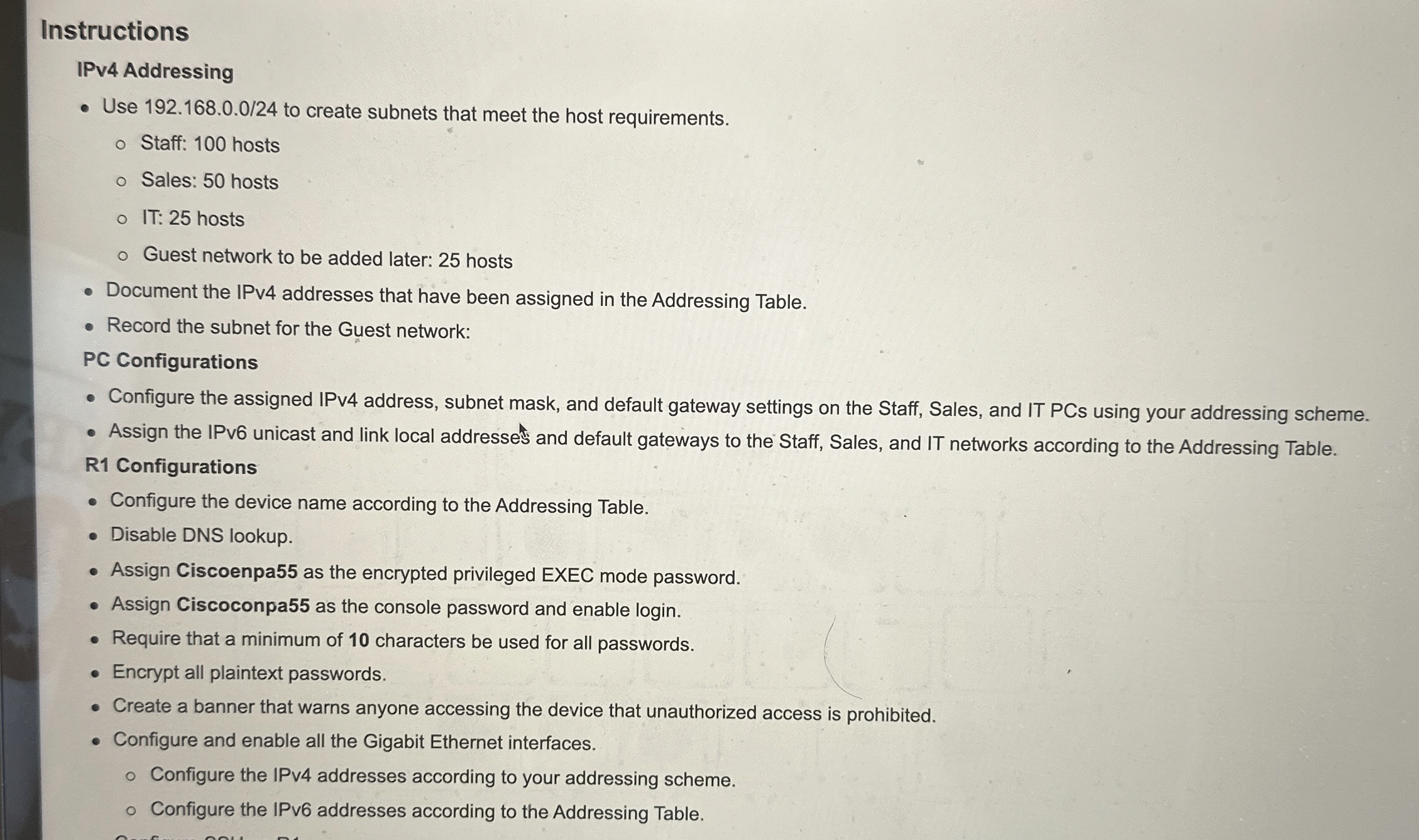
Question: Instructions IPv 4 Addressing Use 1 9 2 . 1 6 8 . 0 . 0 / 2 4 to create subnets that meet the
Instructions
IPv Addressing
Use to create subnets that meet the host requirements.
Staff: hosts
Sales: hosts
IT: hosts
Guest network to be added later: hosts
Document the IPv addresses that have been assigned in the Addressing Table.
Record the subnet for the Guest network:
PC Configurations
Configure the assigned IPv address, subnet mask, and default gateway settings on the Staff, Sales, and IT PCs using your addressing scheme.
Assign the IPv unicast and link local addresses and default gateways to the Staff, Sales, and IT networks according to the Addressing Table.
R Configurations
Configure the device name according to the Addressing Table.
Disable DNS lookup.
Assign Ciscoenpa as the encrypted privileged EXEC mode password.
Assign Ciscoconpa as the console password and enable login
Require that a minimum of characters be used for all passwords.
Encrypt all plaintext passwords.
Create a banner that warns anyone accessing the device that unauthorized access is prohibited.
Configure and enable all the Gigabit Ethernet interfaces.
Configure the IPv addresses according to your addressing scheme.
Configure the IPv addresses according to the Addressing Table.
Step by Step Solution
There are 3 Steps involved in it
1 Expert Approved Answer
Step: 1 Unlock

Question Has Been Solved by an Expert!
Get step-by-step solutions from verified subject matter experts
Step: 2 Unlock
Step: 3 Unlock
 Study Help