







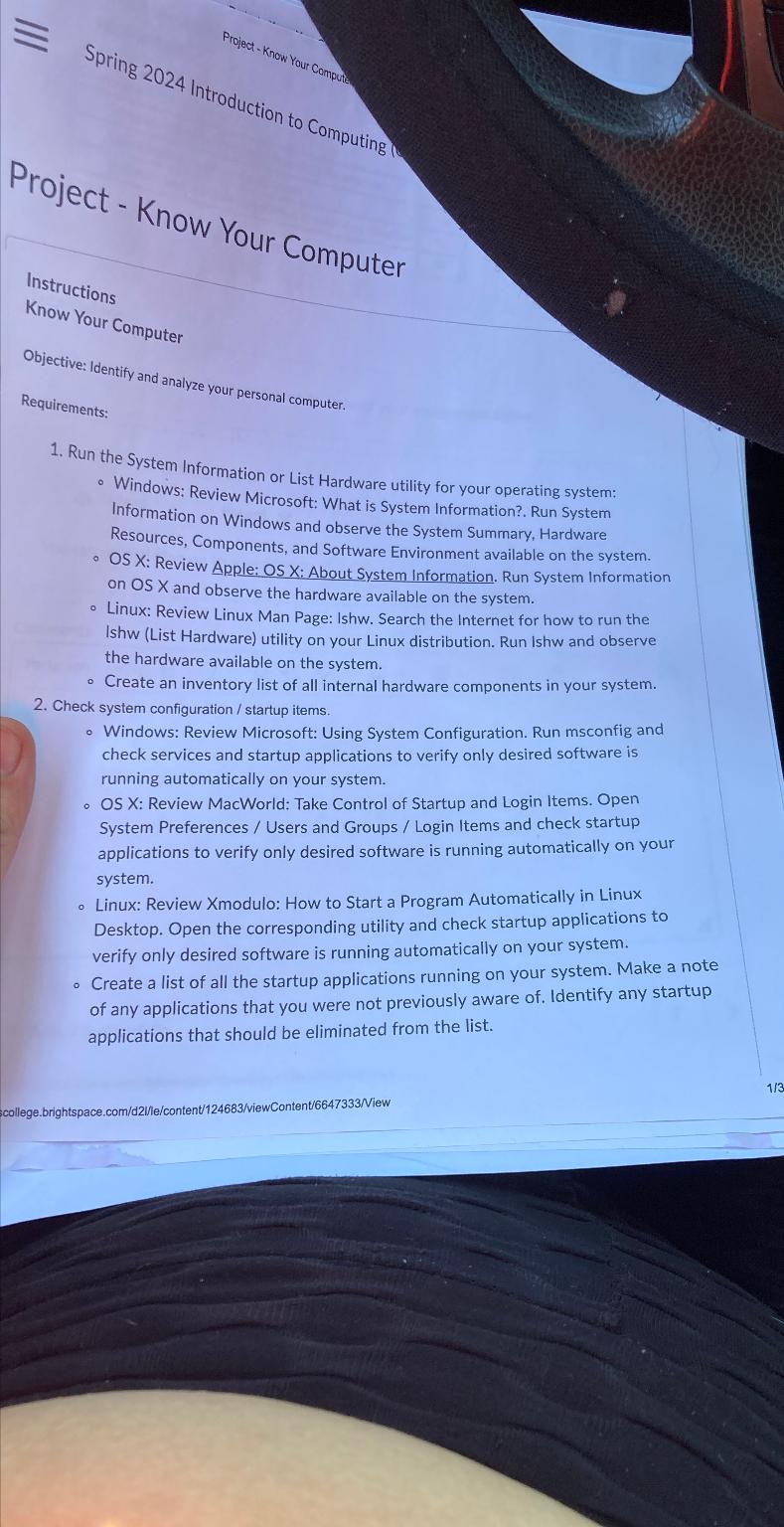
Question: Instructions Know Your Computer Objective: Identify and analyze your personal computer. Requirements: Run the System Information or List Hardware utility for your operating system: Windows:
Instructions
Know Your Computer
Objective: Identify and analyze your personal computer.
Requirements:
Run the System Information or List Hardware utility for your operating system:
Windows: Review Microsoft: What is System Information?. Run System Information on Windows and observe the System Summary, Hardware Resources, Components, and Software Environment available on the system.
OS X: Review Apple: OS X: About System Information. Run System Information on OS X and observe the hardware available on the system.
Linux: Review Linux Man Page: Ishw. Search the Internet for how to run the Ishw List Hardware utility on your Linux distribution. Run Ishw and observe the hardware available on the system.
Create an inventory list of all internal hardware components in your system.
Check system configuration startup items.
Windows: Review Microsoft: Using System Configuration. Run msconfig and check services and startup applications to verify only desired software is running automatically on your system.
OS X: Review MacWorld: Take Control of Startup and Login Items. Open System Preferences Users and Groups Login Items and check startup applications to verify only desired software is running automatically on your system.
Linux: Review Xmodulo: How to Start a Program Automatically in Linux Desktop. Open the corresponding utility and check startup applications to verify only desired software is running automatically on your system.
Create a list of all the startup applications running on your system. Make a note of any applications that you were not previously aware of Identify any startup applications that should be eliminated from the list.
college.brightspace.comdlecontentviewContentView
Step by Step Solution
There are 3 Steps involved in it
1 Expert Approved Answer
Step: 1 Unlock

Question Has Been Solved by an Expert!
Get step-by-step solutions from verified subject matter experts
Step: 2 Unlock
Step: 3 Unlock
 Study Help