







Question: Instructions: Note: This exam has three different parts and includes three Excel data workbooks. Part I: PMT and FV Open Excel II Assignment - Data
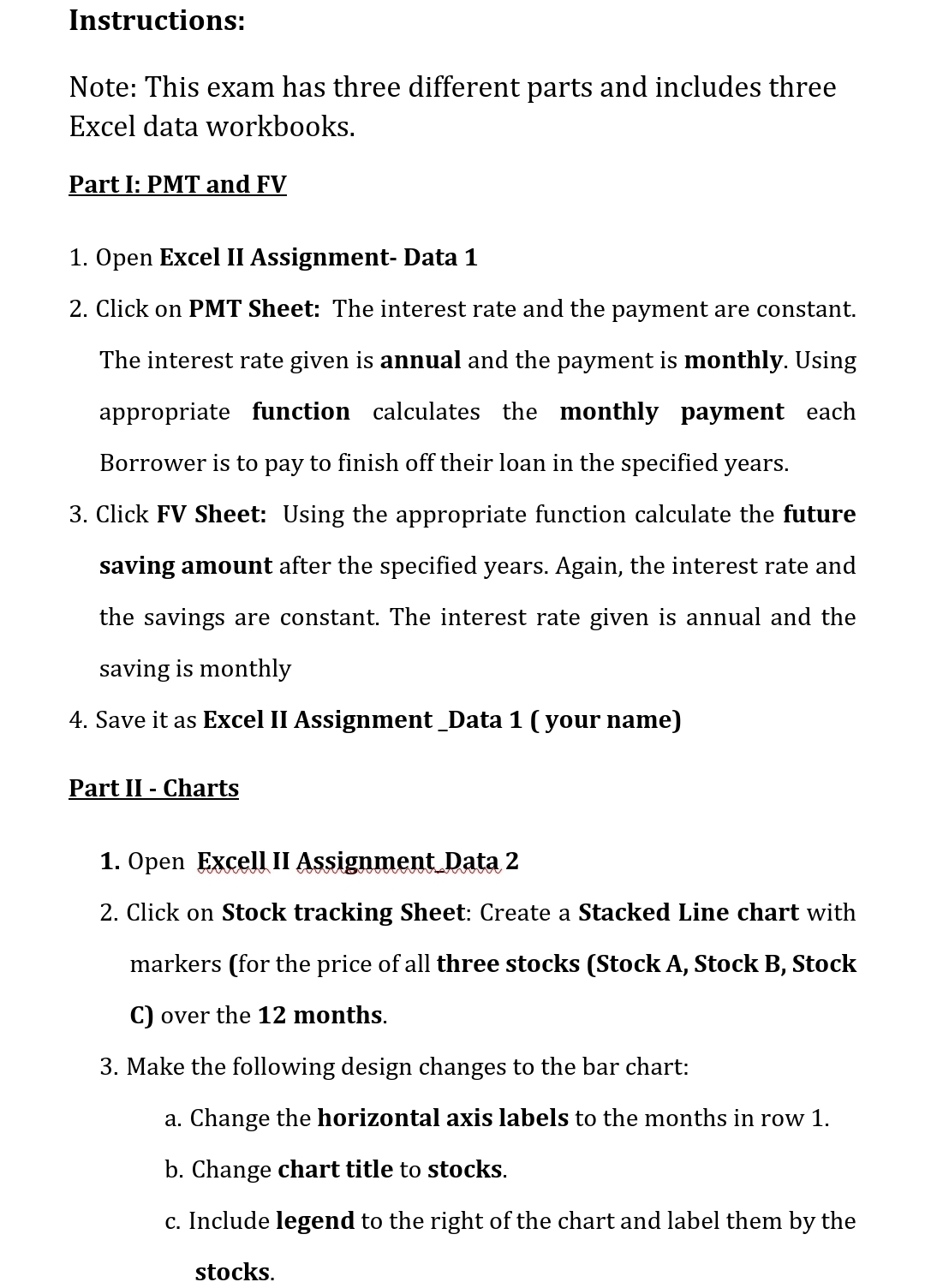
Instructions:
Note: This exam has three different parts and includes three Excel data workbooks.
Part I: PMT and FV
Open Excel II Assignment Data
Click on PMT Sheet: The interest rate and the payment are constant. The interest rate given is annual and the payment is monthly. Using appropriate function calculates the monthly payment each Borrower is to pay to finish off their loan in the specified years.
Click FV Sheet: Using the appropriate function calculate the future saving amount after the specified years. Again, the interest rate and the savings are constant. The interest rate given is annual and the saving is monthly
Save it as Excel II Assignment Data your name
Part II Charts
Open Excell II Assignment Data
Click on Stock tracking Sheet: Create a Stacked Line chart with markers for the price of all three stocks Stock A Stock B Stock C over the months.
Make the following design changes to the bar chart:
a Change the horizontal axis labels to the months in row
b Change chart title to stocks.
c Include legend to the right of the chart and label them by the stocks.
Step by Step Solution
There are 3 Steps involved in it
1 Expert Approved Answer
Step: 1 Unlock

Question Has Been Solved by an Expert!
Get step-by-step solutions from verified subject matter experts
Step: 2 Unlock
Step: 3 Unlock
 Study Help