







Question: Instructions: Script 1-Check Age: 1. Make a folder named lab1-firstname-lastname. 2. Make an HTML file and save it with the name check-age.html within the
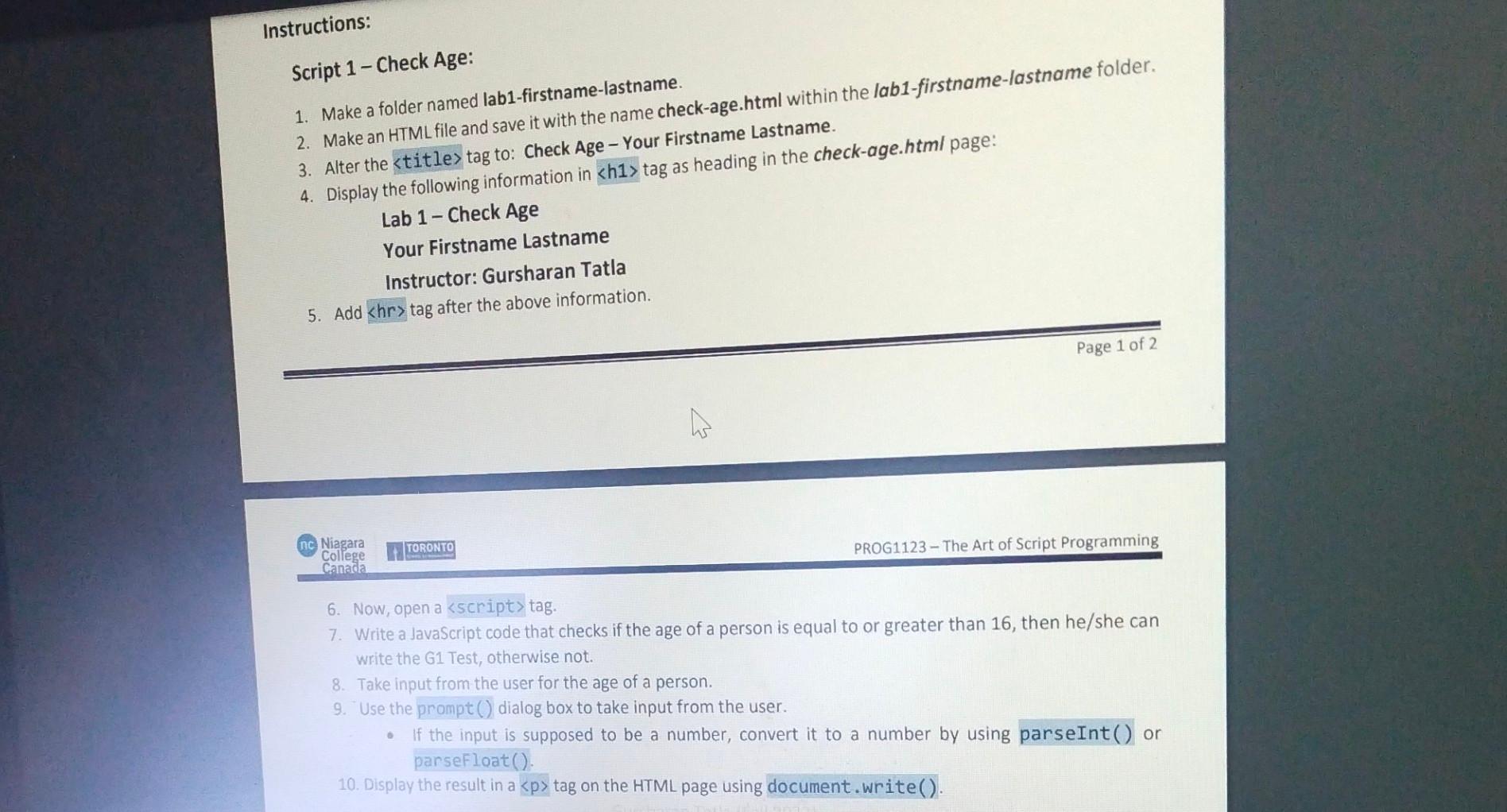
Instructions: Script 1-Check Age: 1. Make a folder named lab1-firstname-lastname. 2. Make an HTML file and save it with the name check-age.html within the lab1-firstname-lastname folder. 3. Alter the tag to: Check Age - Your Firstname Lastname. 4. Display the following information in tag as heading in the check-age.html page: Lab 1-Check Age Your Firstname Lastname Instructor: Gursharan Tatla 5. Add tag after the above information. Page 1 of 2 nc Niagara College Canada TORONTO 6. Now, open a tag. PROG1123-The Art of Script Programming 7. Write a JavaScript code that checks if the age of a person is equal to or greater than 16, then he/she can write the G1 Test, otherwise not. 8. Take input from the user for the age of a person. 9. Use the prompt () dialog box to take input from the user. 0 If the input is supposed to be a number, convert it to a number by using parseInt() or parseFloat(). 10. Display the result in a tag on the HTML page using document.write().
Step by Step Solution
3.42 Rating (146 Votes )
There are 3 Steps involved in it
Heres the script according to your instructions DOCTYPE html html langen head meta charsetUTF8 me... View full answer

Get step-by-step solutions from verified subject matter experts
 Study Help