







Question: ???? Instructions Solve the equations presented, simplifying them step by step following order of operations. . . Part 1 Understand the Problem There are three
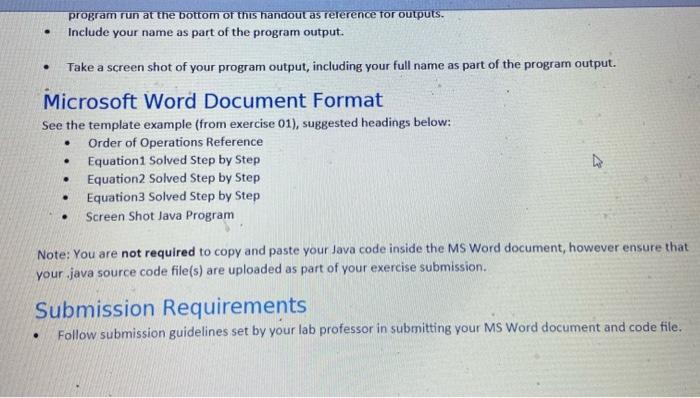 ????
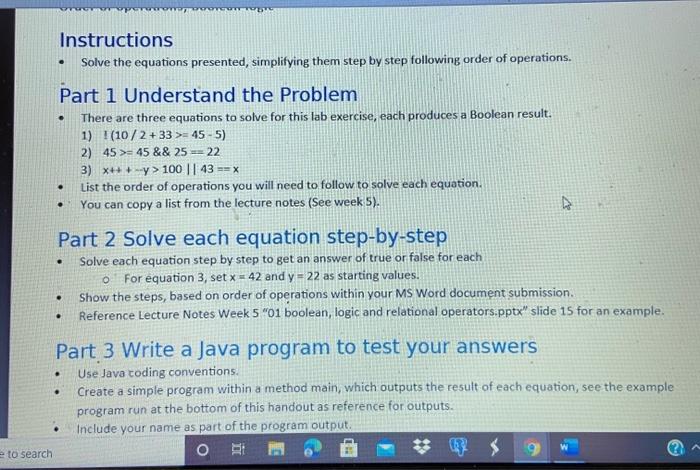
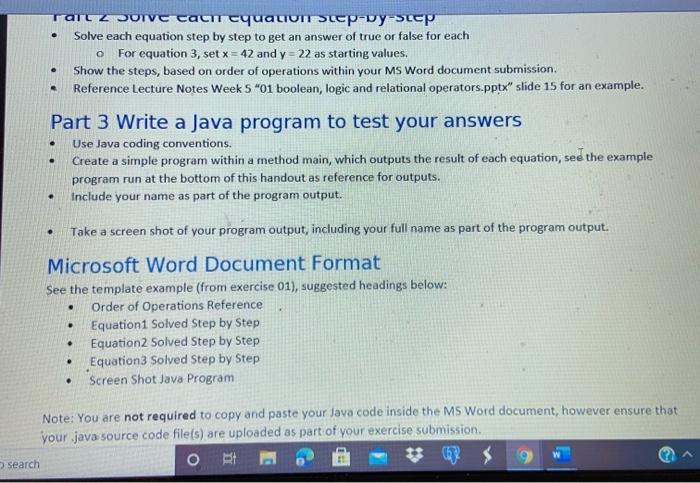
????Instructions Solve the equations presented, simplifying them step by step following order of operations. . . Part 1 Understand the Problem There are three equations to solve for this lab exercise, each produces a Boolean result. 1) T(10/2 + 33 >= 45-5) 2) 45 >= 45 && 25 = 22 3) x+++y> 100 || 43 == X List the order of operations you will need to follow to solve each equation. You can copy a list from the lecture notes (See week 5). . A . Part 2 Solve each equation step-by-step Solve each equation step by step to get an answer of true or false for each For equation 3, set x = 42 and y = 22 as starting values. Show the steps, based on order of operations within your MS Word document submission Reference Lecture Notes Week 5 "01 boolean, logic and relational operators.pptx" slide 15 for an example. . . Part 3 Write a Java program to test your answers Use Java coding conventions. Create a simple program within a method main, which outputs the result of each equation, see the example program run at the bottom of this handout as reference for outputs. Include your name as part of the program output. e to search O RE * . ve c-vystep Solve each equation step by step to get an answer of true or false for each For equation 3, set x = 42 and y = 22 as starting values. Show the steps, based on order of operations within your MS Word document submission Reference Lecture Notes Week 5 "01 boolean, logic and relational operators.pptx" slide 15 for an example. o . Part 3 Write a Java program to test your answers Use Java coding conventions. Create a simple program within a method main, which outputs the result of each equation, see the example program run at the bottom of this handout as reference for outputs. Include your name as part of the program output. . Take a screen shot of your program output, including your full name as part of the program output. . Microsoft Word Document Format See the template example (from exercise 01), suggested headings below: Order of Operations Reference Equations Solved Step by Step Equation2 Solved Step by Step Equation Solved Step by Step Screen Shot Java Program . . Note: You are not required to copy and paste your Java code inside the MS Word document, however ensure that your java source code file(s) are uploaded as part of your exercise submission Search program run at the bottom of this handout as reference for outputs. Include your name as part of the program output. . . Take a screen shot of your program output, including your full name as part of the program output. Microsoft Word Document Format See the template example (from exercise 01), suggested headings below: Order of Operations Reference Equation 1 Solved Step by Step Equation 2 Solved Step by Step Equations Solved Step by Step Screen Shot Java Program . . Note: You are not required to copy and paste your Java code inside the MS Word document, however ensure that your java source code file(s) are uploaded as part of your exercise submission. Submission Requirements Follow submission guidelines set by your lab professor in submitting your MS Word document and code file
Step by Step Solution
There are 3 Steps involved in it

Get step-by-step solutions from verified subject matter experts
 Study Help