







Question: Instructions: Solve the following problems in a MATLAB script. You will be allowed to submit only one script, please work all the problems in the

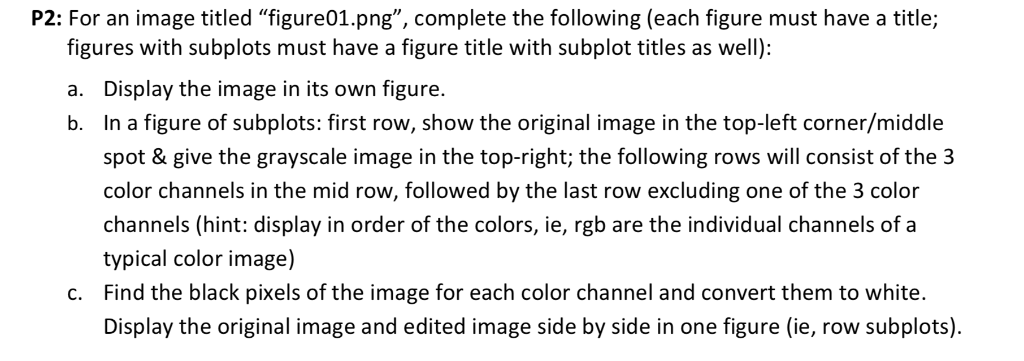
Instructions: Solve the following problems in a MATLAB script. You will be allowed to submit only one script, please work all the problems in the same script (Hint: careful with variables names) Show your work and make comments in the same script (Use %). Please refer to formatting files previously announced/discussed. P2: For an image titled "figure01.png", complete the following (each figure must have a title; figures with subplots must have a figure title with subplot titles as well): a. Display the image in its own figure. b. In a figure of subplots: first row, show the original image in the top-left corner/middle spot & give the grayscale image in the top-right; the following rows will consist of the 3 color channels in the mid row, followed by the last row excluding one of the 3 color channels (hint: display in order of the colors, ie, rgb are the individual channels of a typical color image) Find the black pixels of the image for each color channel and convert them to white. Display the original image and edited image side by side in one figure (ie, row subplots) c
Step by Step Solution
There are 3 Steps involved in it

Get step-by-step solutions from verified subject matter experts
 Study Help