







Question: Instructions To complete the program, you need to write a Bar class. Add a new file called Bar.java to your project. The Bar class should
Instructions
To complete the program, you need to write a Bar class. Add a new file called Bar.java to your project.
The Bar class should have the following instance variables:
- name (String)
- value (int)
- category (String)
After adding the instance variables, write the following methods:
- A constructor that takes in the name, value, and category as parameters (in that order).
- getName()
- getValue()
- getCategory()
Great! There is one last step we need to do to complete this program. The main class is going to create multiple Bar objects. In order to display the Bar objects in the correct order on screen, it is going to need to sort them. To do this, the main class calls Arrays.sort, which relies on the Comparable interface.
Implement the Comparable interface in your Bar class:
- Add "implements Comparable
" after the class name at the top of the file (omit the quotes). This goes after the class name, but before the beginning curly brace. - Override the compareTo method. Your compareTo method should compare Bar objects by comparing the "value" data members.
Run the program - does it work? One thing to watch out for: the bar chart should display with the longest bar on top. If you see the shortest bar on top and the longest bar on the bottom, your compareTo method is sorting objects in reverse order. Reverse your logic and try it again.
Tips on running the program: if you open up the BarChartRacer class, you'll notice that there are several options you can change at the top of the file. You can change the data used and the number of bars displayed, among other things. You may want to fine-tune these constants based on your preferences and your computer.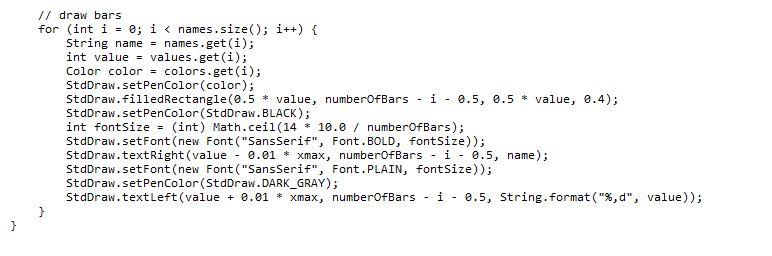
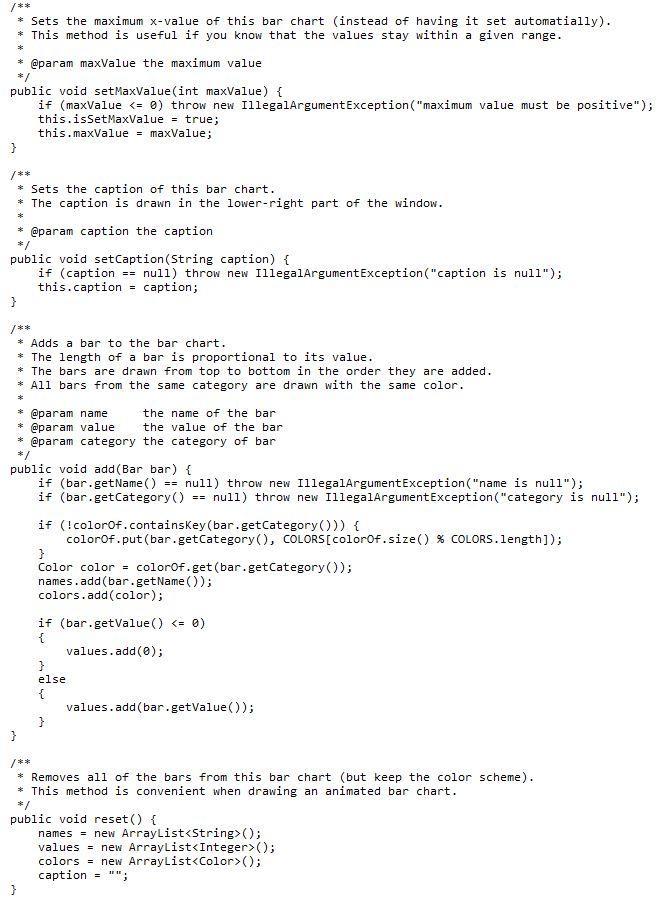
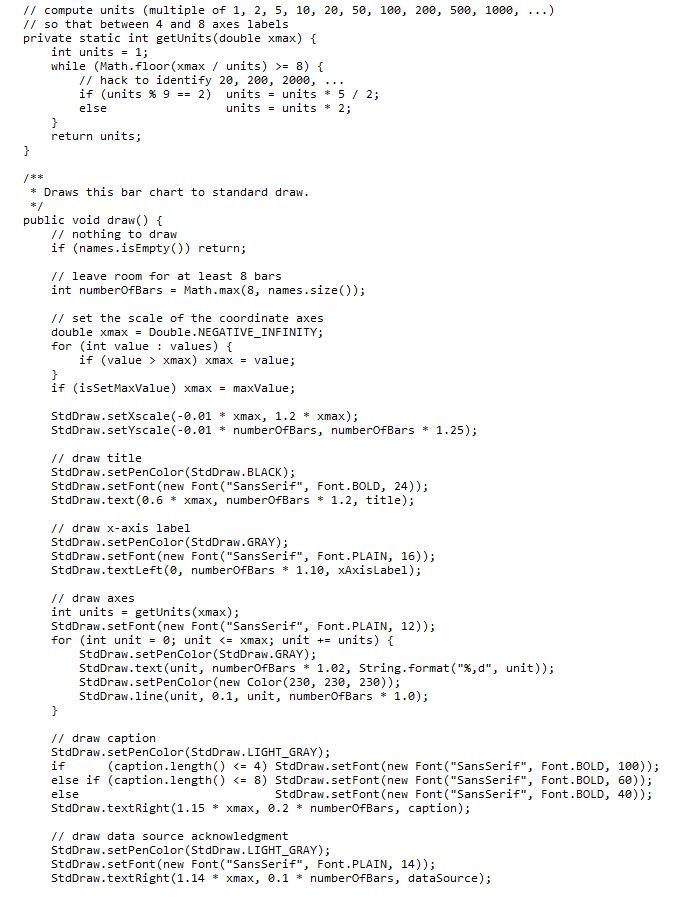
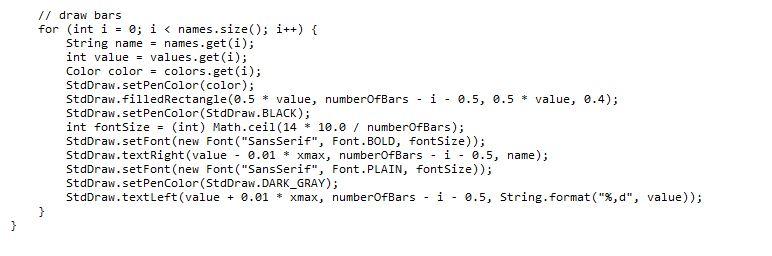
// draw bars for (int i = 0; i (); values = new ArrayList
Step by Step Solution
There are 3 Steps involved in it

Get step-by-step solutions from verified subject matter experts
 Study Help