







Question: Instructions Using an unmodified version of the customer.sqlite file from the Kaggle link below, connect with the database, read the customer table, and transform the
Instructions
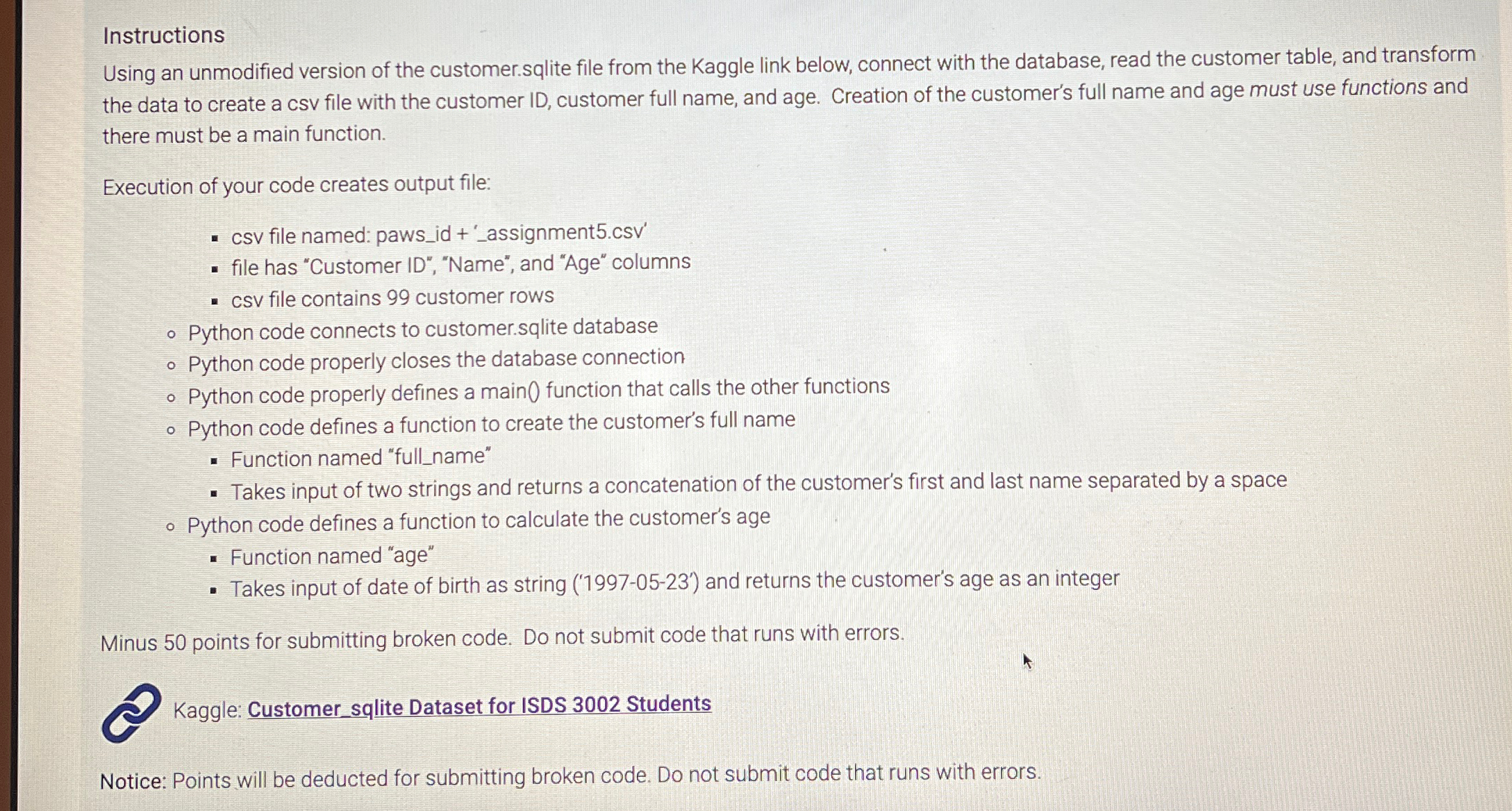
Using an unmodified version of the customer.sqlite file from the Kaggle link below, connect with the database, read the customer table, and transform the data to create a csv file with the customer ID customer full name, and age. Creation of the customer's full name and age must use functions and there must be a main function.
Execution of your code creates output file:
csv file named: pawsid assignmentcsv
file has "Customer ID "Name", and "Age" columns
csv file contains customer rows
Python code connects to customer.sqlite database
Python code properly closes the database connection
Python code properly defines a main function that calls the other functions
Python code defines a function to create the customer's full name
Function named "fullname"
Takes input of two strings and returns a concatenation of the customer's first and last name separated by a space
Python code defines a function to calculate the customer's age
Function named "age"
Takes input of date of birth as string and returns the customer's age as an integer
Minus points for submitting broken code. Do not submit code that runs with errors.
Kaggle: Customersqlite Dataset for ISDS Students
Notice: Points will be deducted for submitting broken code. Do not submit code that runs with errors.
Step by Step Solution
There are 3 Steps involved in it
1 Expert Approved Answer
Step: 1 Unlock

Question Has Been Solved by an Expert!
Get step-by-step solutions from verified subject matter experts
Step: 2 Unlock
Step: 3 Unlock
 Study Help