







Question: Instructions: Using EXCEL, build a spreadsheet model for the following loan amortization problem. On your spreadsheet, you will use EXCEL's PMT function to calculate the
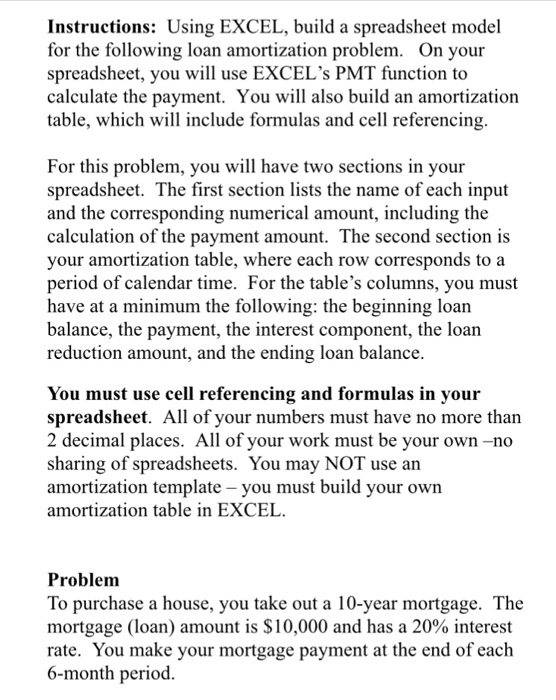
Instructions: Using EXCEL, build a spreadsheet model for the following loan amortization problem. On your spreadsheet, you will use EXCEL's PMT function to calculate the payment. You will also build an amortization table, which will include formulas and cell referencing For this problem, you will have two sections in your spreadsheet. The first section lists the name of each input and the corresponding numerical amount, including the calculation of the payment amount. The second section is your amortization table, where each row corresponds to a period of calendar time. For the table's columns, you must have at a minimum the following: the beginning loan balance, the payment, the interest component, the loan reduction amount, and the ending loan balance You must use cell referencing and formulas in your spreadsheet. All of your numbers must have no more than 2 decimal places. All of your work must be your own -no sharing of spreadsheets. You may NOT use an amortization template - you must build your own amortization table in EXCEL Problem To purchase a house, you take out a 10-year mortgage. The mortgage (loan) amount is $10,000 and has a 20% interest rate. You make your mortgage payment at the end of each 6-month period
Step by Step Solution
There are 3 Steps involved in it

Get step-by-step solutions from verified subject matter experts
 Study Help