







Question: Integrated Algebra - Name NOTES: TI-84+ Scavenger Hunt Date I. About Your Calculator 1. Press 2nd + ENTER What is the ID# of your calculator?
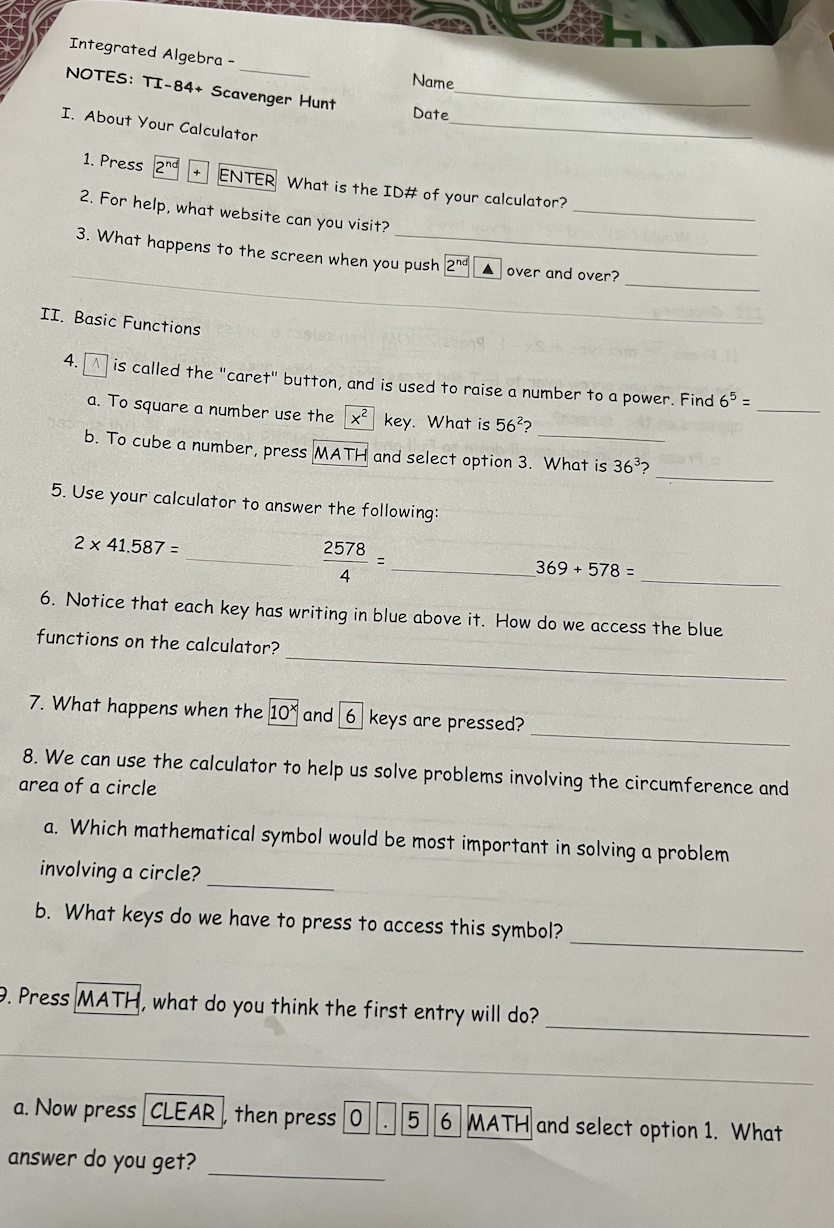
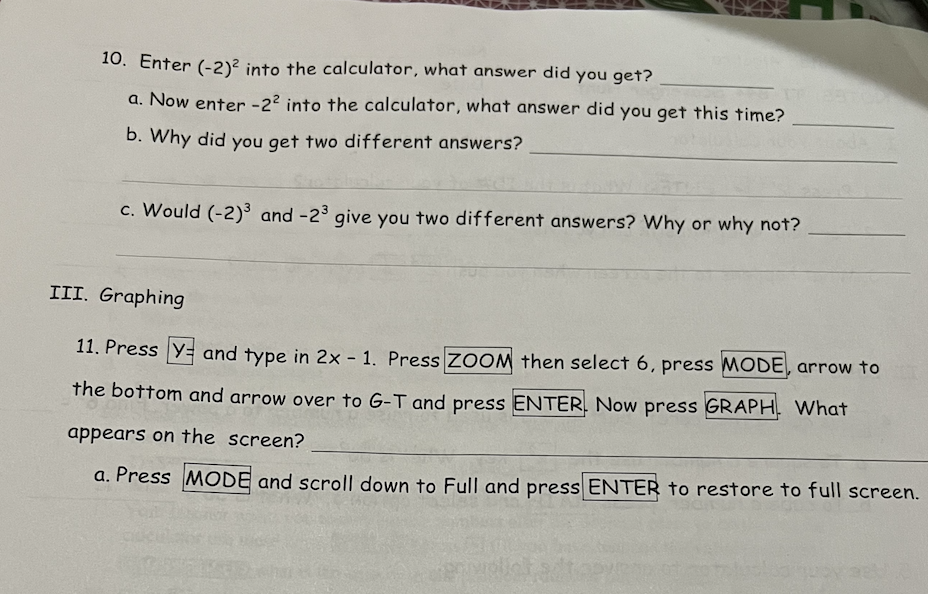
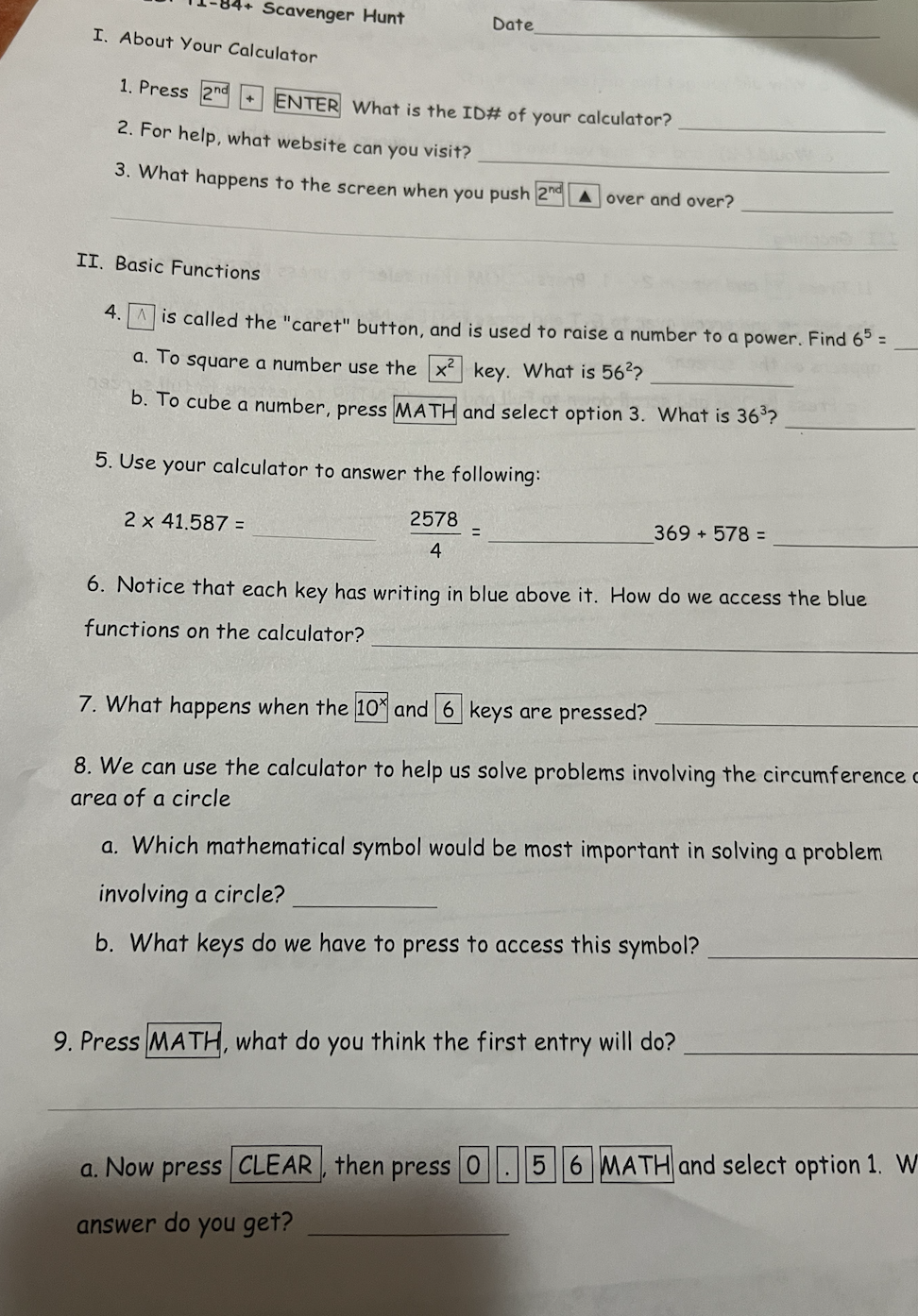
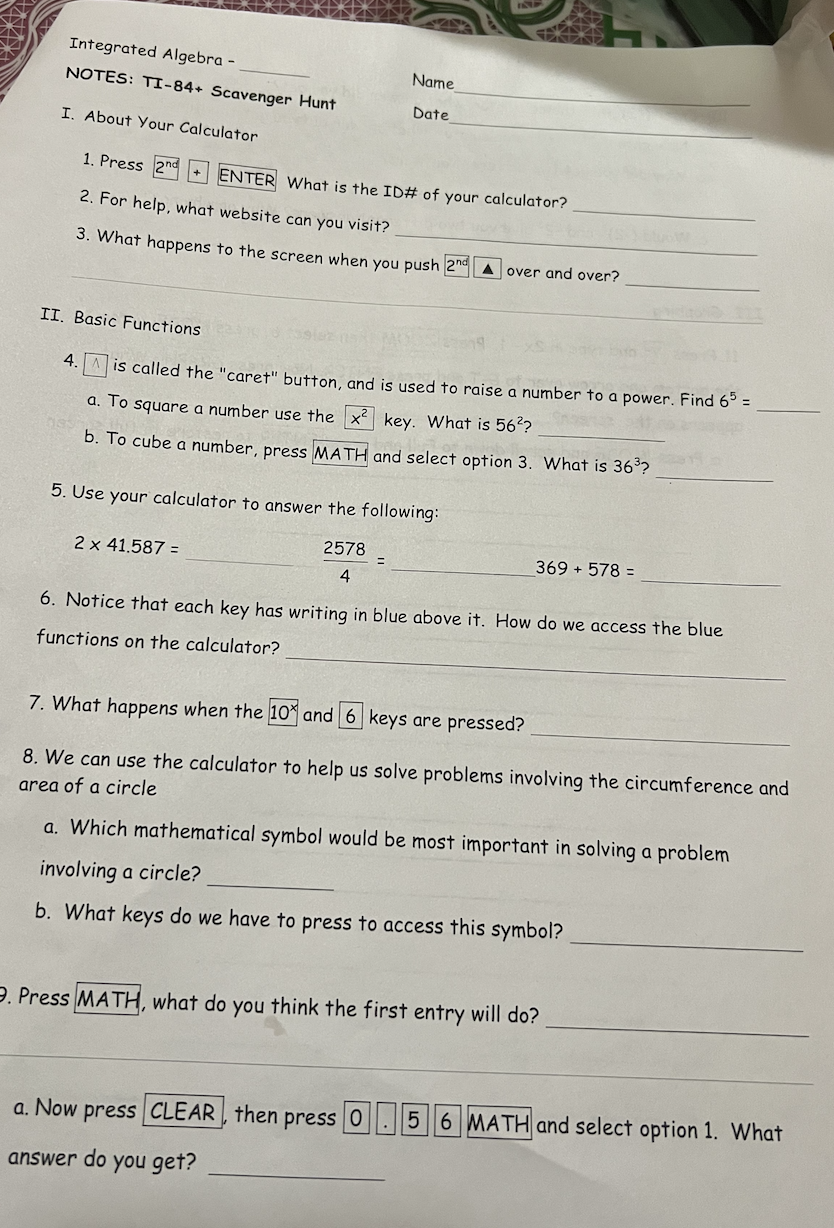
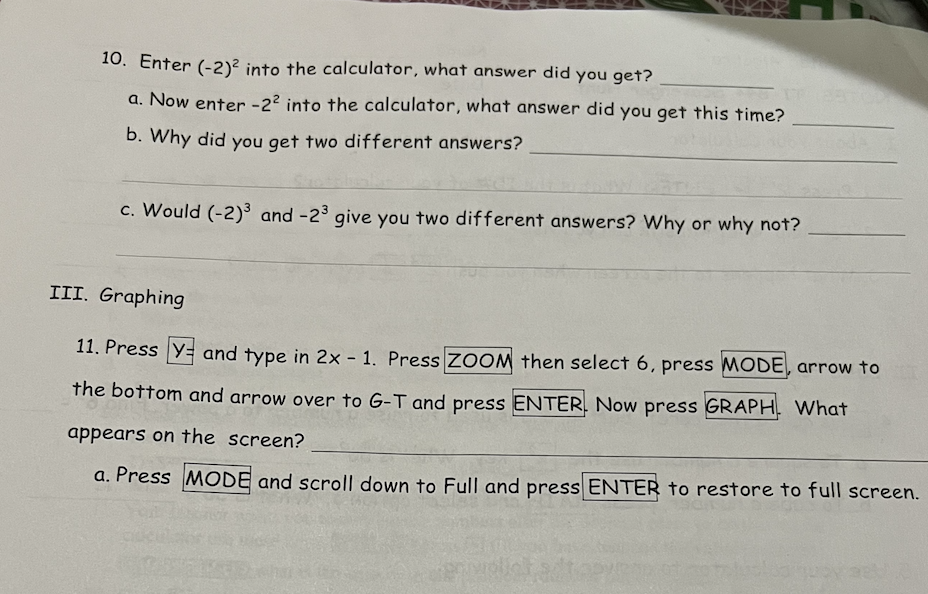
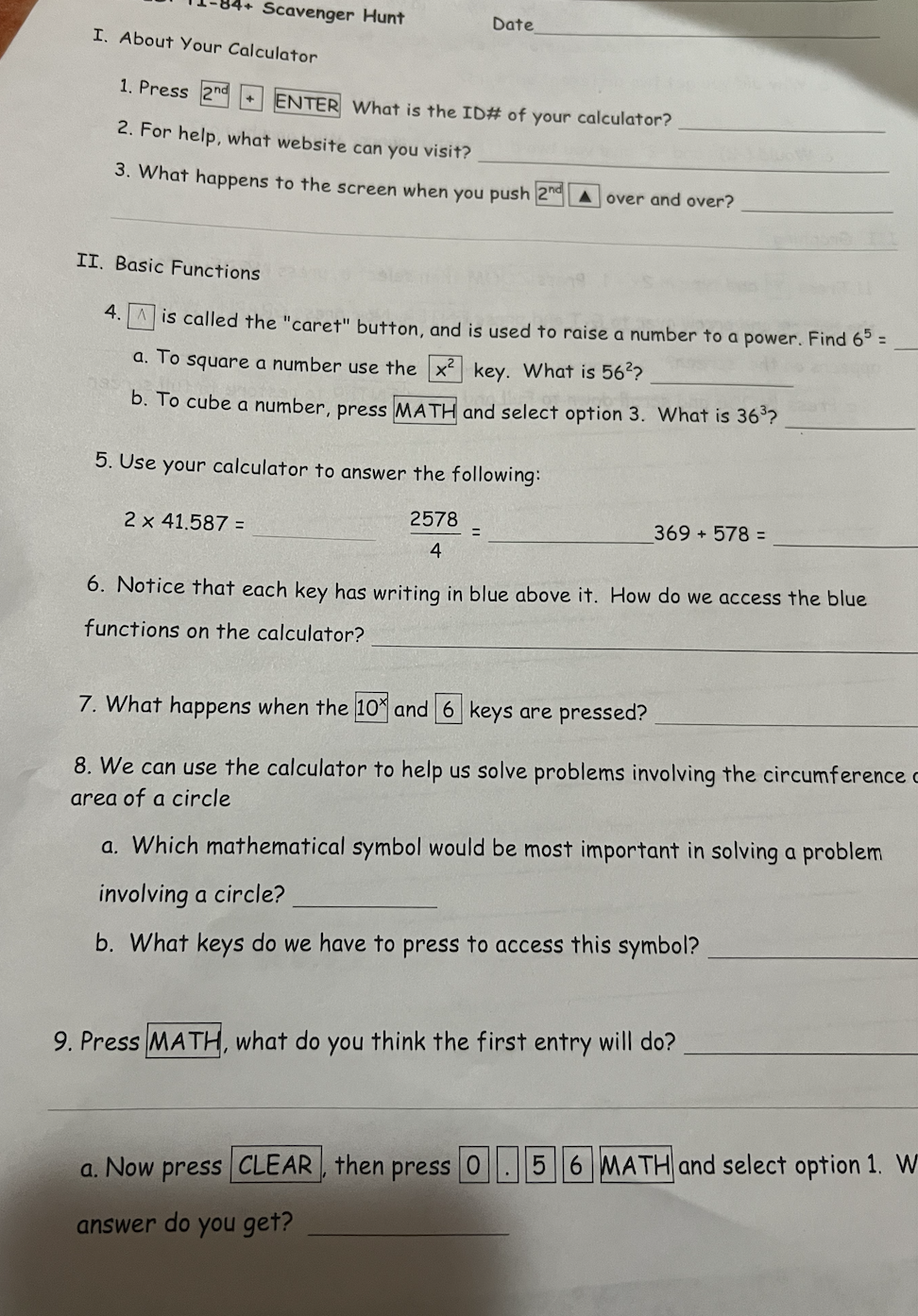
Integrated Algebra - Name NOTES: TI-84+ Scavenger Hunt Date I. About Your Calculator 1. Press 2nd + ENTER What is the ID# of your calculator? 2. For help, what website can you visit? 3. What happens to the screen when you push 2nd over and over? II. Basic Functions 4. A is called the "caret" button, and is used to raise a number to a power. Find 65 = a. To square a number use the x key. What is 56?? b. To cube a number, press MATH and select option 3. What is 363? 5. Use your calculator to answer the following: 2 x 41.587 = 2578 369 + 578 = 4 6. Notice that each key has writing in blue above it. How do we access the blue functions on the calculator? 7. What happens when the 10* and 6 keys are pressed? 8. We can use the calculator to help us solve problems involving the circumference and area of a circle a. Which mathematical symbol would be most important in solving a problem involving a circle? b. What keys do we have to press to access this symbol? . Press MATH, what do you think the first entry will do? a. Now press CLEAR , then press 0 . 5 6 MATH and select option 1. What answer do you get?10. Enter (-2)2 into the calculator, what answer did you get? a. Now enter -22 into the calculator, what answer did you get this time? b. Why did you get two different answers? c. Would (-2)3 and -23 give you two different answers? Why or why not? III. Graphing 11. Press Y= and type in 2x - 1. Press ZOOM then select 6, press MODE, arrow to the bottom and arrow over to G-T and press ENTER. Now press GRAPH. What appears on the screen? a. Press MODE and scroll down to Full and press ENTER to restore to full screen.Scavenger Hunt Date I. About Your Calculator 1. Press 2nd + ENTER What is the ID# of your calculator? 2. For help, what website can you visit? 3. What happens to the screen when you push and A over and over? II. Basic Functions 4. A is called the "caret" button, and is used to raise a number to a power. Find 65 = a. To square a number use the x2 key. What is 56?? b. To cube a number, press MATH and select option 3. What is 363? 5. Use your calculator to answer the following: 2 x 41.587 = 2578 369 + 578 = 4 6. Notice that each key has writing in blue above it. How do we access the blue functions on the calculator? 7. What happens when the 10 and 6 keys are pressed? 8. We can use the calculator to help us solve problems involving the circumference area of a circle a. Which mathematical symbol would be most important in solving a problem involving a circle? b. What keys do we have to press to access this symbol? 9. Press MATH, what do you think the first entry will do? a. Now press CLEAR , then press 0 . 5 6 MATH and select option 1. W answer do you get
Step by Step Solution
There are 3 Steps involved in it

Get step-by-step solutions from verified subject matter experts
 Study Help