







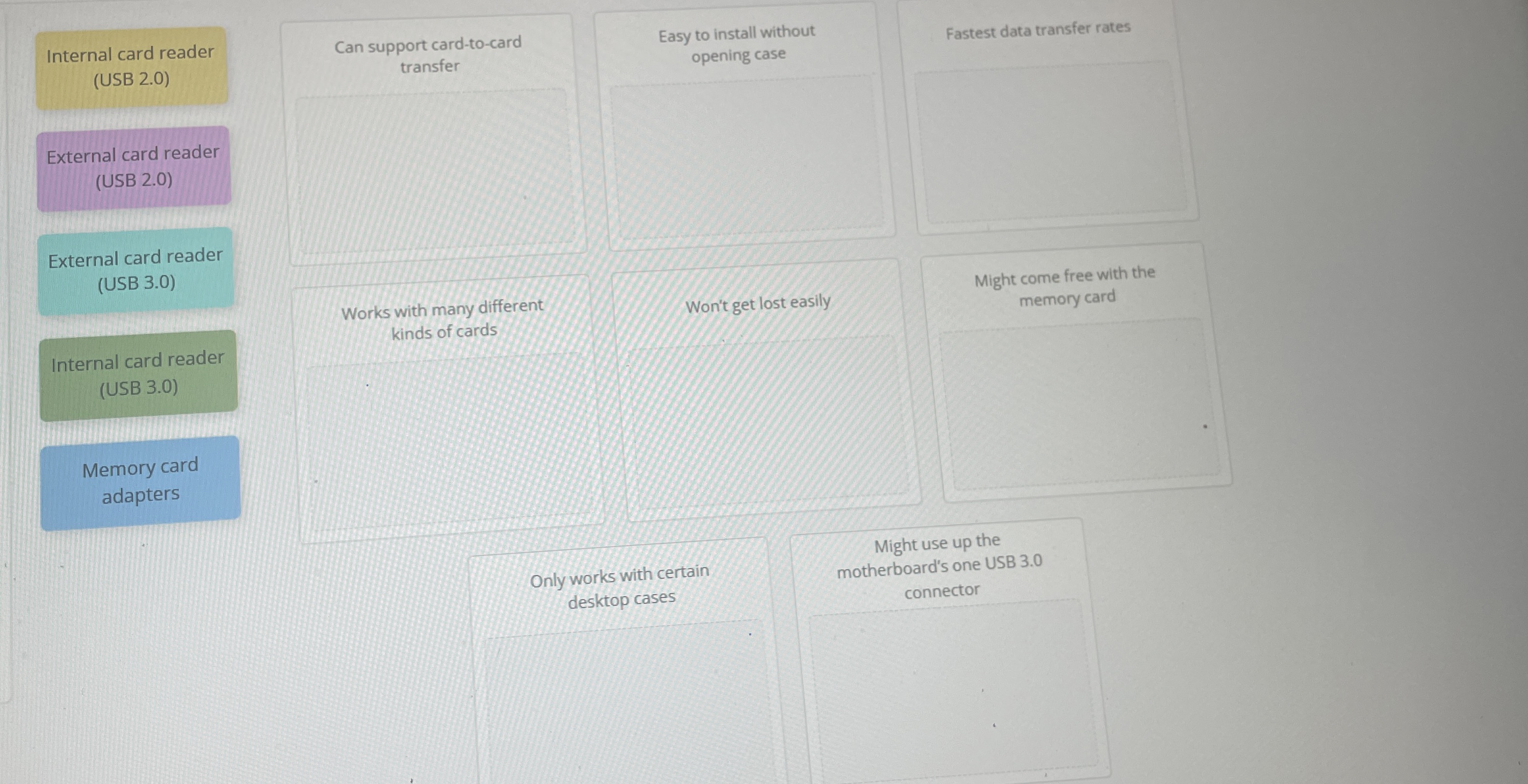
Question: Internal card reader ( USB 2 . 0 ) External card reader ( USB 2 . 0 ) External card reader ( USB 3 .
Internal card reader USB
External card reader USB
External card reader USB
Internal card reader USB
Memory card adapters
Can support cardtocard transfer
Works with many different kinds of cards
Won't get lost easily
Might come free with the memory card
Only works with certain desktop cases
Might use up the motherboard's one USB connector
Step by Step Solution
There are 3 Steps involved in it
1 Expert Approved Answer
Step: 1 Unlock

Question Has Been Solved by an Expert!
Get step-by-step solutions from verified subject matter experts
Step: 2 Unlock
Step: 3 Unlock
 Study Help