







Question: Introduction For this assignment you will create a currency converter between Canadian dollars and Bitcoin. Use Bootstrap Use jQuery Use ordinary JavaScript . . For
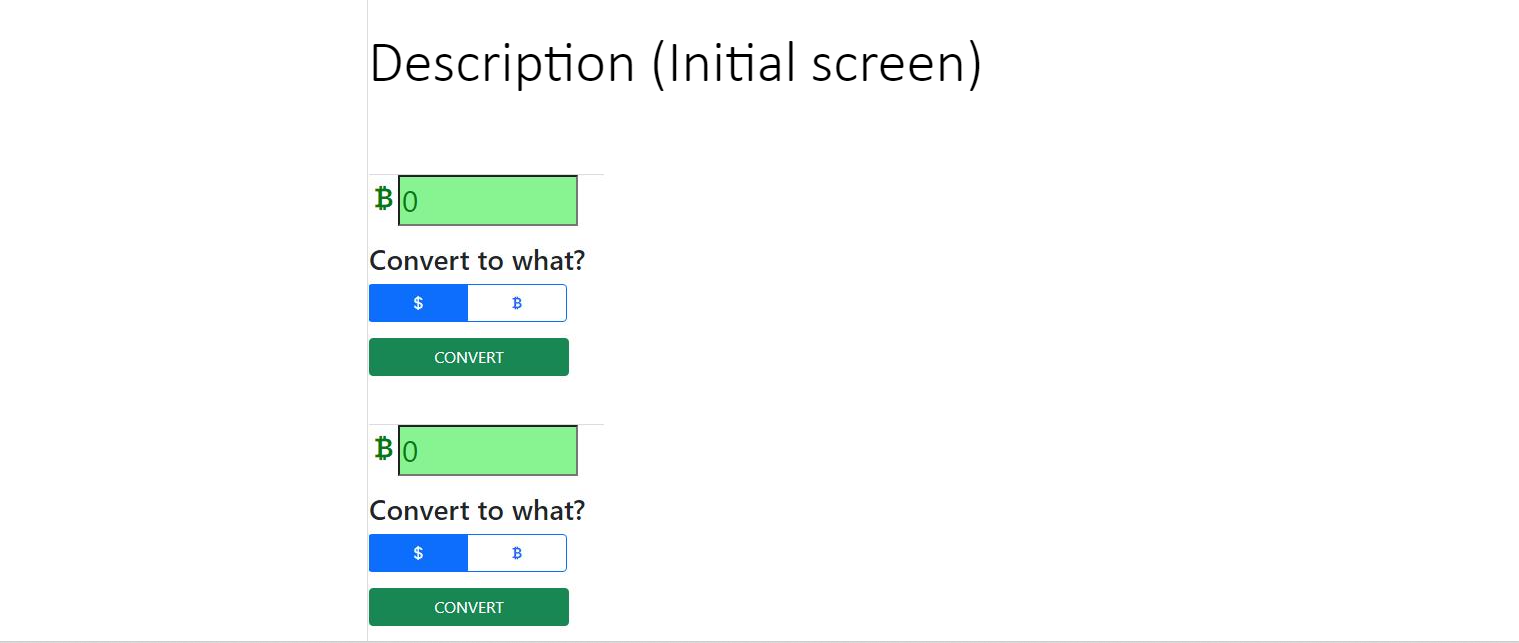
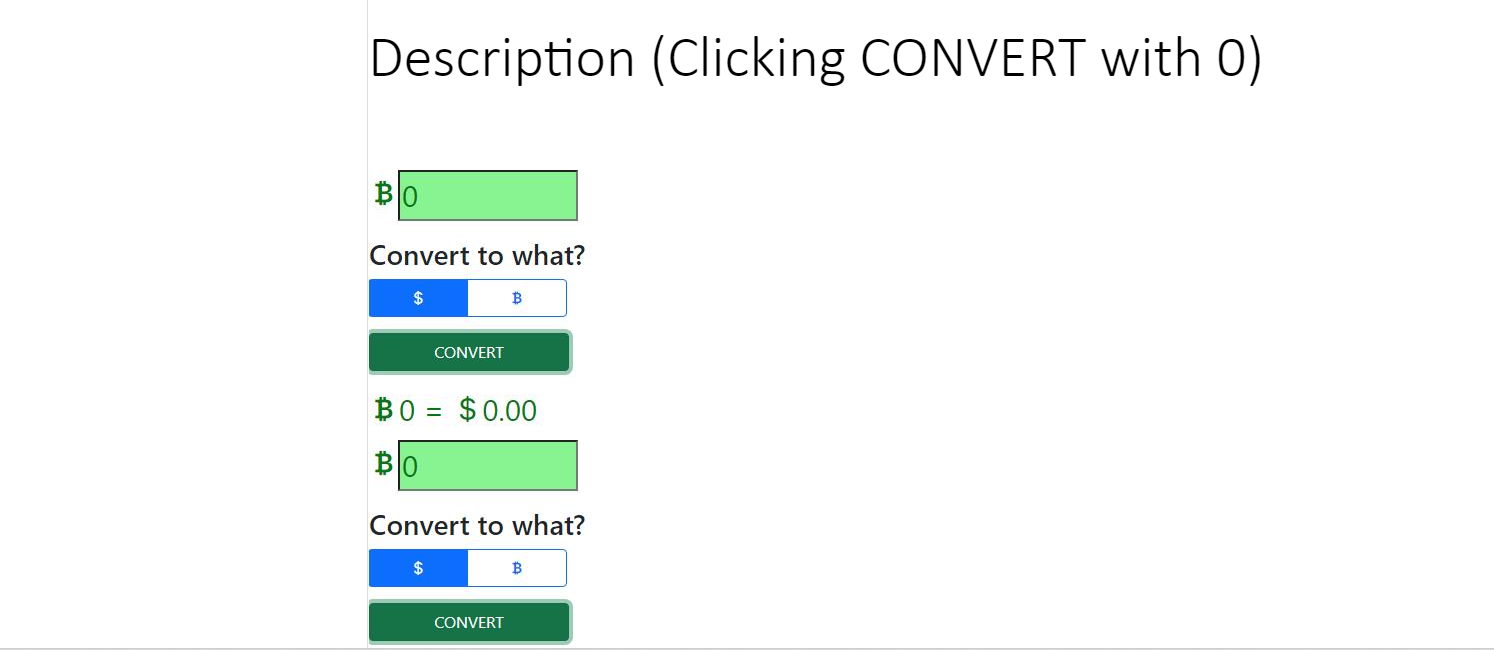
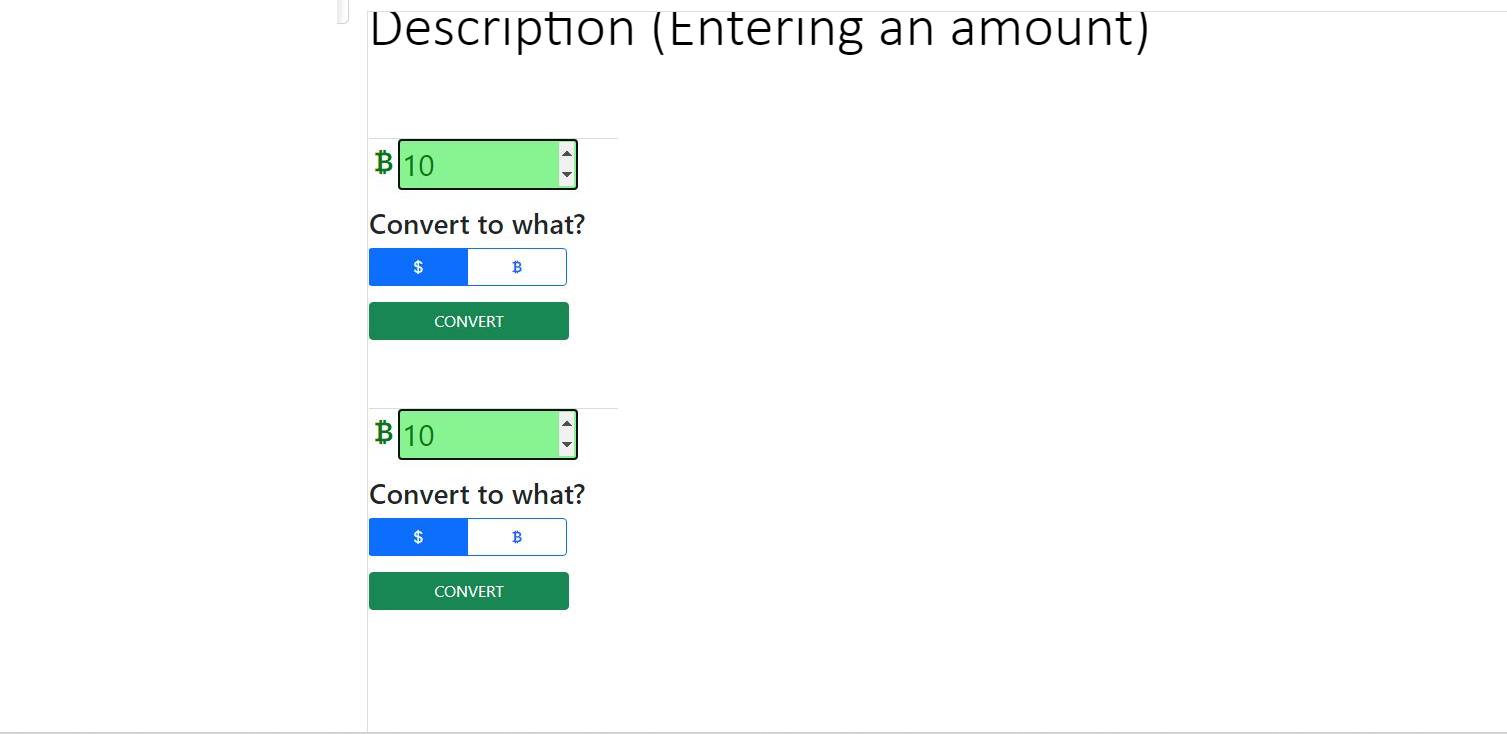
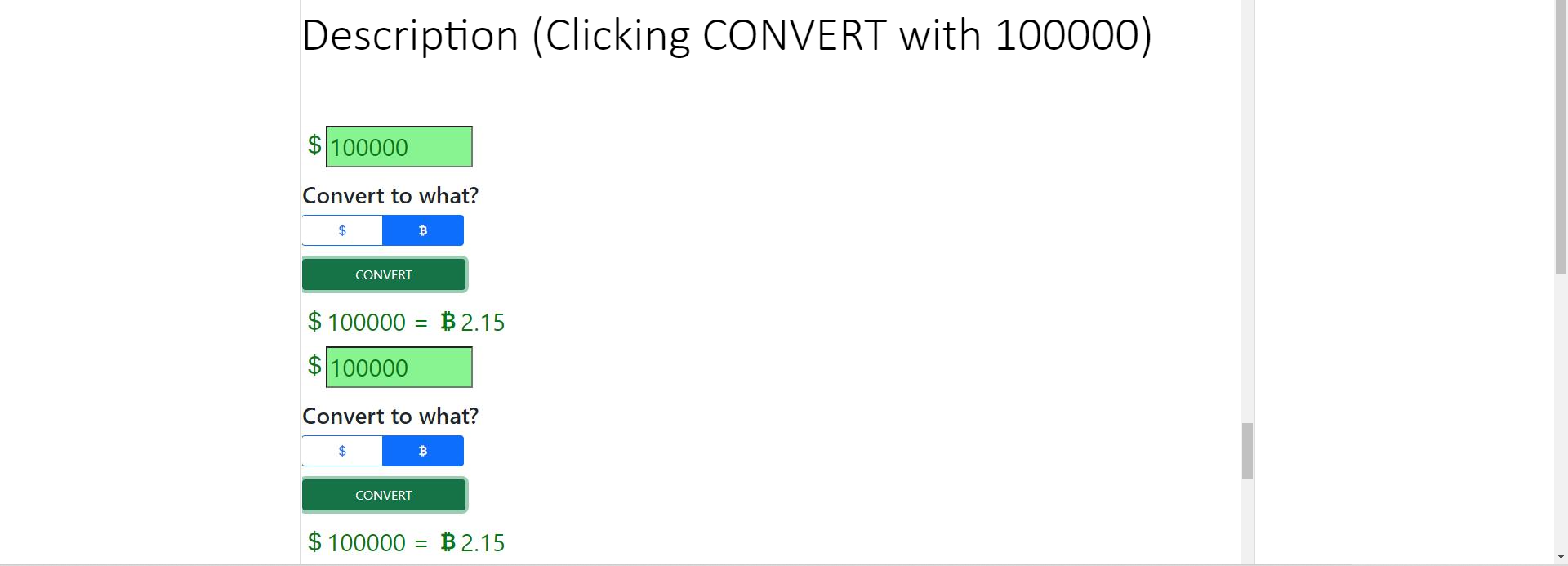
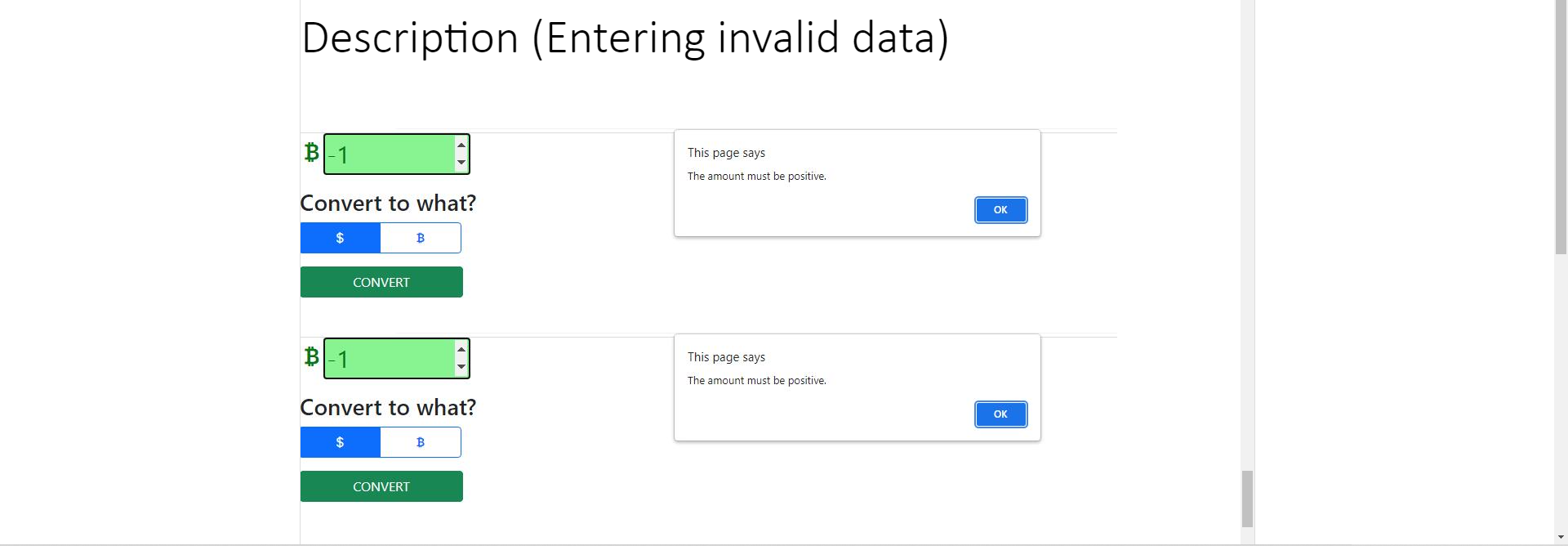
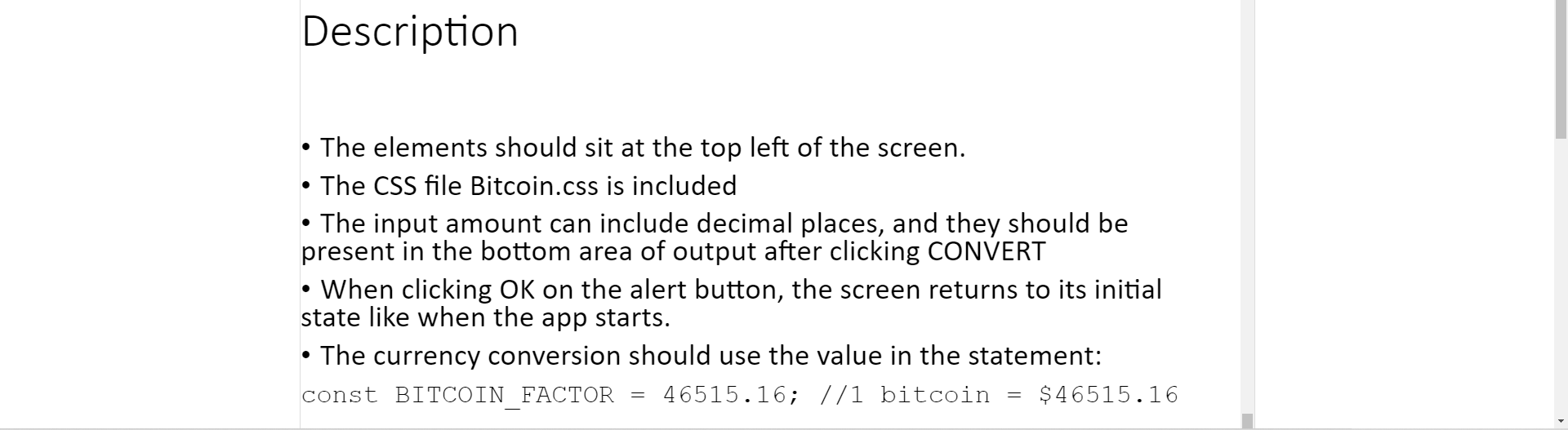
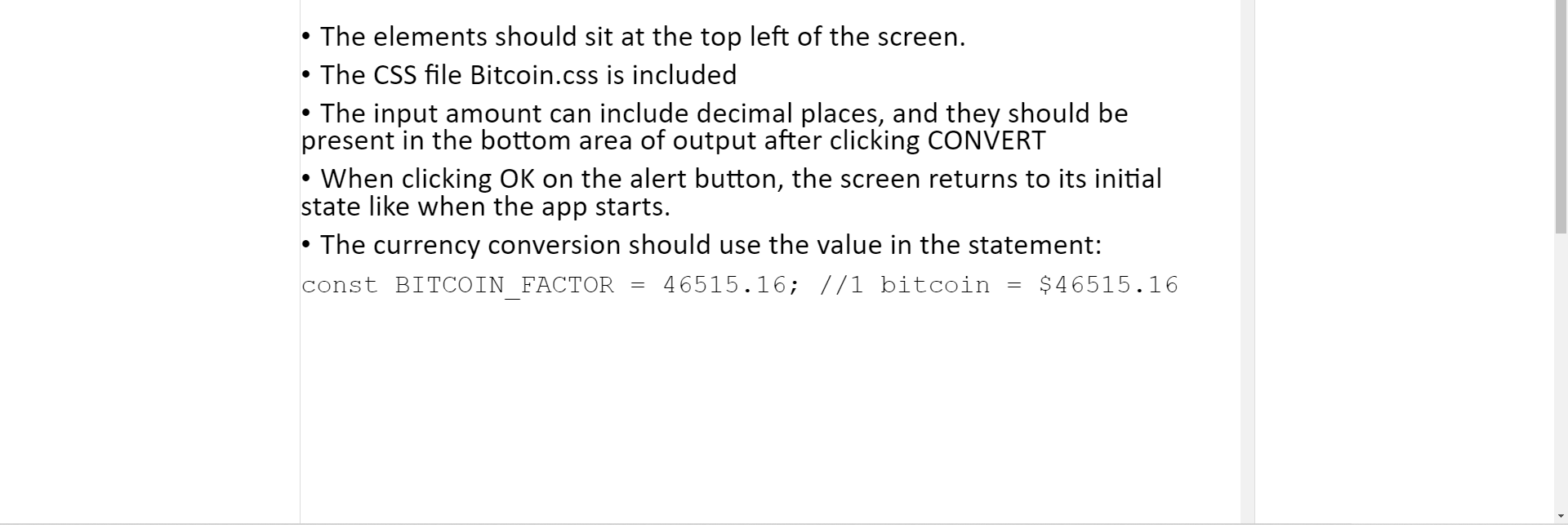
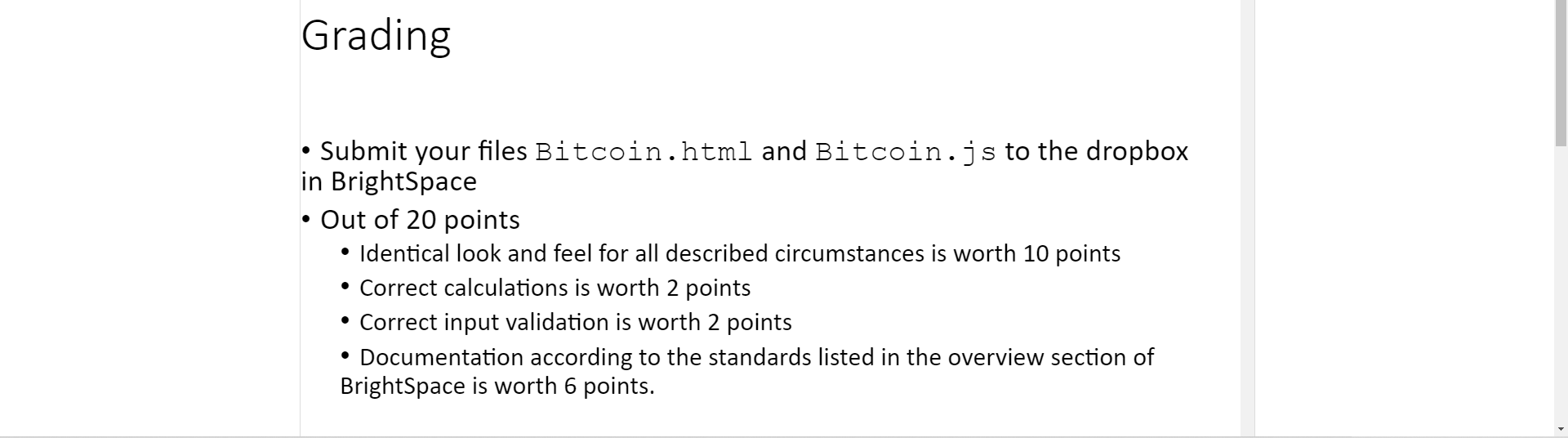
Introduction For this assignment you will create a currency converter between Canadian dollars and Bitcoin. Use Bootstrap Use jQuery Use ordinary JavaScript . . For this assignment you will create a currency converter between Canadian dollars and Bitcoin. Use Bootstrap Use jQuery Use ordinary JavaScript . . . For this assignment you will create a currency converter between Canadian dollars and Bitcoin. Use Bootstrap Use jQuery Use ordinary JavaScript . Description (Initial screen) Blo Convert to what? $ B CONVERT BO Convert to what? B CONVERT Description (Clicking CONVERT with O) BO Convert to what? $ B CONVERT BO = $0.00 = BO Convert to what? $ B CONVERT Description (Entering an amount) B10 Convert to what? $ B CONVERT B 10 Convert to what? B CONVERT Description (Clicking CONVERT with 100000) $100000 Convert to what? B CONVERT $ 100000 = B 2.15 = $100000 Convert to what? B CONVERT $ 100000 = B 2.15 Description (Entering invalid data) B-1 This page says The amount must be positive. Convert to what? OK $ B CONVERT B-1 This page says The amount must be positive. Convert to what? OK $ B CONVERT Description The elements should sit at the top left of the screen. The CSS file Bitcoin.css is included The input amount can include decimal places, and they should be present in the bottom area of output after clicking CONVERT When clicking OK on the alert button, the screen returns to its initial state like when the app starts. The currency conversion should use the value in the statement: const BITCOIN FACTOR 46515.16; 1/1 bitcoin $ 46515.16 0 = = O O The elements should sit at the top left of the screen. The CSS file Bitcoin.css is included The input amount can include decimal places, and they should be present in the bottom area of output after clicking CONVERT When clicking OK on the alert button, the screen returns to its initial state like when the app starts. The currency conversion should use the value in the statement: const BITCOIN FACTOR 46515.16; 1/1 bitcoin $ 46515.16 . = = Grading . . Submit your files Bitcoin.html and Bitcoin.js to the dropbox in BrightSpace Out of 20 points Identical look and feel for all described circumstances is worth 10 points Correct calculations is worth 2 points Correct input validation is worth 2 points Documentation according to the standards listed in the overview section of BrightSpace is worth 6 points
Step by Step Solution
There are 3 Steps involved in it

Get step-by-step solutions from verified subject matter experts
 Study Help