







Question: Introduction: This assignment teaches the student how to create a Python program using IDLE. It shows how to get input from the user and display
Introduction:
This assignment teaches the student how to create a Python program using IDLE. It shows how to get input from the user
and display output.
Instructions:
Make sure you read the chapter titled "Introduction to Python before attempting to complete this Lab.
For this assignment, complete the program described below.
Add a title comment block to the top of the new Python file using the following form:
# Your Name
# Date
# Assignment Name
# A brief description of the project
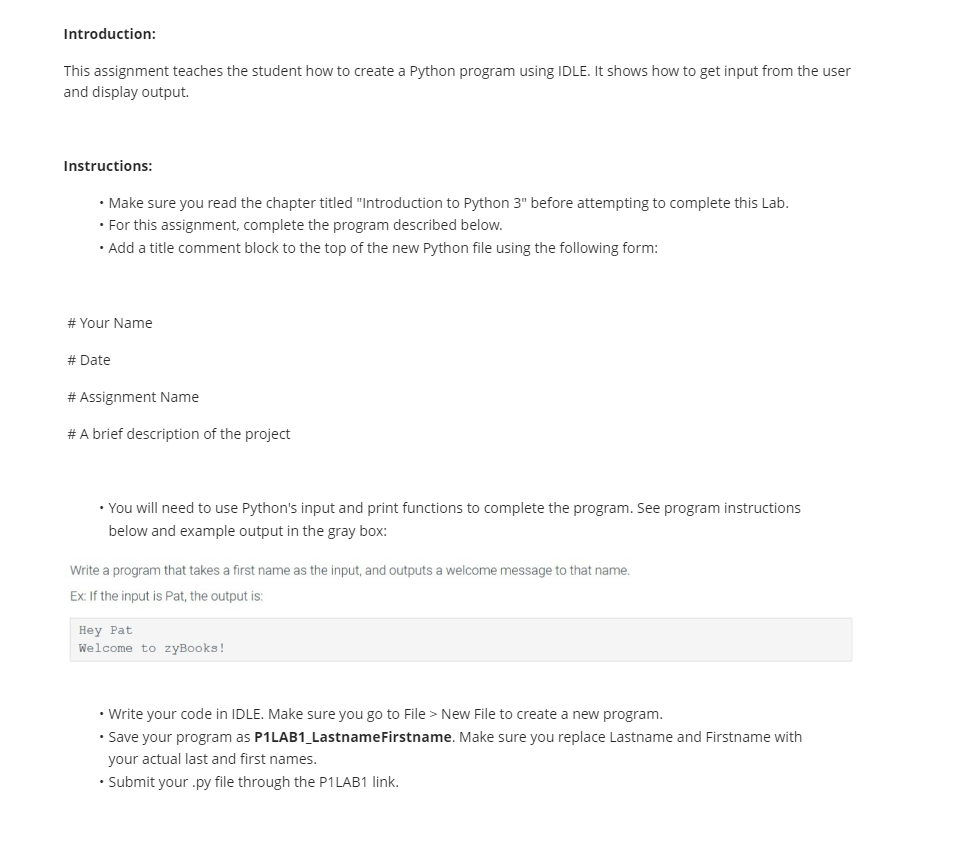
You will need to use Python's input and print functions to complete the program. See program instructions
below and example output in the gray box:
Write a program that takes a first name as the input, and outputs a welcome message to that name.
Ex: If the input is Pat, the output is:
Hey Pat
Welcome to zyBooks!
Write your code in IDLE. Make sure you go to File
Step by Step Solution
There are 3 Steps involved in it
1 Expert Approved Answer
Step: 1 Unlock

Question Has Been Solved by an Expert!
Get step-by-step solutions from verified subject matter experts
Step: 2 Unlock
Step: 3 Unlock
 Study Help