







Question: Introduction to JavaScript Programming with Nothing but a Browser 1. In contrast to most languages, JavaScript has few built-in facilities to support the creation of
Introduction to JavaScript Programming with Nothing but a Browser
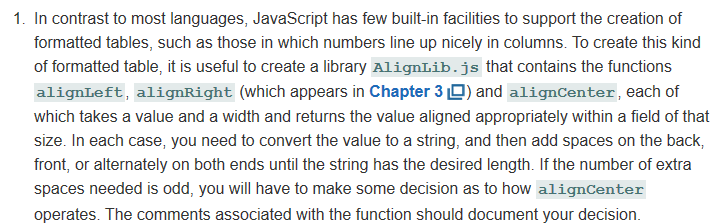
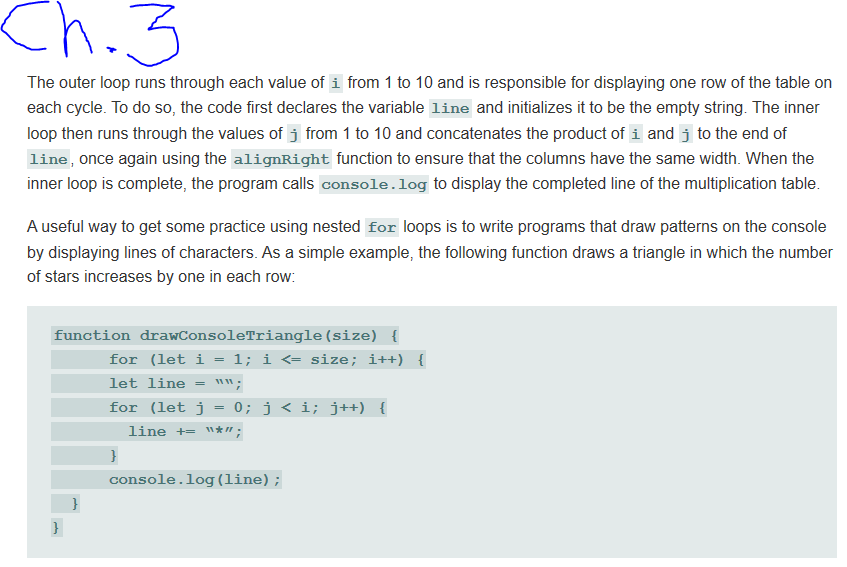
1. In contrast to most languages, JavaScript has few built-in facilities to support the creation of formatted tables, such as those in which numbers line up nicely in columns. To create this kind of formatted table, it is useful to create a library AlignLib.js that contains the functions alignLeft, alignRight (which appears in Chapter 3D) and alignCenter, each of which takes a value and a width and returns the value aligned appropriately within a field of that size. In each case, you need to convert the value to a string, and then add spaces on the back, front, or alternately on both ends until the string has the desired length. If the number of extra spaces needed is odd, you will have to make some decision as to how alignCenter operates. The comments associated with the function should document your decision. Unii The outer loop runs through each value of i from 1 to 10 and is responsible for displaying one row of the table on each cycle. To do so, the code first declares the variable line and initializes it to be the empty string. The inner loop then runs through the values of j from 1 to 10 and concatenates the product of i and j to the end of line, once again using the alignRight function to ensure that the columns have the same width. When the inner loop is complete, the program calls console.log to display the completed line of the multiplication table. A useful way to get some practice using nested for loops is to write programs that draw patterns on the console by displaying lines of characters. As a simple example, the following function draws a triangle in which the number of stars increases by one in each row: function drawConsoleTriangle (size) { for (let i = 1; i
Step by Step Solution
There are 3 Steps involved in it

Get step-by-step solutions from verified subject matter experts
 Study Help