







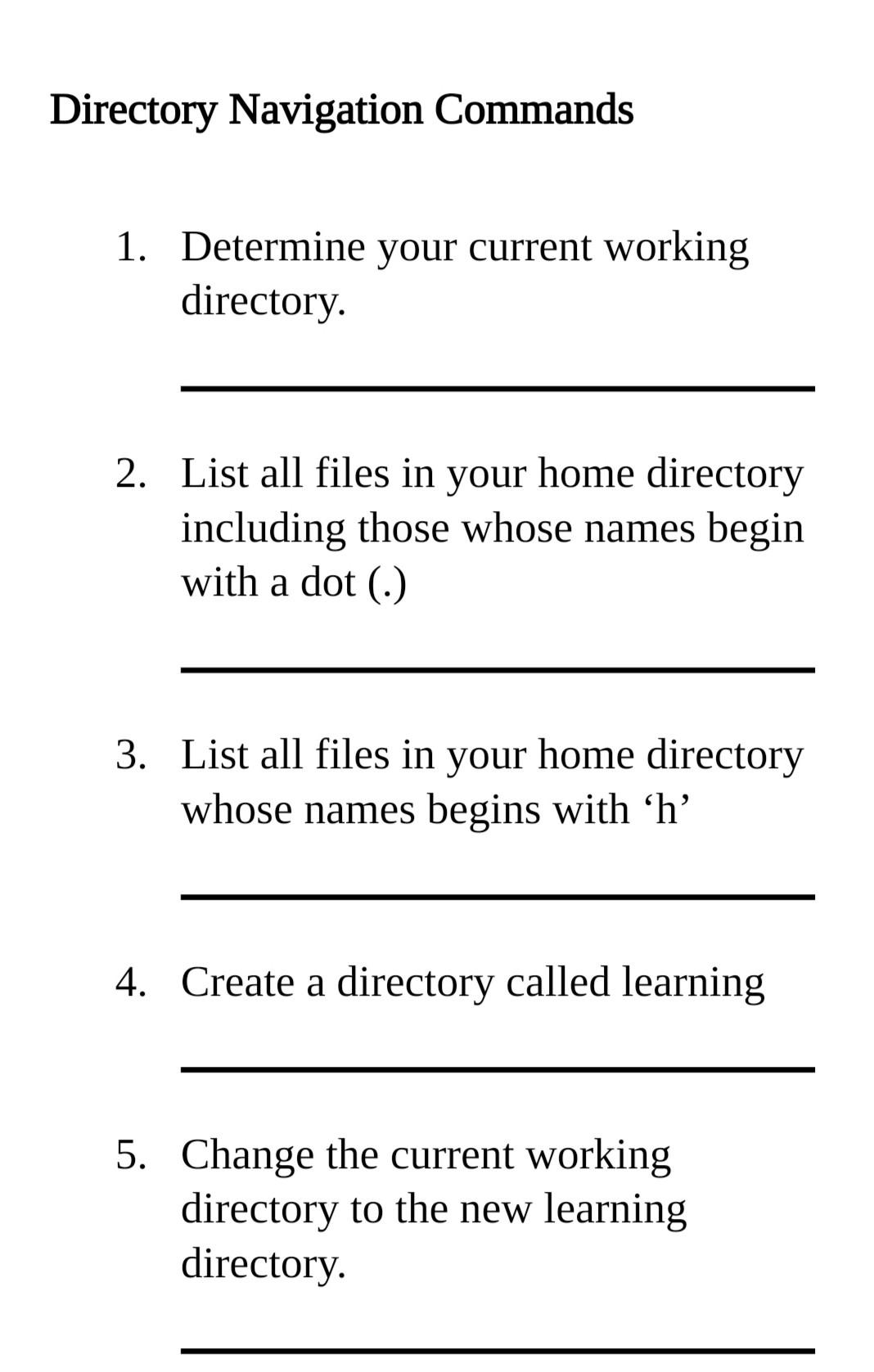
Question: Introduction to Operating systems Directory Navigation Commands 1. Determine your current working directory. 2. List all files in your home directory including those whose names
Introduction to Operating systems
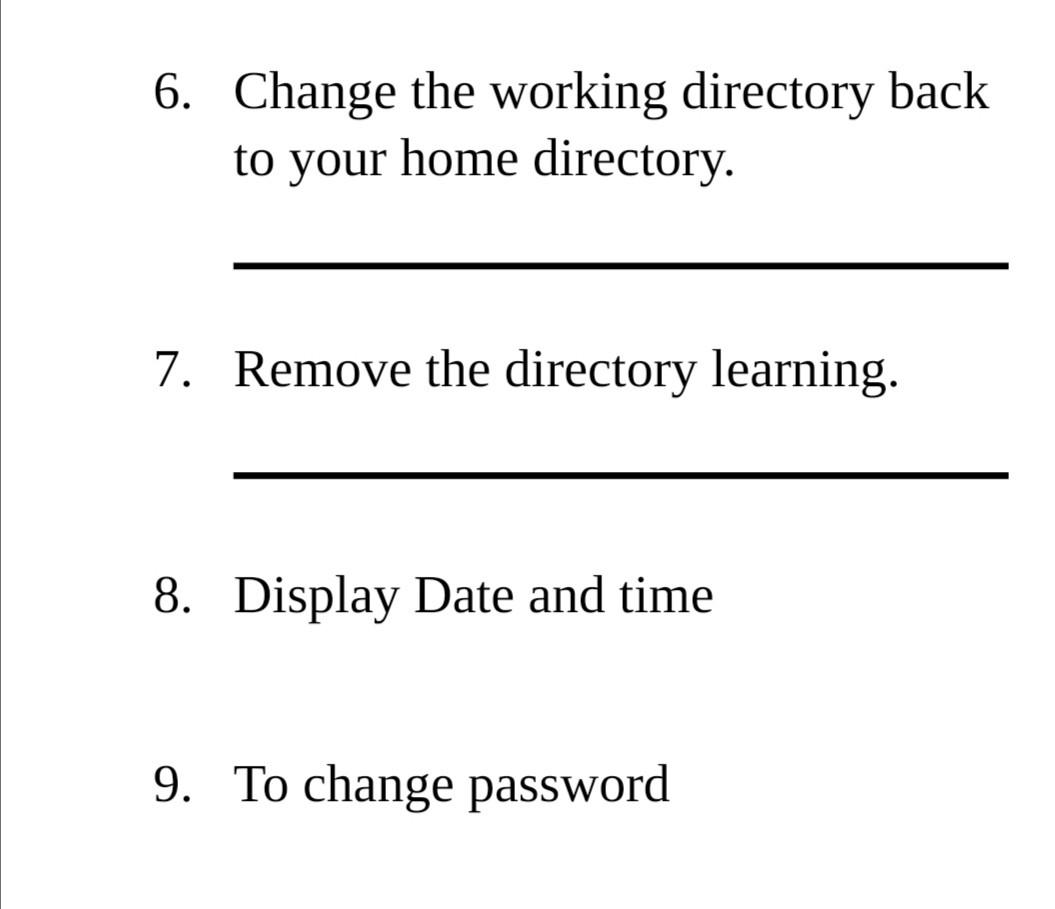
Directory Navigation Commands 1. Determine your current working directory. 2. List all files in your home directory including those whose names begin with a dot (.) 3. List all files in your home directory whose names begins with 'h' 4. Create a directory called learning 5. Change the current working directory to the new learning directory 6. Change the working directory back to your home directory. 7. Remove the directory learning. 8. Display Date and time 9. To change password
Step by Step Solution
There are 3 Steps involved in it
1 Expert Approved Answer
Step: 1 Unlock

Question Has Been Solved by an Expert!
Get step-by-step solutions from verified subject matter experts
Step: 2 Unlock
Step: 3 Unlock
 Study Help