







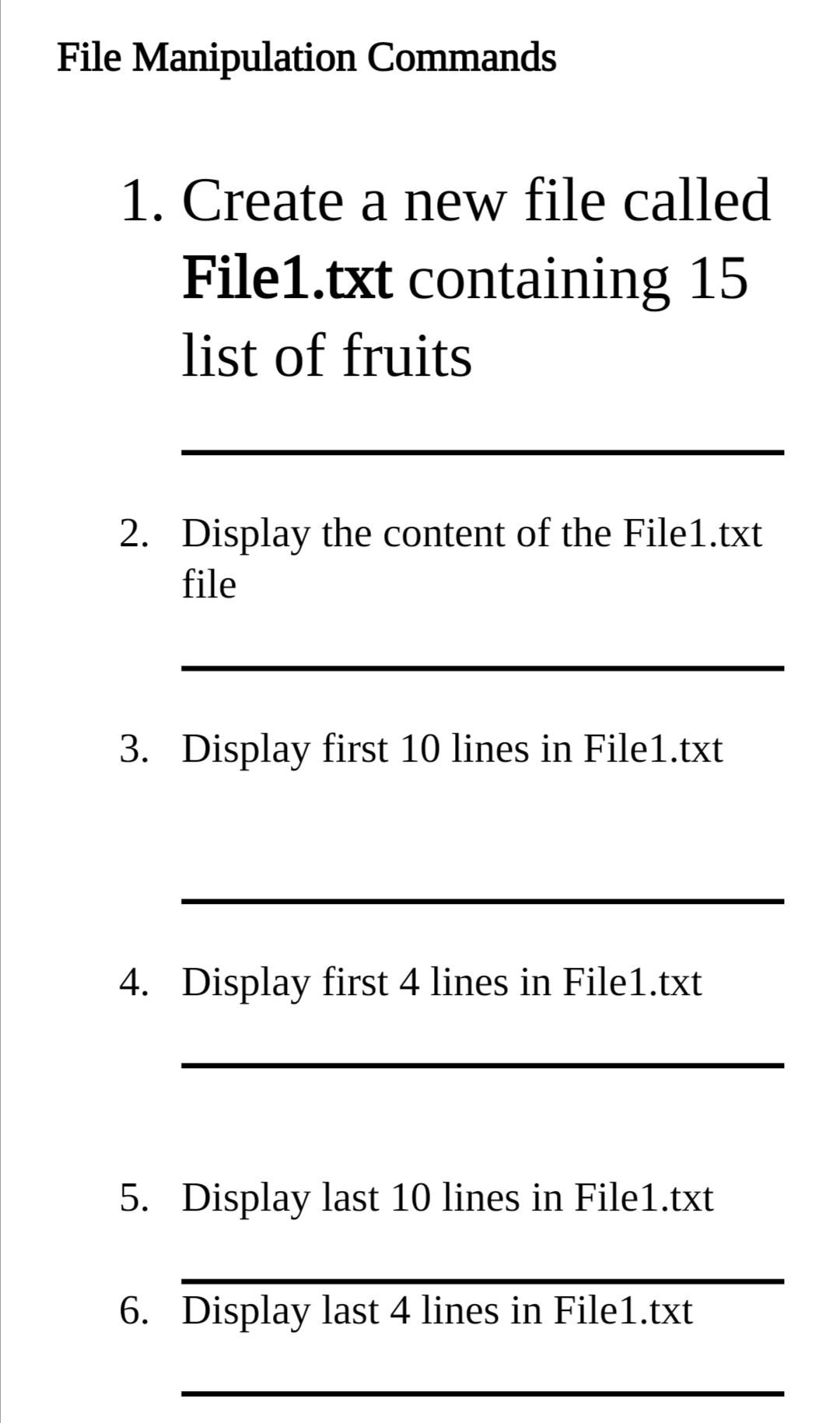
Question: Introduction to Operating systems File Manipulation Commands 1. Create a new file called File1.txt containing 15 list of fruits 2. Display the content of the
Introduction to Operating systems
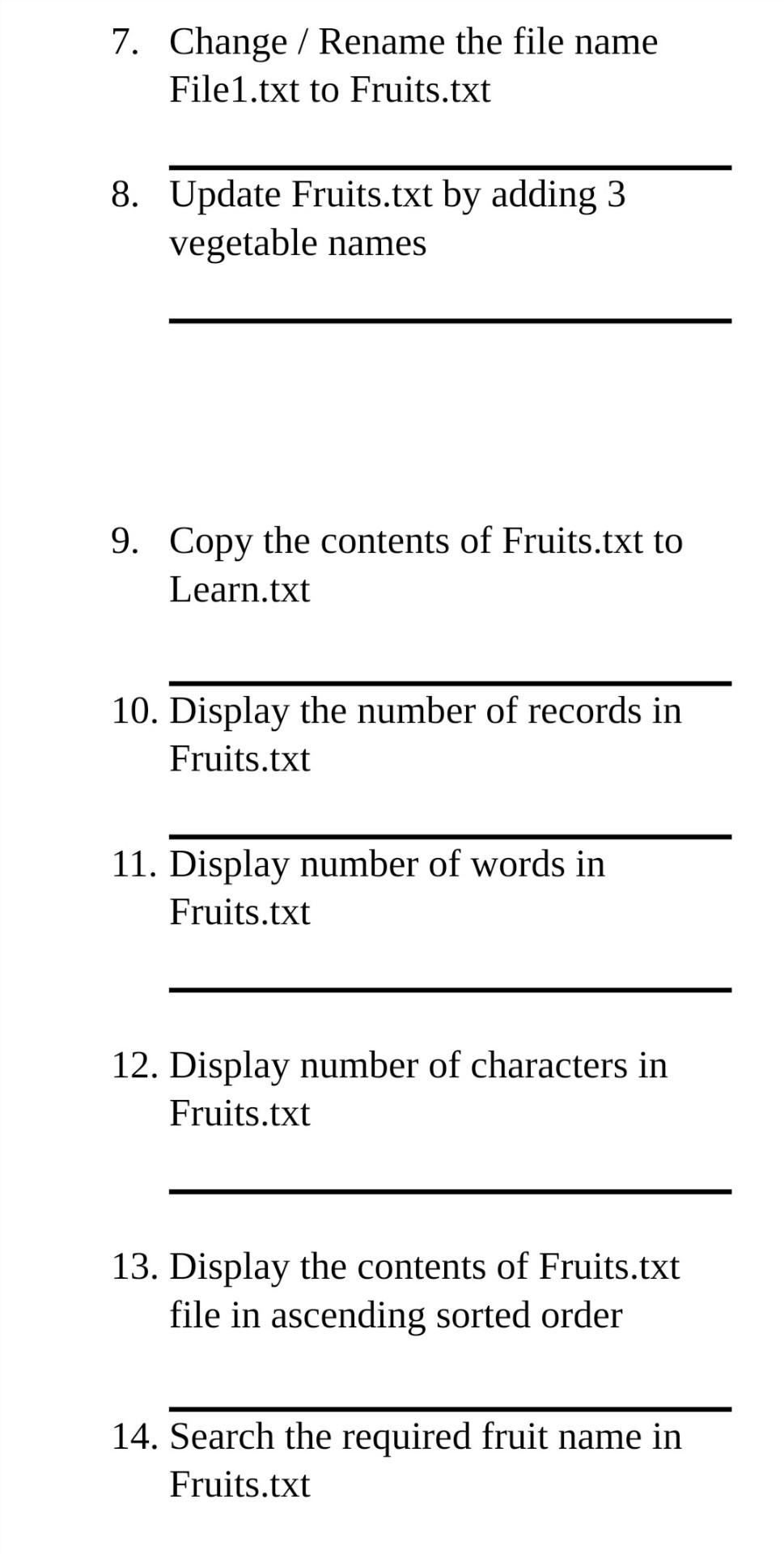
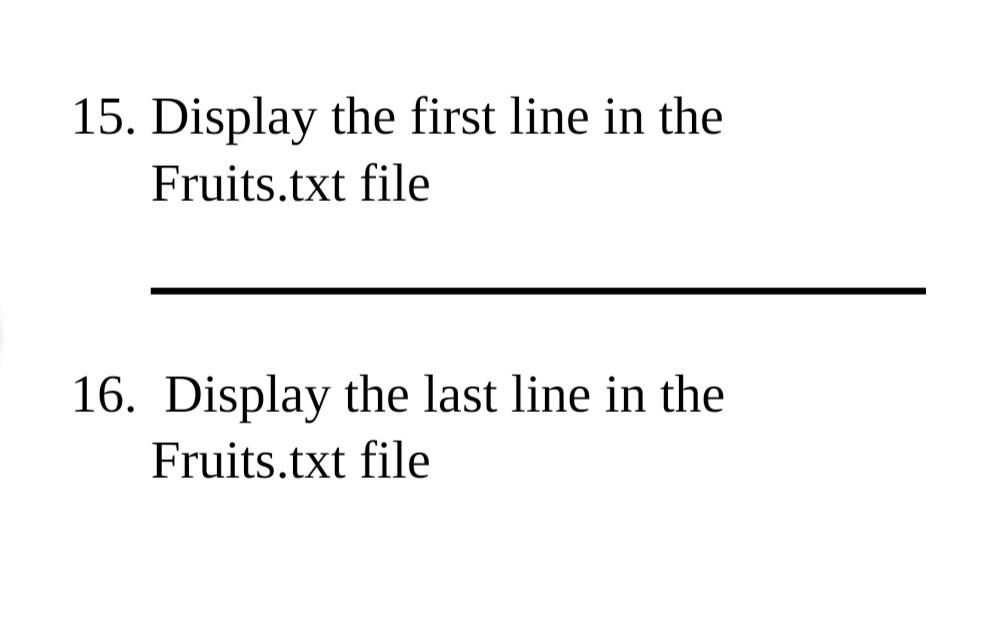
File Manipulation Commands 1. Create a new file called File1.txt containing 15 list of fruits 2. Display the content of the File1.txt file 3. Display first 10 lines in File1.txt 4. Display first 4 lines in File1.txt 5. Display last 10 lines in File1.txt 6. Display last 4 lines in File1.txt 7. Change / Rename the file name File1.txt to Fruits.txt 8. Update Fruits.txt by adding 3 vegetable names 9. Copy the contents of Fruits.txt to Learn.txt 10. Display the number of records in Fruits.txt 11. Display number of words in Fruits.txt 12. Display number of characters in Fruits.txt 13. Display the contents of Fruits.txt file in ascending sorted order 14. Search the required fruit name in Fruits.txt 15. Display the first line in the Fruits.txt file 16. Display the last line in the Fruits.txt file
Step by Step Solution
There are 3 Steps involved in it

Get step-by-step solutions from verified subject matter experts
 Study Help