







Question: Introduction When we write an ARM Assembly Language program, we can represent immediate operands ( constant values ) by prefixing a value with ' #
Introduction
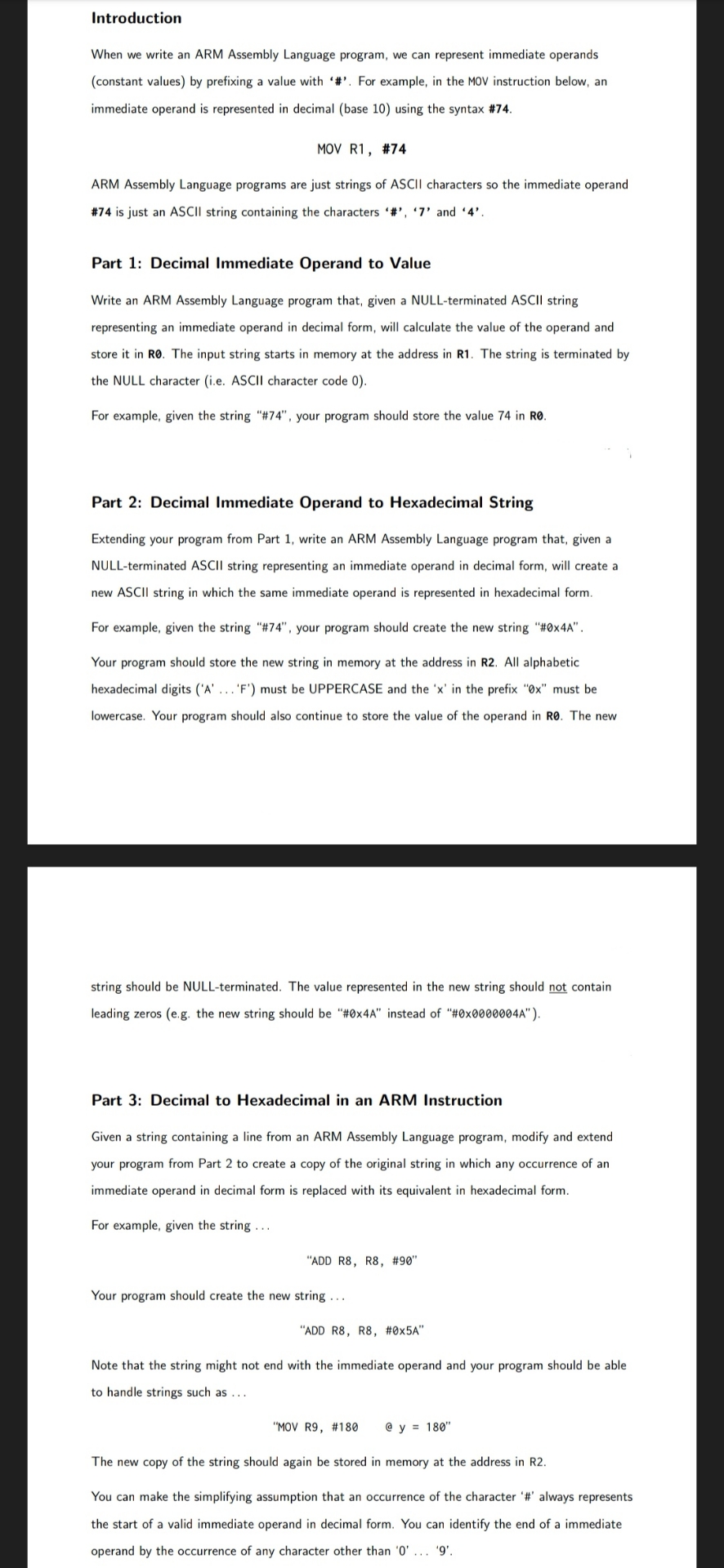
When we write an ARM Assembly Language program, we can represent immediate operands constant values by prefixing a value with # For example, in the MOV instruction below, an immediate operand is represented in decimal base using the syntax #
MOV R #
ARM Assembly Language programs are just strings of ASCII characters so the immediate operand # is just an ASCII string containing the characters # and
Part : Decimal Immediate Operand to Value
Write an ARM Assembly Language program that, given a NULLterminated ASCII string representing an immediate operand in decimal form, will calculate the value of the operand and store it in The input string starts in memory at the address in The string is terminated by the NULL character ie ASCII character code
For example, given the string # your program should store the value in
Part : Decimal Immediate Operand to Hexadecimal String
Extending your program from Part write an ARM Assembly Language program that, given a NULLterminated ASCII string representing an immediate operand in decimal form, will create a new ASCII string in which the same immediate operand is represented in hexadecimal form. For example, given the string # your program should create the new string #xA
Your program should store the new string in memory at the address in R All alphabetic hexadecimal digits must be UPPERCASE and the in the prefix must be lowercase. Your program should also continue to store the value of the operand in R The new
string should be NULLterminated. The value represented in the new string should not contain leading zeros eg the new string should be #xA instead of #xA
Part : Decimal to Hexadecimal in an ARM Instruction
Given a string containing a line from an ARM Assembly Language program, modify and extend your program from Part to create a copy of the original string in which any occurrence of an immediate operand in decimal form is replaced with its equivalent in hexadecimal form.
For example, given the string
"ADD R R #
Your program should create the new string
"ADD R R #xA
Note that the string might not end with the immediate operand and your program should be able to handle strings such as
MOVR@
The new copy of the string should again be stored in memory at the address in R
You can make the simplifying assumption that an occurrence of the character # always represents the start of a valid immediate operand in decimal form. You can identify the end of a immediate operand by the occurrence of any character other than
Step by Step Solution
There are 3 Steps involved in it
1 Expert Approved Answer
Step: 1 Unlock

Question Has Been Solved by an Expert!
Get step-by-step solutions from verified subject matter experts
Step: 2 Unlock
Step: 3 Unlock
 Study Help