







Question: Inventory itemArray: Item [100] InventoryTrackerInterface in Inventory main O total!tems: int=0 +getTotalNumberofItems ): int +getitem (index:int): Item +addItem (newItem: Item) void +saveInventoryToFile (fileName:String) void +loadInventoryFromFile
![Inventory itemArray: Item [100] InventoryTrackerInterface in Inventory main O total!tems: int=0](https://dsd5zvtm8ll6.cloudfront.net/si.experts.images/questions/2024/09/66f0a200c8632_14466f0a200400bc.jpg)
Inventory itemArray: Item [100] InventoryTrackerInterface in Inventory main O total!tems: int=0 +getTotalNumberofItems ): int +getitem (index:int): Item +addItem (newItem: Item) void +saveInventoryToFile (fileName:String) void +loadInventoryFromFile (fileName: String) voi Item name: String -quantity: int price: double -upc: String Item ) Item (name:String, qty:int, price:double, upc:Strin +getName ) String +getouantity: int +getPrice ) double +getUPc) String 1. Milestone 1 - Create the InventoryTrackerlnterface Class (5 pts) In this case, just create the shell of the class, and add the main method, but do not fill anything in just yet 2. Milestone 2 - Create the Item class and fill in the code (10 pts) The Item class is pretty easy to create. You will notice that the default construction (no parameters) is private. This is to prevent any other classes from creating an instance without specifying the 4 attributes through the second/public constructor listed. The getName(), getQuantity(), getPrice(), and getUPC() methods simply return the attributes name, quantity, price, and upc respectively Once you have created the Item class, use the main method in the InventoryTrackerlnterface to test out the ltem class. If you are certain the ltem class and all its methods are working perfectly, move on to the next milestone Milestone 3- Create the Inventory Class, its attributes, and the getTotalNumberOfltems() 3
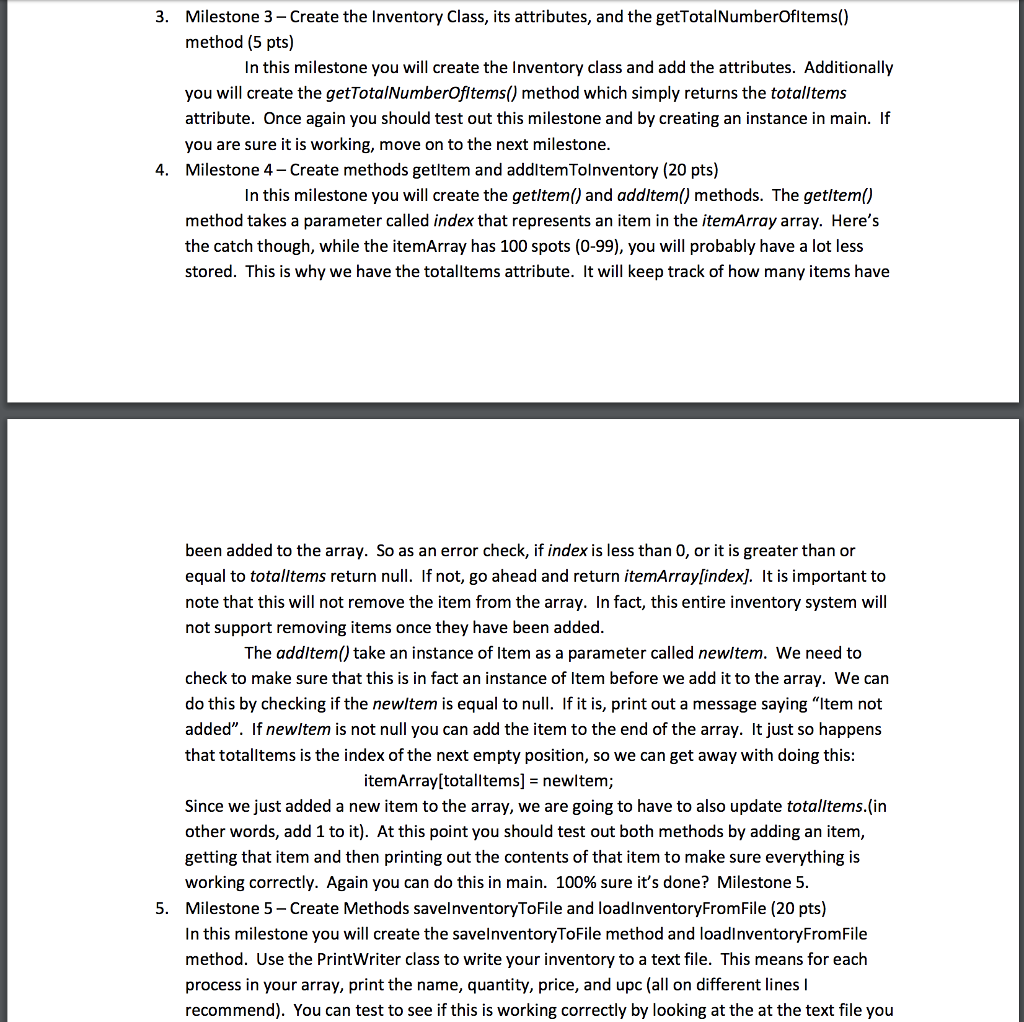
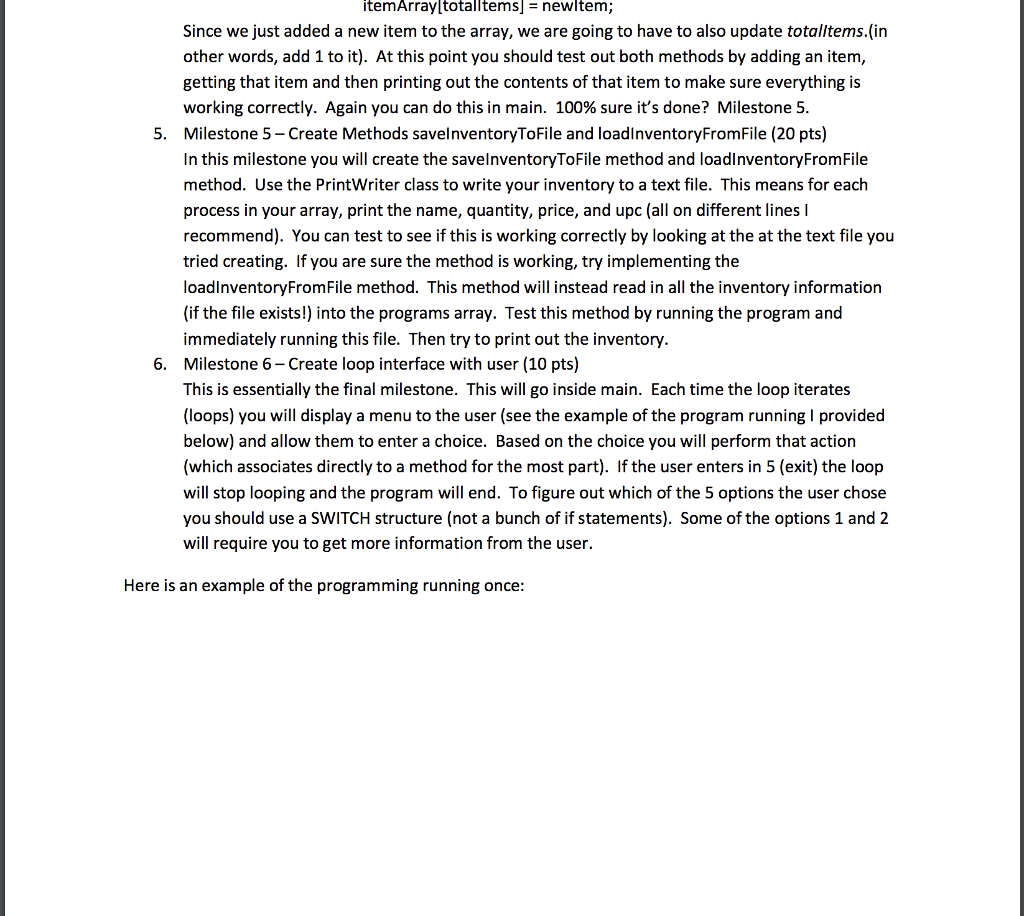
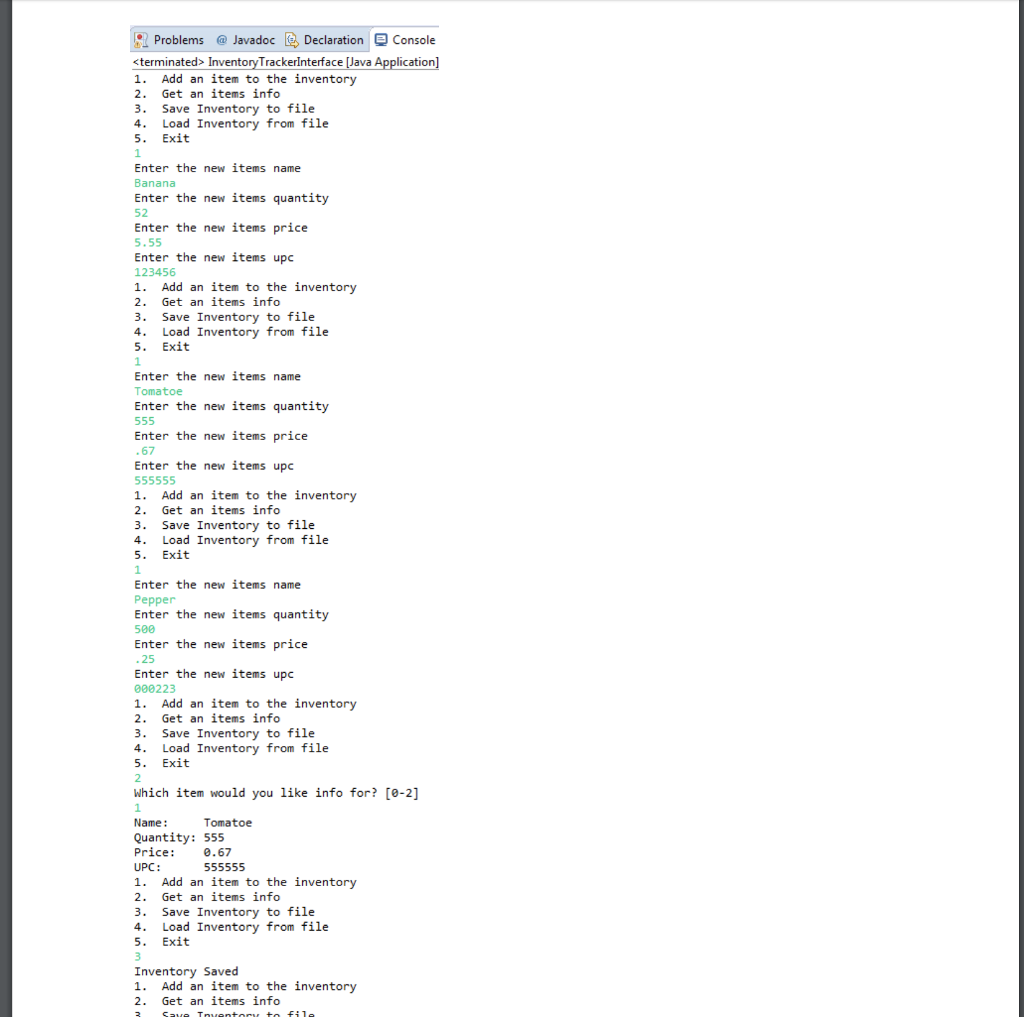
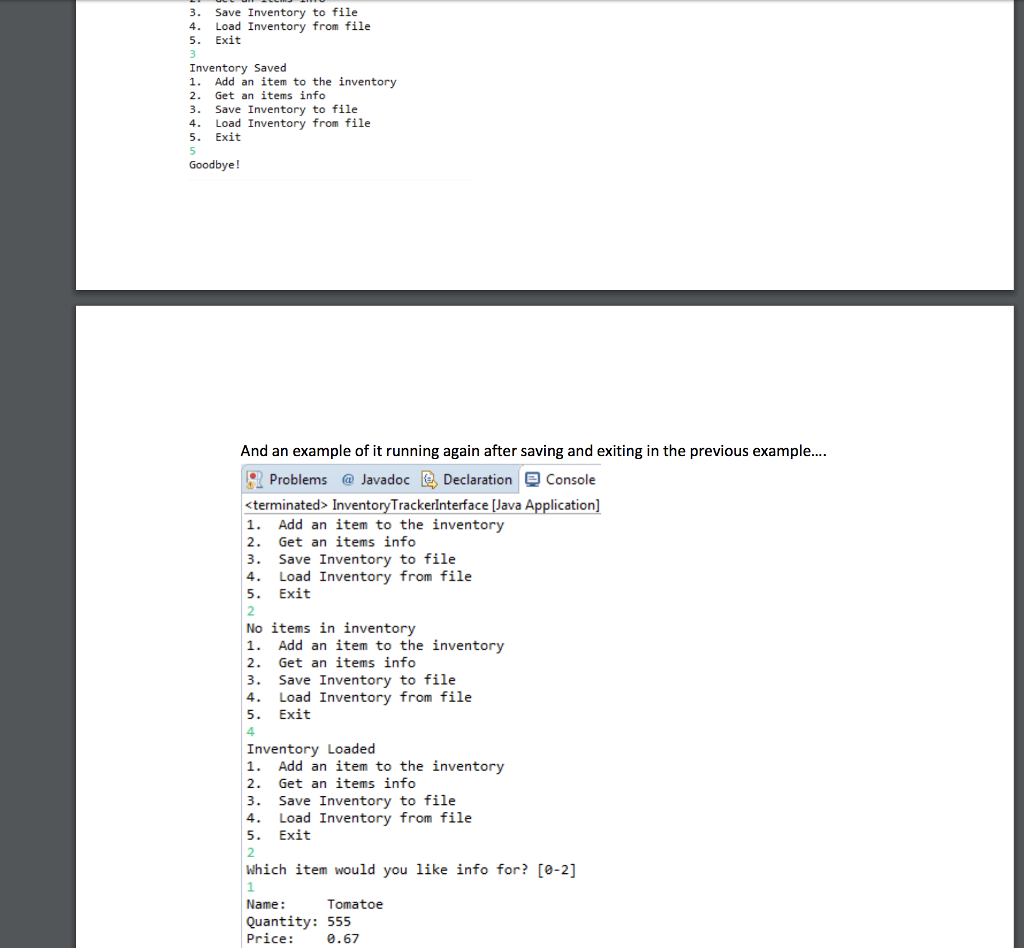
Step by Step Solution
There are 3 Steps involved in it

Get step-by-step solutions from verified subject matter experts
 Study Help