







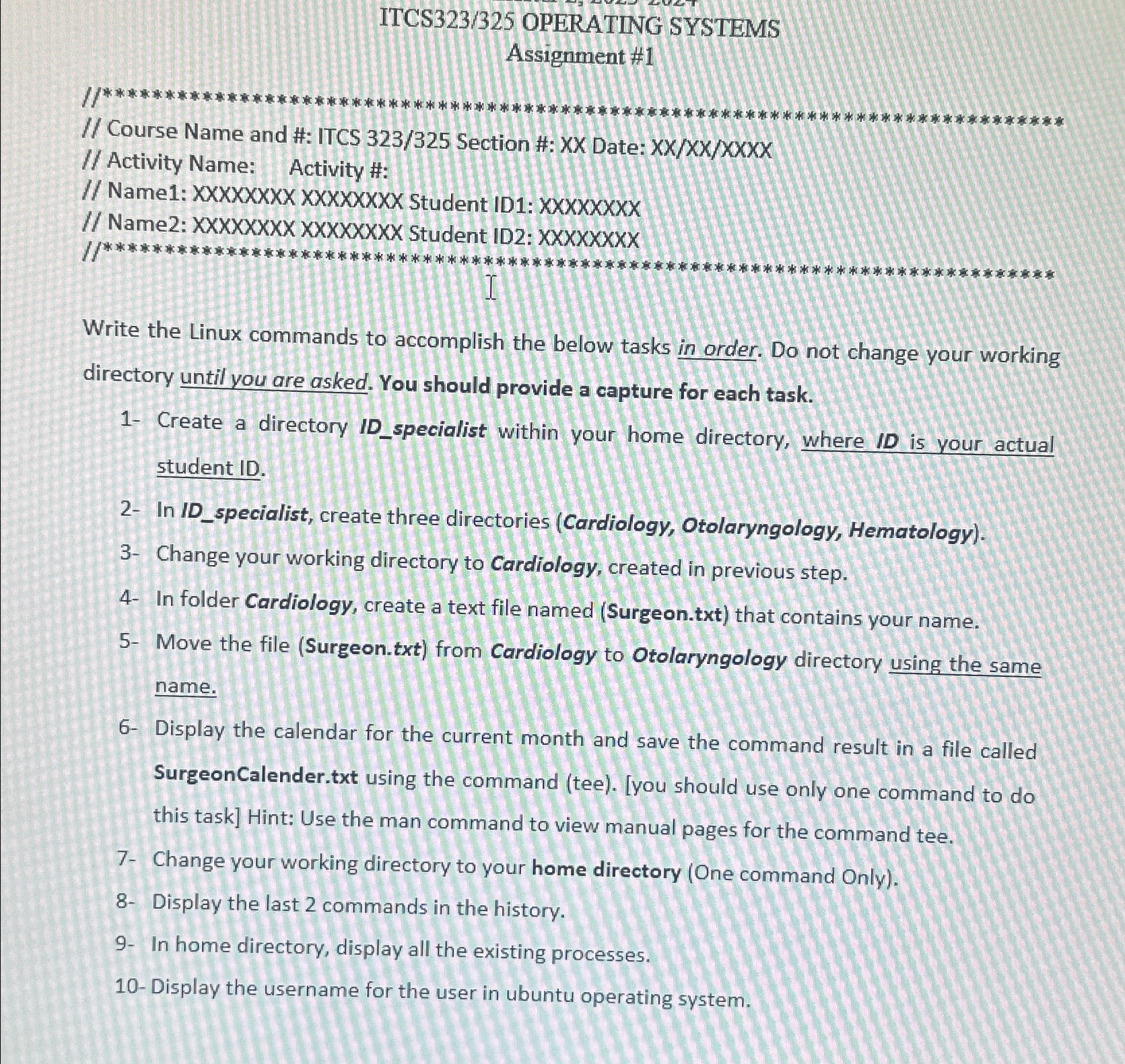
Question: ITCS 3 2 3 / 3 2 5 OPERATING SYSTEMS Assignment # 1 / / Course Name and #: ITCS 3 2 3 / 3
ITCS OPERATING SYSTEMS
Assignment #
Course Name and #: ITCS Section #: XX Date: XXXXXXXX
Activity Name: Activity #:
Name: XXXXXXXX XXXXXXXX Student ID: XXXXXXXX
Name: XXxXXXXXXXXXXXXX Student ID: XXXXxxxx
Write the Linux commands to accomplish the below task in order. Do not change your working directory until you are asked. You should provide a capture for each task.
Create a directory IDspecialist within your home directory, where ID is your actual student ID
In IDspecialist, create three directories Cardiology Otolaryngology, Hematology
Change your working directory to Cardiology, created in previous step.
In folder Cardiology, create a text file named Surgeontxt that contains your name.
Move the file Surgeontxt from Cardiology to Otolaryngology directory using the same name.
Display the calendar for the current month and save the command result in a file called SurgeonCalender.txt using the command teeyou should use only one command to do this task Hint: Use the man command to view manual pages for the command tee.
Change your working directory to your home directory One command Only
Display the last commands in the history.
In home directory, display all the existing processes.
Display the username for the user in ubuntu operating system.
Step by Step Solution
There are 3 Steps involved in it
1 Expert Approved Answer
Step: 1 Unlock

Question Has Been Solved by an Expert!
Get step-by-step solutions from verified subject matter experts
Step: 2 Unlock
Step: 3 Unlock
 Study Help