







Question: ITSC 1213 - Magic Square >> PLEASE ANSWER ALL PARTS TO THIS POST! THANK YOU. Introduction One interesting application of two-dimensional arrays is magic squares.
ITSC 1213 - Magic Square >> PLEASE ANSWER ALL PARTS TO THIS POST! THANK YOU. Introduction One interesting application of two-dimensional arrays is magic squares. A magic square is a square matrix in which the sum of every row, every column, and both diagonals is the same. Magic squares have been studied for many years, and there are some particularly famous magic squares. In this lab you will write code to determine whether a square is magic. A magic square of order n is an arrangement of n2 numbers in a square with the following properties: 1. The n numbers in all rows, all columns, and on both diagonals sum to the same constant. 2. Each number should only occur once in the magic square. Here is an example: 2 7 6 9 5 1 4 3 8 In the square above, each number appears only once, and each row, column, and diagonal sums to 15. Rows: 2 + 7 + 6 = 15 9 + 5 + 1 = 15 4 + 3 + 8 = 15 Columns: 2 + 9 + 4 = 15 7 + 5 + 3 = 15 6 + 1 + 8 = 15 Diagonals: 2 + 5 + 8 = 15 4 + 5 + 6 = 15 The number of integers on each line must be equal to the total number of lines in the square. In other words, the following formats would NOT represent a magic square: 2 7 6 9 5 1 4 3 8 2 7 6 9 5 1 4 3 8 2 7 6 9 5 1 4 3 8 Concepts covered in this lab: Traversing 2D arrays Testing code Required files or links Square.java - Java source code Main method code snippet for testing
 Part A
 Part B
 Part C
Part D
______________________________________________________________________________________________________________________________________________
1st Code snippet (Square.java):
import java.util.Scanner;
public class Square {
private int[][] square;
//-------------------------------------- //create new square of given size //-------------------------------------- public Square(int size) { square = new int[size][size];
} //-------------------------------------- //create new square using given 2D array //-------------------------------------- public Square(int[][] matrix) { square = matrix;
}
//-------------------------------------- //return the square 2D array //-------------------------------------- public int[][] getSquare() { return square; }
//-------------------------------------- //return the sum of the values in the given row //-------------------------------------- public int sumRow(int row) { int total = 0; //Add code here!
return total; }
//-------------------------------------- //return the sum of the values in the given column //-------------------------------------- public int sumColumn(int col) { int total = 0; //Add code here!
return total; }
//-------------------------------------- //return the sum of the values in the main diagonal //-------------------------------------- public int sumMainDiag() { int total = 0; //Add code here!
return total; }
//-------------------------------------- //return the sum of the values in the other ("reverse") diagonal //-------------------------------------- public int sumOtherDiag() { int total = 0;
return total;
}
//-------------------------------------- //return true if the square is magic (all rows, cols, and diags have //same sum), false otherwise //-------------------------------------- public boolean isMagic() { //Add code here!
return true; }
//-------------------------------------- //read info into the square from the standard input. //-------------------------------------- public void readSquare(Scanner scan) { for (int row = 0; row
//-------------------------------------- //print the contents of the square, neatly formatted //-------------------------------------- public void printSquare() { for (int row = 0; row
} }
________________________________________________________________________________________________________________________________________
2nd code snippet (square test):
//Add this code inside the main method Scanner scan = new Scanner(System.in); int count = 1; //count which square we're on
System.out.println("Enter an integer number for the size of the square"); int size = scan.nextInt(); //size of next square
//create a new Square of the given size Square sq = new Square(size);
//call its read method to read the values of the square sq.readSquare(scan);
System.out.println("******** Square ********");
//print the square sq.printSquare();
//Part B - /* >>>>>Delete this line to test part B System.out.println("******** Square details ********");
//print the sums of its rows for (int i = 0; i
//print the sums of its columns for (int i = 0; i >>>>Delete this line to test part B */
//Part C - /* >>>>>Delete this line to test part C //print the sum of the main diagonal System.out.println("Main diagonal sum: " + sq.sumMainDiag());
//print the sum of the other diagonal System.out.println("Other diagonal sum: " + sq.sumOtherDiag());
>>>>>Delete this line to test part C */
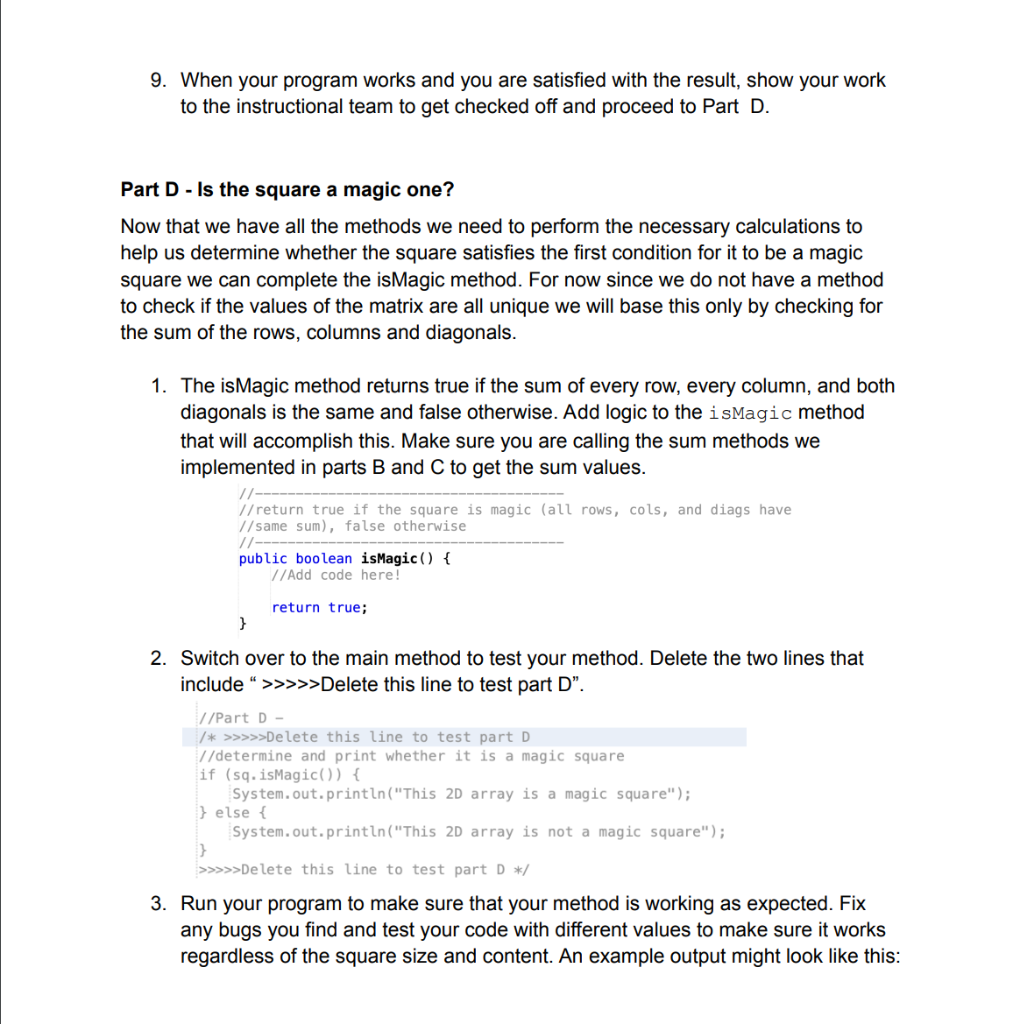
//Part D - /* >>>>>Delete this line to test part D //determine and print whether it is a magic square if (sq.isMagic()) { System.out.println("This 2D array is a magic square"); } else { System.out.println("This 2D array is not a magic square"); } >>>>>Delete this line to test part D */
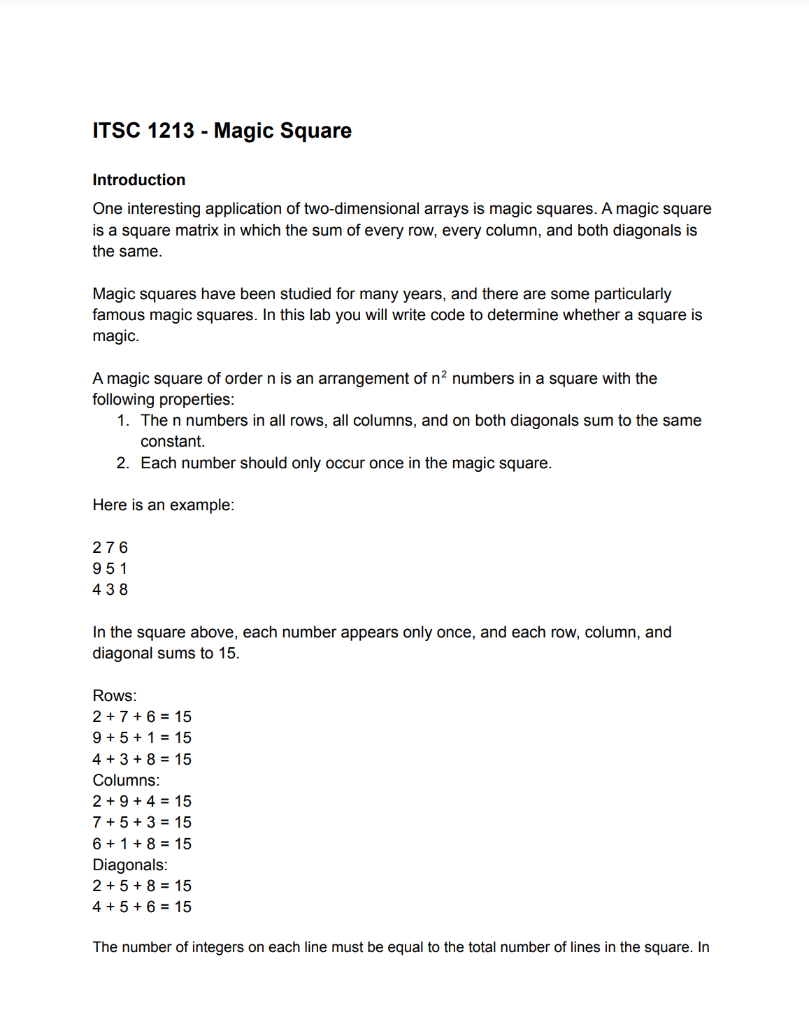
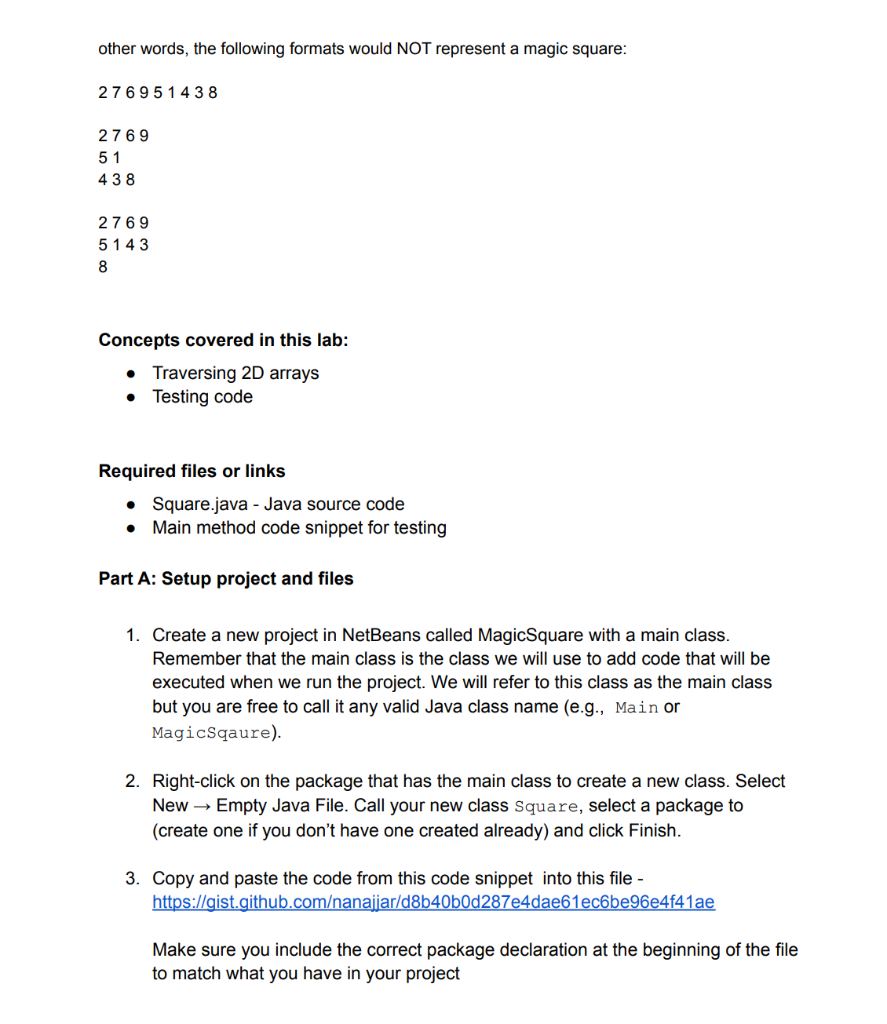
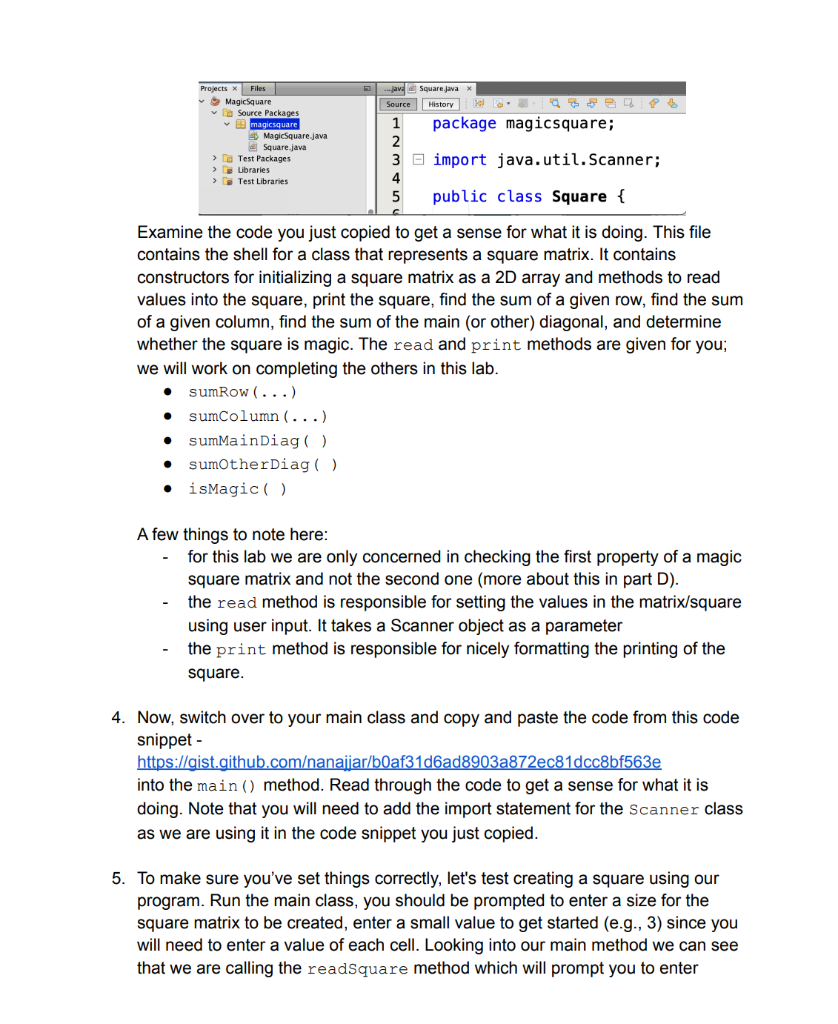
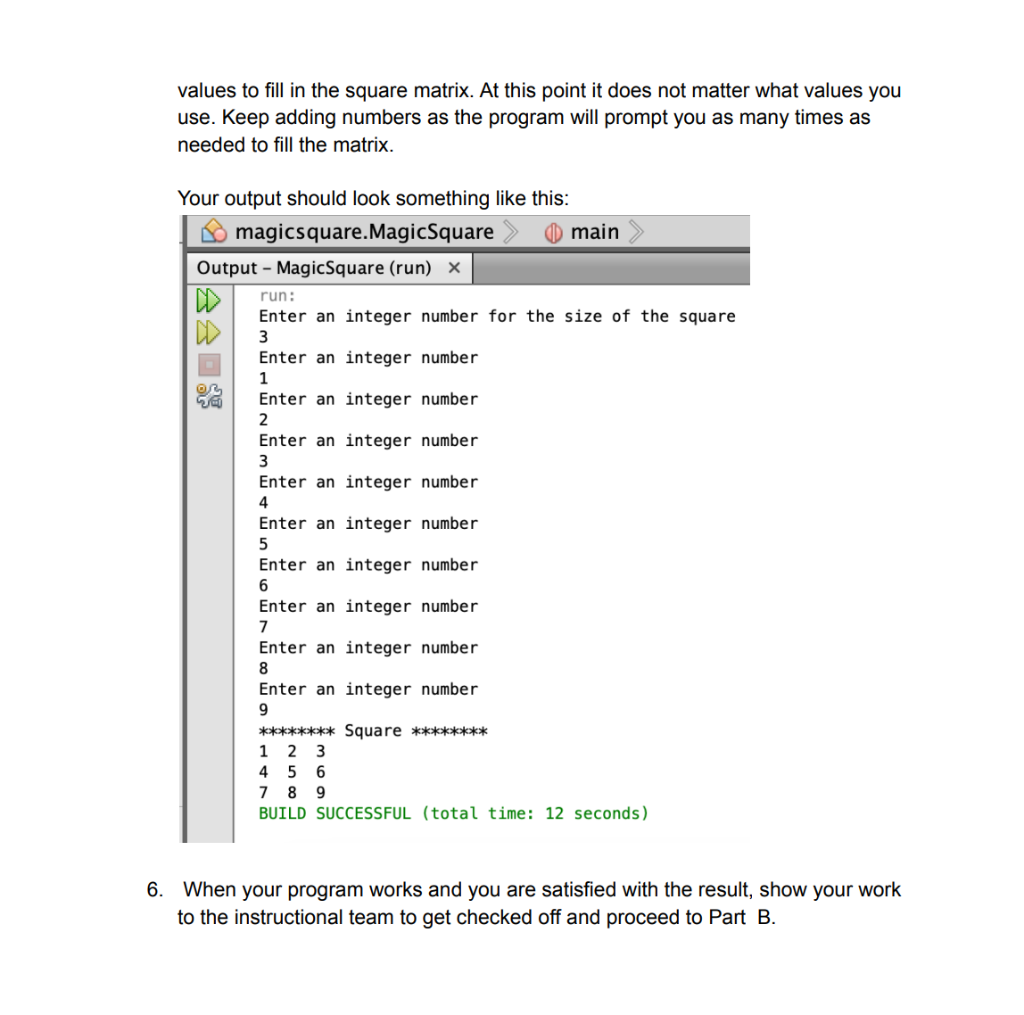
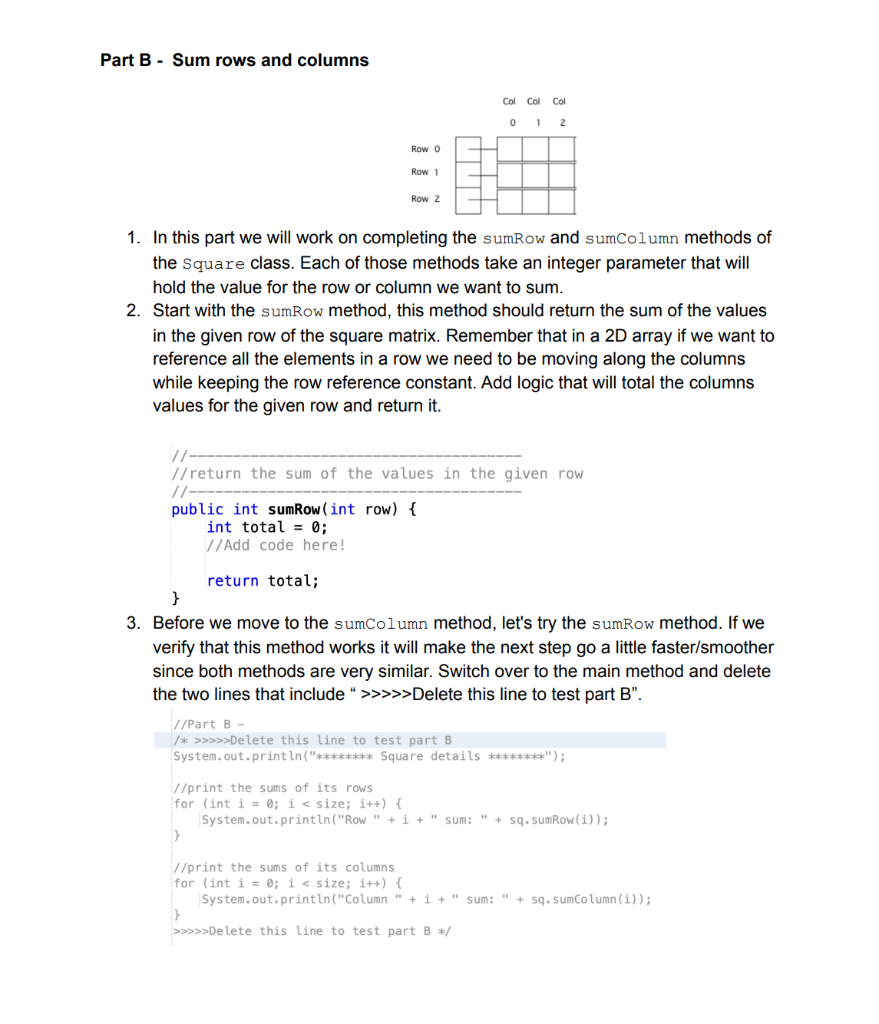
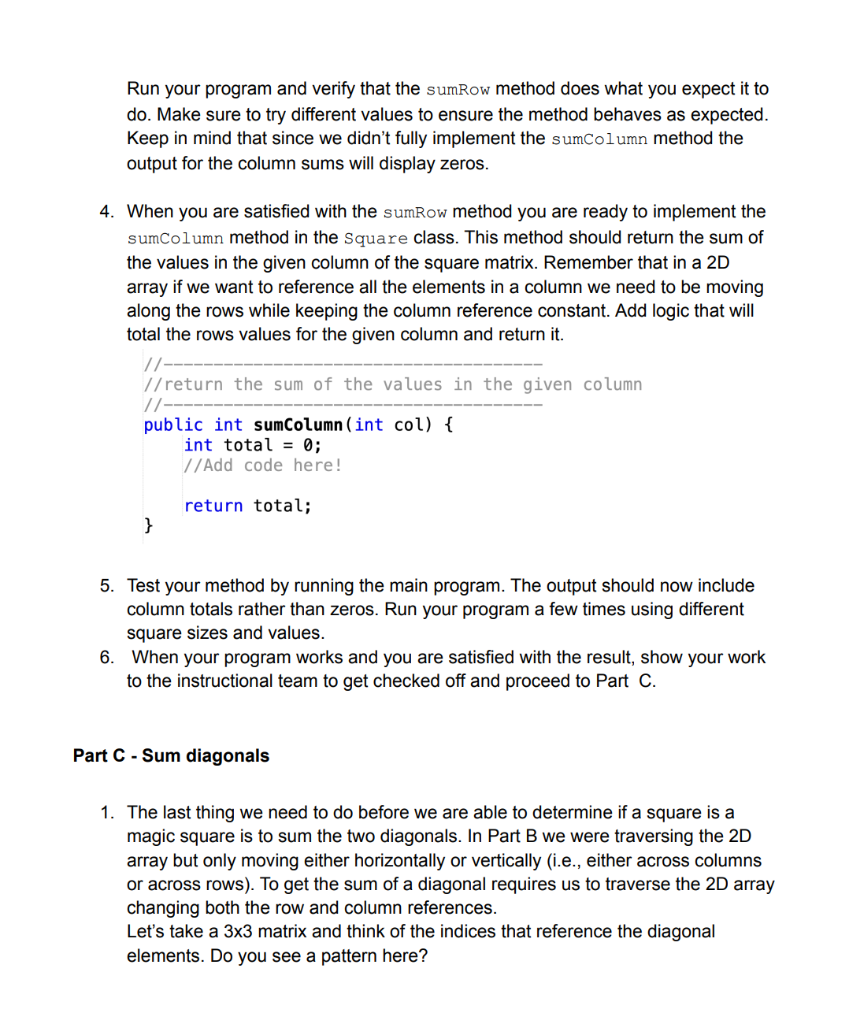
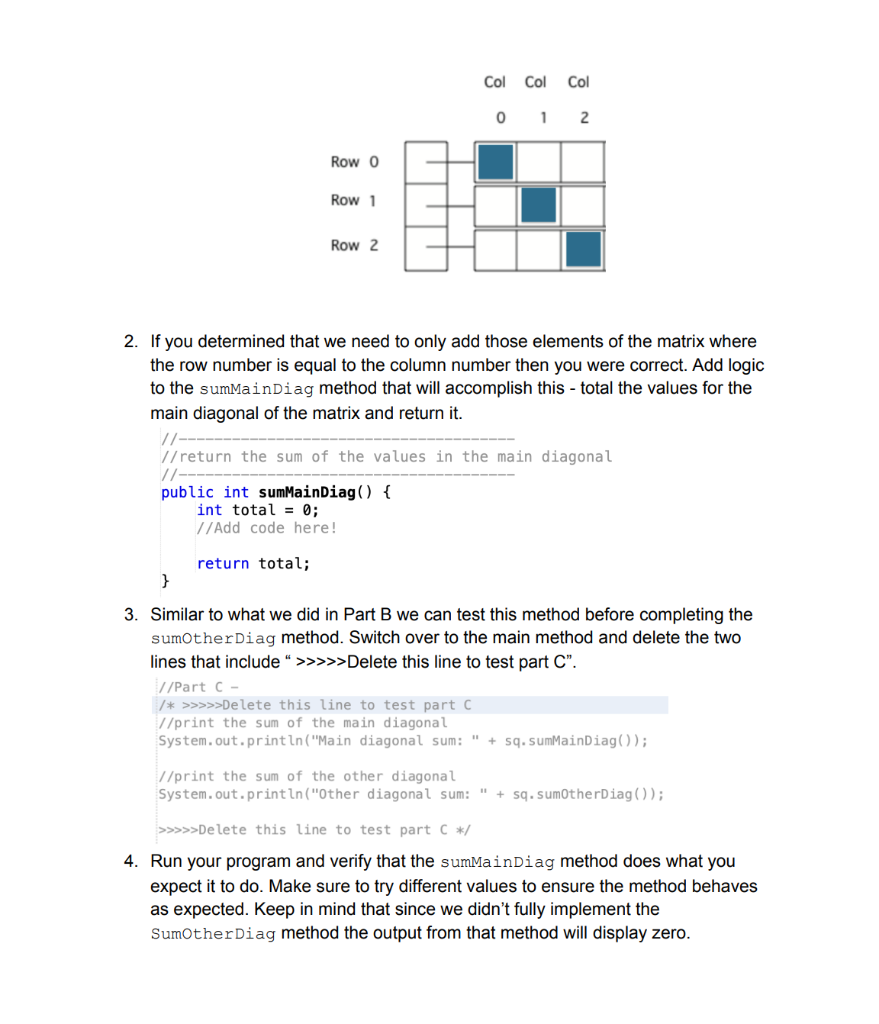
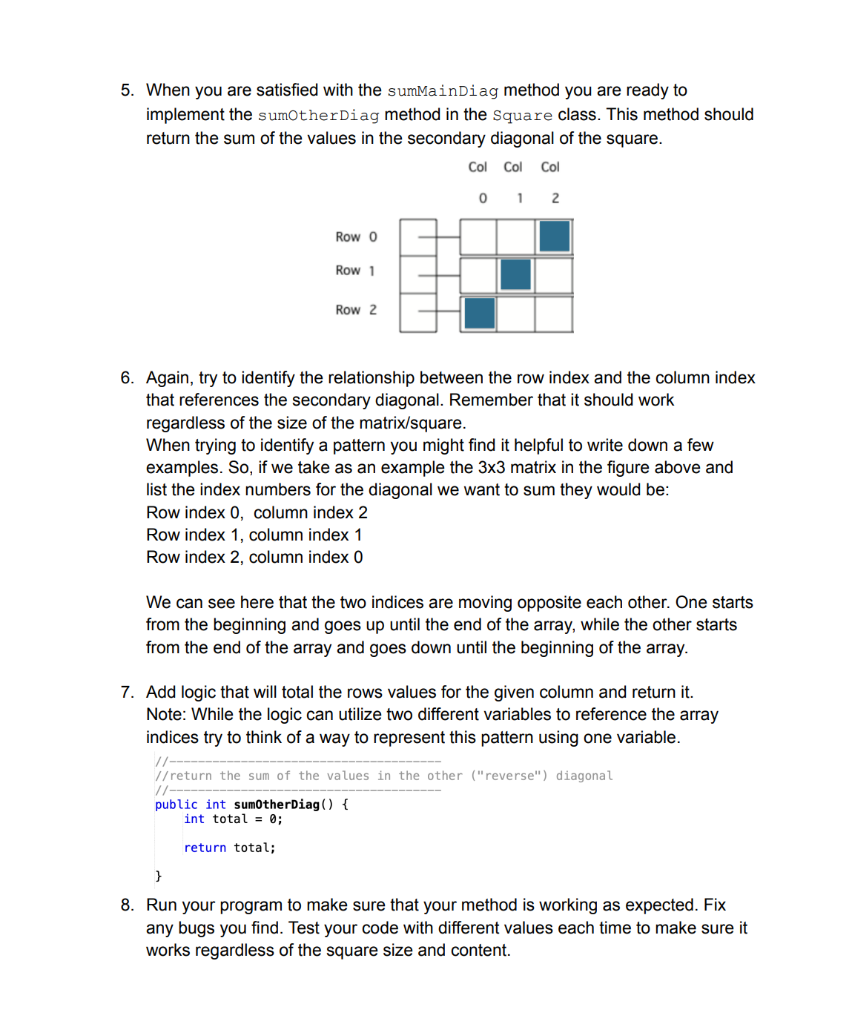
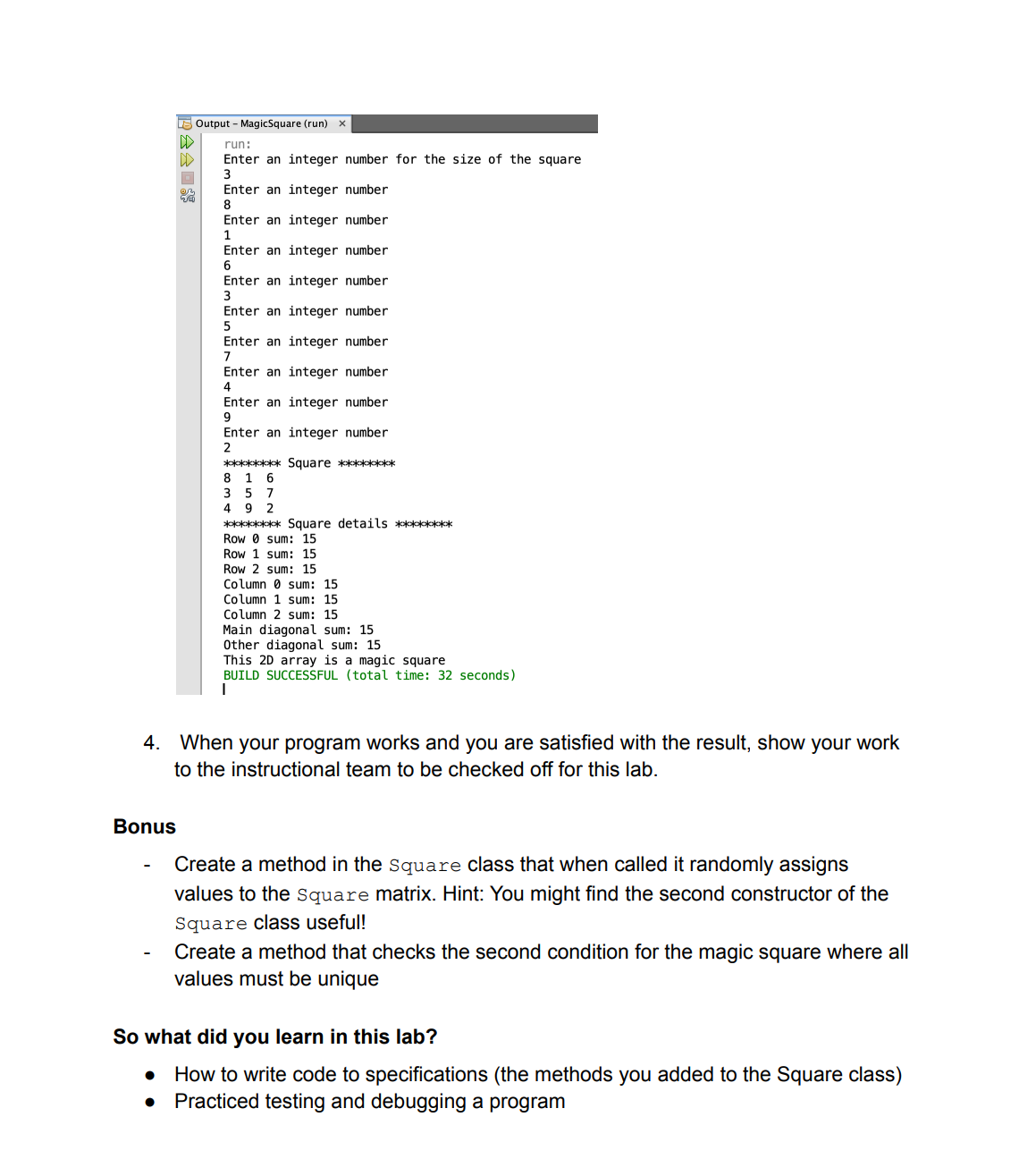
ITSC 1213 - Magic Square Introduction One interesting application of two-dimensional arrays is magic squares. A magic square is a square matrix in which the sum of every row, every column, and both diagonals is the same. Magic squares have been studied for many years, and there are some particularly famous magic squares. In this lab you will write code to determine whether a square is magic. A magic square of order n is an arrangement of n2 numbers in a square with the following properties: 1. The n numbers in all rows, all columns, and on both diagonals sum to the same constant. 2. Each number should only occur once in the magic square. Here is an example: 276951438 In the square above, each number appears only once, and each row, column, and diagonal sums to 15 . Rows: 2+7+6=159+5+1=154+3+8=15 Columns: 2+9+4=157+5+3=156+1+8=15 Diagonals: 2+5+8=154+5+6=15 The number of integers on each line must be equal to the total number of lines in the square. In other words, the following formats would NOT represent a magic square: 276951438276951438276951438 Concepts covered in this lab: - Traversing 2D arrays - Testing code Required files or links - Square.java - Java source code - Main method code snippet for testing Part A: Setup project and files 1. Create a new project in NetBeans called MagicSquare with a main class. Remember that the main class is the class we will use to add code that will be executed when we run the project. We will refer to this class as the main class but you are free to call it any valid Java class name (e.g., Main or Magicsqaure). 2. Right-click on the package that has the main class to create a new class. Select New Empty Java File. Call your new class square, select a package to (create one if you don't have one created already) and click Finish. 3. Copy and paste the code from this code snippet into this file https://gist.github.comanajjar/d8b40b0d287e4dae61ec6be96e4f41ae Make sure you include the correct package declaration at the beginning of the file to match what you have in your project Examine the code you just copied to get a sense for what it is doing. This file contains the shell for a class that represents a square matrix. It contains constructors for initializing a square matrix as a 2D array and methods to read values into the square, print the square, find the sum of a given row, find the sum of a given column, find the sum of the main (or other) diagonal, and determine whether the square is magic. The read and print methods are given for you; we will work on completing the others in this lab. - sumRow() - sumColumn (...) - sumMaindiag ( ) - sumotherDiag ( ) - ismagic ( ) A few things to note here: - for this lab we are only concerned in checking the first property of a magic square matrix and not the second one (more about this in part D). - the read method is responsible for setting the values in the matrix/square using user input. It takes a Scanner object as a parameter - the print method is responsible for nicely formatting the printing of the square. 4. Now, switch over to your main class and copy and paste the code from this code snippet - https://gist.github.comanaijar/b0af31d6ad8903a872ec81dcc8bf563e into the main () method. Read through the code to get a sense for what it is doing. Note that you will need to add the import statement for the Scanner class as we are using it in the code snippet you just copied. 5. To make sure you've set things correctly, let's test creating a square using our program. Run the main class, you should be prompted to enter a size for the square matrix to be created, enter a small value to get started (e.g., 3) since you will need to enter a value of each cell. Looking into our main method we can see that we are calling the readsquare method which will prompt you to enter values to fill in the square matrix. At this point it does not matter what values you use. Keep adding numbers as the program will prompt you as many times as needed to fill the matrix. Your output should look something like this: magicsquare.MagicSquare main Output - MagicSquare (run) W run: Enter an integer number for the size of the square 3 Enter an integer number 1 Enter an integer number 2 Enter an integer number 3 Enter an integer number 4 Enter an integer number 5 Enter an integer number 6 Enter an integer number 7 Enter an integer number 8 Enter an integer number 9 Square 6. When your program works and you are satisfied with the result, show your work to the instructional team to get checked off and proceed to Part B. Part B - Sum rows and columns 1. In this part we will work on completing the sumRow and sumcolumn methods of the square class. Each of those methods take an integer parameter that will hold the value for the row or column we want to sum. 2. Start with the sumRow method, this method should return the sum of the values in the given row of the square matrix. Remember that in a 2D array if we want to reference all the elements in a row we need to be moving along the columns while keeping the row reference constant. Add logic that will total the columns values for the given row and return it. //--------- // return the sum of the values in the given row public int sumRow ( int row) int total =0; // Add code here! return total; 3. Before we move to the sumcolumn method, let's try the sumRow method. If we verify that this method works it will make the next step go a little faster/smoother since both methods are very similar. Switch over to the main method and delete the two lines that include ">> Delete this line to test part B". //Part B / / Pelete this line to test part B System. out.print ln("*****kik Square details **k*****"); //print the sums of its rows for (int i=0;i
Step by Step Solution
There are 3 Steps involved in it

Get step-by-step solutions from verified subject matter experts
 Study Help