







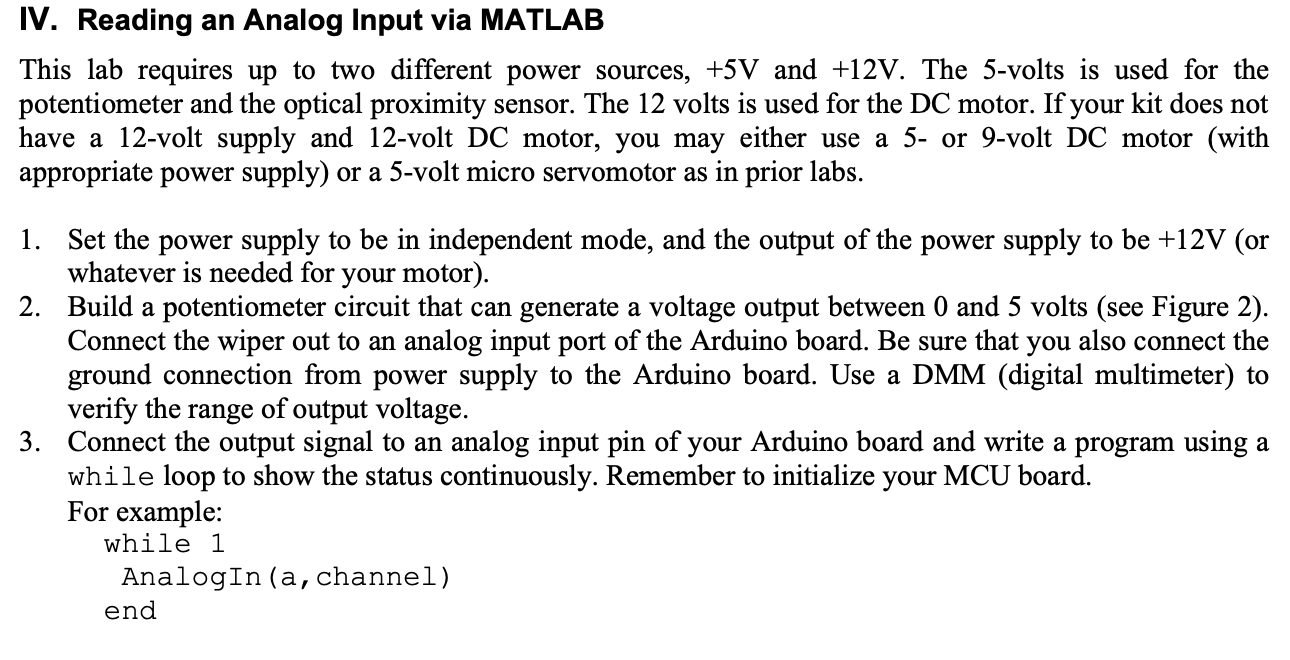
Question: IV . Reading an Analog Input via MATLAB This lab requires up to two different power sources, + 5 V and + 1 2 V
IV Reading an Analog Input via MATLAB
This lab requires up to two different power sources, V and V The volts is used for the potentiometer and the optical proximity sensor The volts is used for the DC motor. If your kit does not have a volt supply and volt DC motor, you may either use a or volt DC motor with appropriate power supply or a volt micro servomotor as in prior labs.
Set the power supply to be in independent mode, and the output of the power supply to be V or whatever is needed for your motor
Build a potentiometer circuit that can generate a voltage output between and volts see Figure Connect the wiper out to an analog input port of the Arduino board. Be sure that you also connect the ground connection from power supply to the Arduino board. Use a DMM digital multimeter to verify the range of output voltage.
Connect the output signal to an analog input pin of your Arduino board and write a program using a while loop to show the status continuously. Remember to initialize your MCU board.
For example:
while
AnalogIn a channel
end
Step by Step Solution
There are 3 Steps involved in it
1 Expert Approved Answer
Step: 1 Unlock

Question Has Been Solved by an Expert!
Get step-by-step solutions from verified subject matter experts
Step: 2 Unlock
Step: 3 Unlock
 Study Help