







Question: I've been editing my letc/sysconfoetwork scripts using vi and I recalled there is a third time Server I want to use (DN53-192.168.120.16). I'm a bit
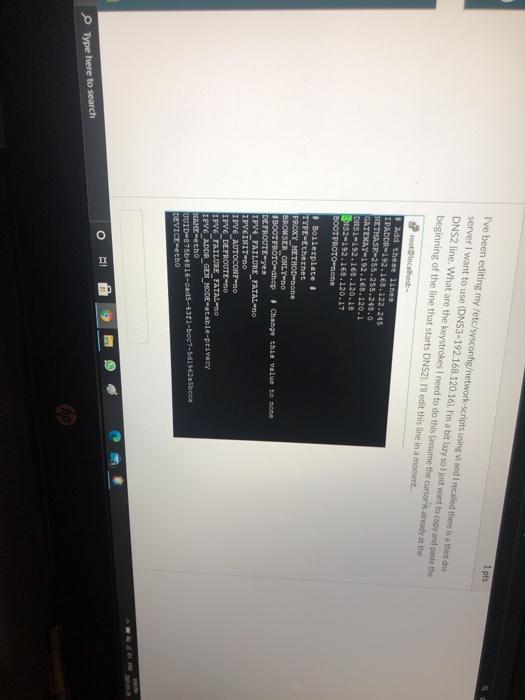
I've been editing my letc/sysconfoetwork scripts using vi and I recalled there is a third time Server I want to use (DN53-192.168.120.16). I'm a bit lazy so I just want to copy and paste the DNS2 line. What are the keystrokes I need to do this lassume the curry at the beginning of the line that starts DNS2). Il edit this line in a moment. localhost Add these lines IPADOR-192.168.122.245 NETIST-255.255.240.0 GATEWAY-192.168.120.1 DAST-192.168.120.10 352-192.168.120.17 BOOT PROTO-none Boilerplate. TYPE-Ethernet PROXY_METHOD=none BROWSER ONLY-no BOOTPROTO dhe # Change this value to none DEFROUTE-yea IPV4_FAILURE_TATAL-NO IPVEINITED IPVE AUTOCONTRO IPVE DEFROUTE DO IPVE FAILURE FATAL-DO IPV6 ADOR GEN_MODE-table-privacy BLAME echo UUID87564016-cad5-4301-boe7-5d19cabeca DEVICE-echo o II E g Type here to search
Step by Step Solution
There are 3 Steps involved in it

Get step-by-step solutions from verified subject matter experts
 Study Help