







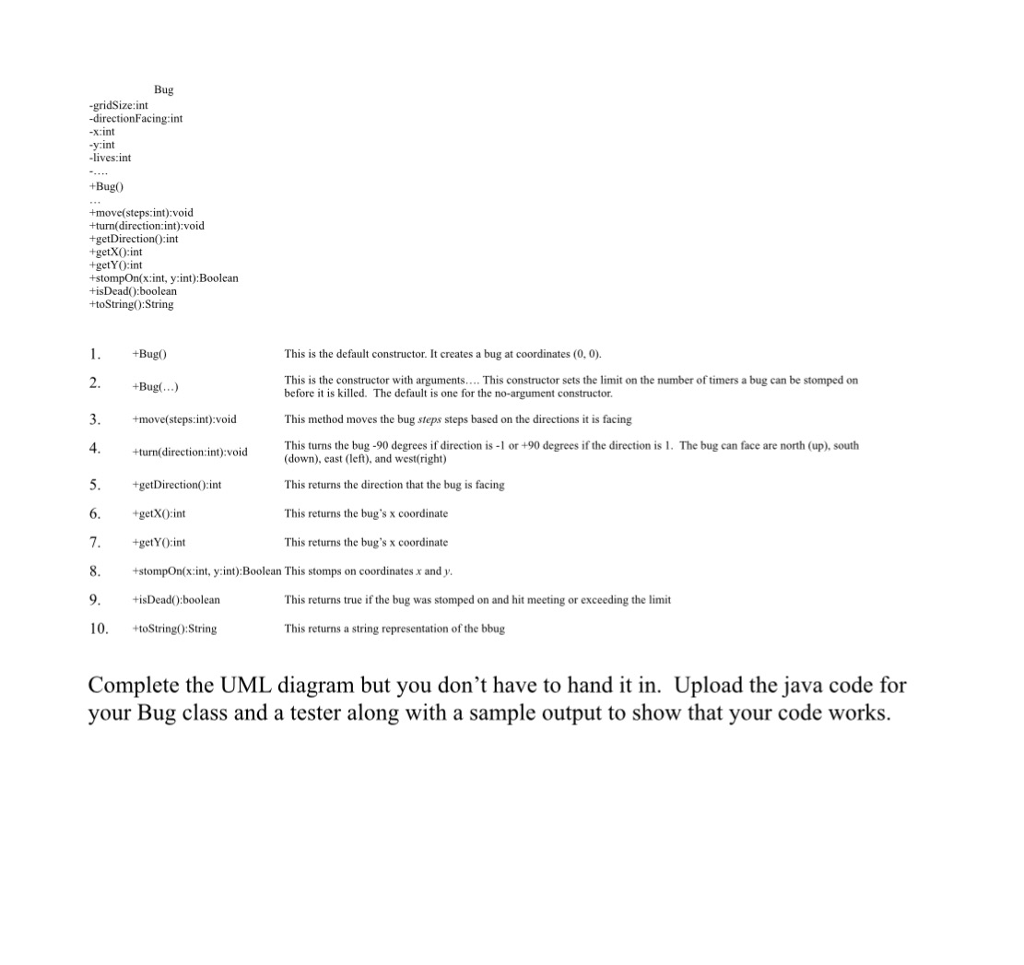
Question: Java Bug -gridSize:int -directionFacing:int xint y int -lives int +Bug +move(steps int):voicd -turn( direction: int):void +getDirection0:int +getXO:int +getYO:int +stompOn(x:int, y:int):Boolean +isDead0:boolean toString):String +Bug0 This is
 Java
Java
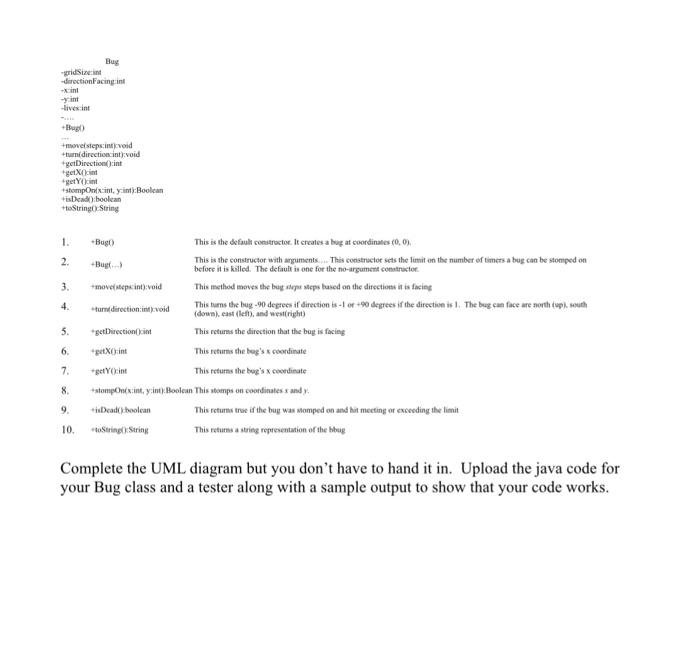
Bug -gridSize:int -directionFacing:int xint y int -lives int +Bug +move(steps int):voicd -turn( direction: int):void +getDirection0:int +getXO:int +getYO:int +stompOn(x:int, y:int):Boolean +isDead0:boolean toString):String +Bug0 This is the default constructor. It creates a bug at coordinates (0, 0) This is the constructor with arguments.... This constructor sets the limit on the number of timers a bug can be stomped on 2. Bug..) 3. +move(steps int)y:void 4 5.getDirection0:int 6. getX0int 7. +getY( ):int before it is killed. The default is one for the no-argument constructor. This method moves the bug steps steps based on the directions it is facing This turns the bug -90 degrees if direction is-1 or +90 degrees if the direction is 1. The bug can face are north (up), south +turn(direction:int):void (down), cast (left), and west(right) This returns the direction that the bug is facing This returns the bug's x coordinate This returns the bug's x coordinate +stompOn(xint, y:int): Boolean This stomps on coordinates x and y 9. DeadO:boolearn This returns true if the bug was stomped on and hit meeting or exceeding the limit 10. toString0:String This returns a string representation of the bbug Complete the UML diagram but you don't have to hand it in. Upload the java code for your Bug class and a tester along with a sample output to show that your code works
Step by Step Solution
There are 3 Steps involved in it

Get step-by-step solutions from verified subject matter experts
 Study Help