







Question: java Continuing with the use of Java arrays, apply string operations to achieve the different tasks. This task will search for a city in the
 java
java
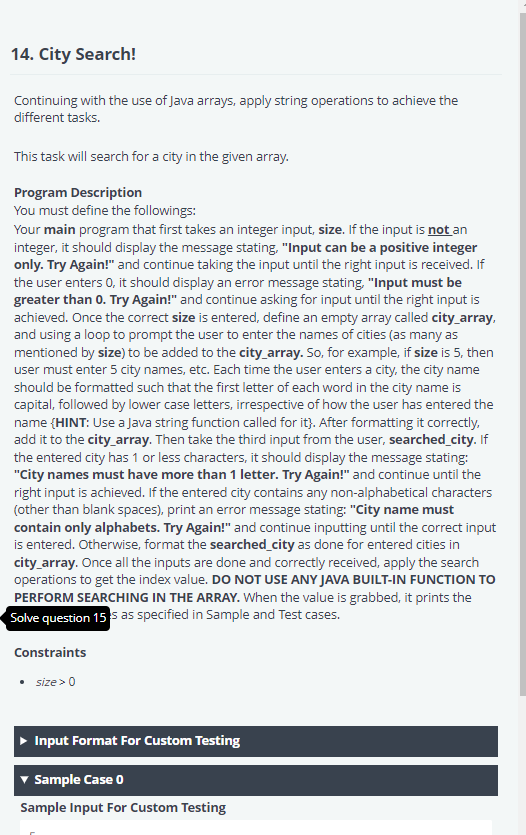
Continuing with the use of Java arrays, apply string operations to achieve the different tasks. This task will search for a city in the given array. Program Description You must define the followings: Your main program that first takes an integer input, size. If the input is not an integer, it should display the message stating, "Input can be a positive integer only. Try Again!" and continue taking the input until the right input is received. If the user enters 0, it should display an error message stating, "Input must be greater than 0. Try Again!" and continue asking for input until the right input is achieved. Once the correct size is entered, define an empty array called city_array, and using a loop to prompt the user to enter the names of cities (as many as mentioned by size) to be added to the city_array. So, for example, if size is 5 , then user must enter 5 city names, etc. Each time the user enters a city, the city name should be formatted such that the first letter of each word in the city name is capital, followed by lower case letters, irrespective of how the user has entered the name \{HINT: Use a Java string function called for it\}. After formatting it correctly, add it to the city_array. Then take the third input from the user, searched_city. If the entered city has 1 or less characters, it should display the message stating: "City names must have more than 1 letter. Try Again!" and continue until the right input is achieved. If the entered city contains any non-alphabetical characters (other than blank spaces), print an error message stating: "City name must contain only alphabets. Try Again!" and continue inputting until the correct input is entered. Otherwise, format the searched_city as done for entered cities in city_array. Once all the inputs are done and correctly received, apply the search operations to get the index value. DO NOT USE ANY JAVA BUILT-IN FUNCTION TO PERFORM SEARCHING IN THE ARRAY. When the value is grabbed, it prints the is as specified in Sample and Test cases. Constraints
Step by Step Solution
There are 3 Steps involved in it

Get step-by-step solutions from verified subject matter experts
 Study Help