







Question: JAVA Create a Class representing the information that is associated with one item of your database. The information for one item must include a minimum
JAVA
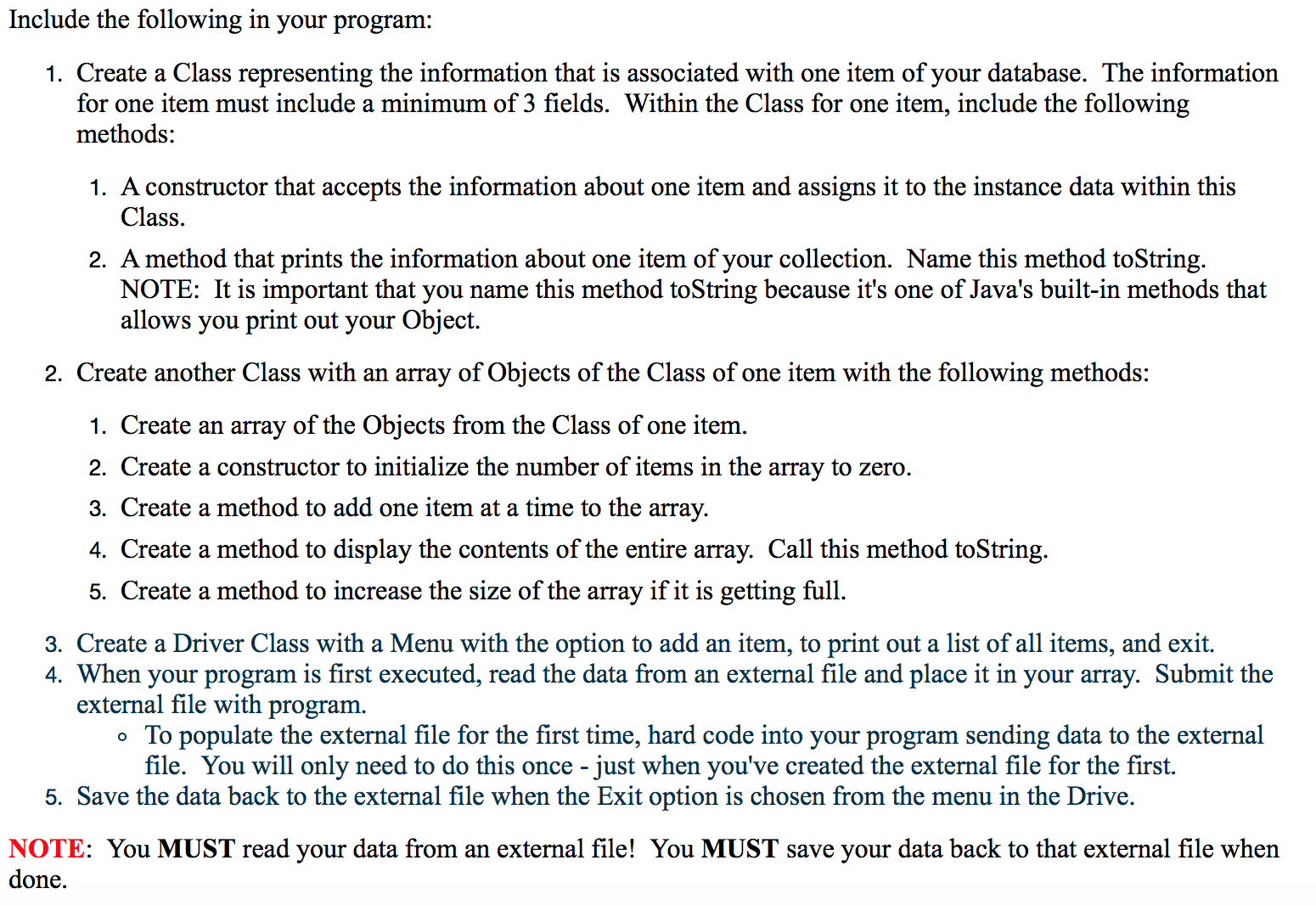
Create a Class representing the information that is associated with one item of your database. The information for one item must include a minimum of 3 fields. Within the Class for one item, include the following methods: A constructor that accepts the information about one item and assigns it to the instance data within this Class. A method that prints the information about one item of your collection. Name this method toString. NOTE: It is important that you name this method toString because it's one of Java's built-in methods that allows you print out your Object. Create another Class with an array of Objects of the Class of one item with the following methods: Create an array of the Objects from the Class of one item. Create a constructor to initialize the number of items in the array to zero. Create a method to add one item at a time to the array. Create a method to display the contents of the entire array. Call this method toString. Create a method to increase the size of the array if it is getting full. Create a Driver Class with a Menu with the option to add an item, to print out a list of all items, and exit. When your program is first executed, read the data from an external file and place it in your array. Submit the external file with program. To populate the external file for the first time, hard code into your program sending data to the external file. You will only need to do this once - just when you've created the external file for the first. Save the data back to the external file when the Exit option is chosen from the menu in the Drive. You MUST read your data from an external file! You MUST save your data back to that external file when done. Create a Class representing the information that is associated with one item of your database. The information for one item must include a minimum of 3 fields. Within the Class for one item, include the following methods: A constructor that accepts the information about one item and assigns it to the instance data within this Class. A method that prints the information about one item of your collection. Name this method toString. NOTE: It is important that you name this method toString because it's one of Java's built-in methods that allows you print out your Object. Create another Class with an array of Objects of the Class of one item with the following methods: Create an array of the Objects from the Class of one item. Create a constructor to initialize the number of items in the array to zero. Create a method to add one item at a time to the array. Create a method to display the contents of the entire array. Call this method toString. Create a method to increase the size of the array if it is getting full. Create a Driver Class with a Menu with the option to add an item, to print out a list of all items, and exit. When your program is first executed, read the data from an external file and place it in your array. Submit the external file with program. To populate the external file for the first time, hard code into your program sending data to the external file. You will only need to do this once - just when you've created the external file for the first. Save the data back to the external file when the Exit option is chosen from the menu in the Drive. You MUST read your data from an external file! You MUST save your data back to that external file when done
Step by Step Solution
There are 3 Steps involved in it

Get step-by-step solutions from verified subject matter experts
 Study Help