







Question: java CS321: Lab #4 Starting your Application with GUI Objective(s) Build GUIs and handle events generated by user interactions with GUIS. Understand the packages containing
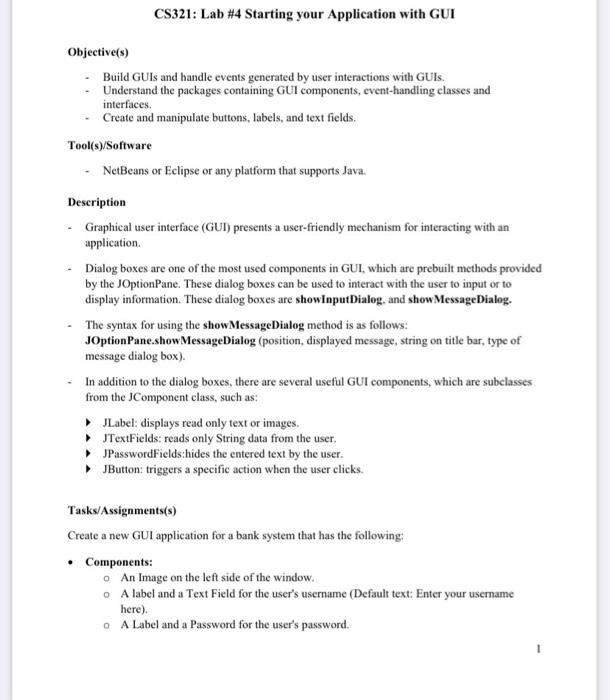
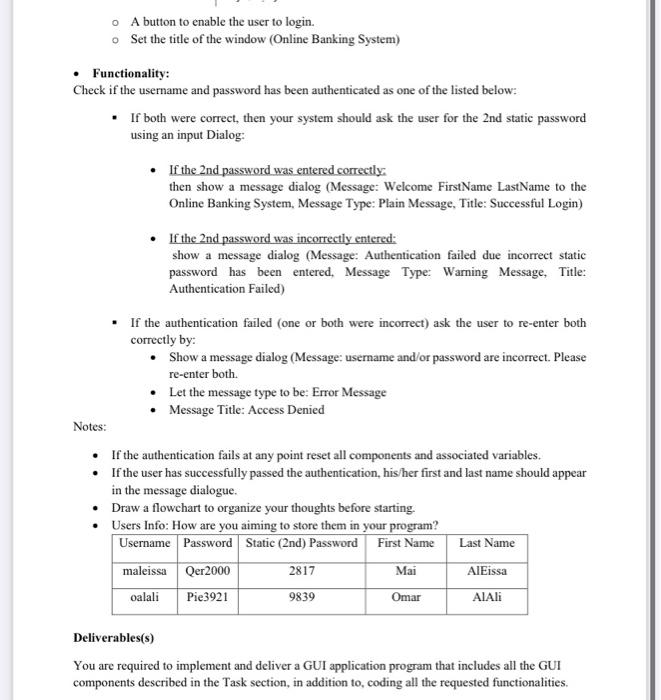
CS321: Lab #4 Starting your Application with GUI Objective(s) Build GUIs and handle events generated by user interactions with GUIS. Understand the packages containing GUI components, event-handling classes and interfaces. Create and manipulate buttons, labels, and text fields. Tool(s)/Software NetBeans or Eclipse or any platform that supports Java. Description Graphical user interface (GUI) presents a user-friendly mechanism for interacting with an application Dialog boxes are one of the most used components in GUI which are prebuilt methods provided by the JOptionPane. These dialog boxes can be used to interact with the user to input or to display information. These dialog boxes are showInput Dialog and show MessageDialog. The syntax for using the show MessageDialog method is as follows: JOptionPane.showMessageDialog (position, displayed message, string on title bar, type of message dialog box). In addition to the dialog boxes, there are several useful GUI components, which are subclasses from the Component class, such as: JLabel: displays read only text or images. JTextFields: reads only String data from the user JPassword Fields:hides the entered text by the user. JButton: triggers a specific action when the user clicks. Tasks/Assignments(s) Create a new GUI application for a bank system that has the following: Components: o An Image on the left side of the window. A label and a Text Field for the user's username (Default text: Enter your username here) O A Label and a Password for the user's password. A button to enable the user to login. Set the title of the window (Online Banking System) Functionality: Check if the username and password has been authenticated as one of the listed below: If both were correct, then your system should ask the user for the 2nd static password using an input Dialog: If the 2nd password was entered correctly. then show a message dialog (Message: Welcome FirstName LastName to the Online Banking System, Message Type: Plain Message. Title: Successful Login) If the 2nd password was incorrectly entered: show a message dialog (Message: Authentication failed due incorrect static password has been entered. Message Type: Warning Message. Title: Authentication Failed) If the authentication failed (one or both were incorrect) ask the user to re-enter both correctly by: Show a message dialog (Message: username and/or password are incorrect. Please re-enter both. Let the message type to be: Error Message Message Title: Access Denied Notes: If the authentication fails at any point reset all components and associated variables. If the user has successfully passed the authentication, his/her first and last name should appear in the message dialogue. Draw a flowchart to organize your thoughts before starting. Users Info: How are you aiming to store them in your program? Username Password Static (2nd) Password First Name Last Name maleissa Qer2000 2817 Mai AlEissa oalali Pie3921 9839 Omar AlAli Deliverables(s) You are required to implement and deliver a GUI application program that includes all the GUI components described in the Task section, in addition to coding all the requested functionalities
Step by Step Solution
There are 3 Steps involved in it

Get step-by-step solutions from verified subject matter experts
 Study Help