







Question: java GUI code D Microsoft word-COMP|00614 osu-e017ba2662 892 5d70db22ddcf24 1 966d7d6b01 1 2/Downloads/COMP 1 0061 406A-Fi 8-A3%20Specification pdf For this assignment, you will build a
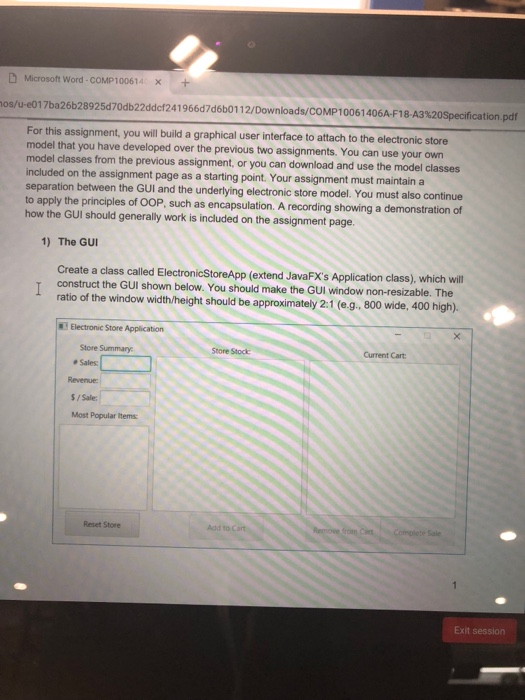
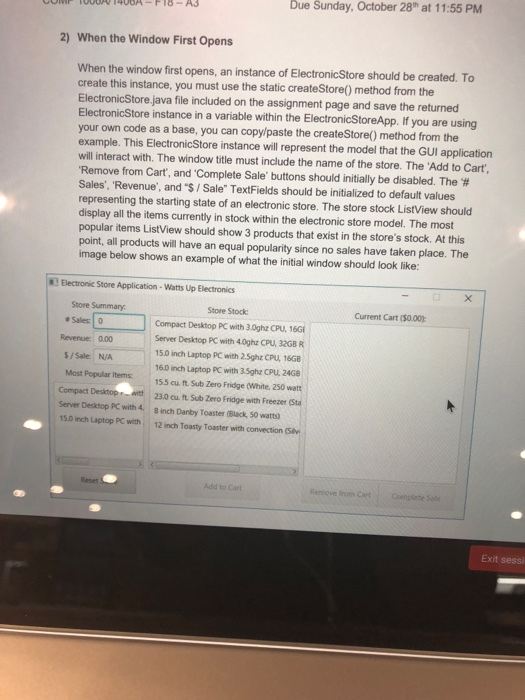
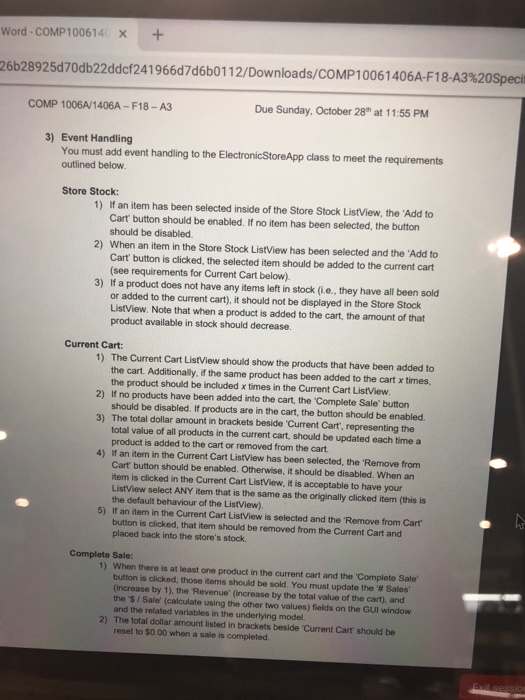
D Microsoft word-COMP|00614 osu-e017ba2662 892 5d70db22ddcf24 1 966d7d6b01 1 2/Downloads/COMP 1 0061 406A-Fi 8-A3%20Specification pdf For this assignment, you will build a graphical user interface to attach to the electronic stoe model that you have developed over the previous two assignments. You can use your own model classes from the previous assignment, or you can download and use the model classes included on the assignment page as a starting point. Your assignment must maintain a separation between the GUI and the underlying electronic store model. You must also continue to apply the principles of OOP, such as encapsulation. A recording showing a demonstration of how the GUI should generally work is included on the assignment page. 1) The GUI Create a class called ElectronicStoreApp (extend JavaFX's Application class), which will construct the GUI shown below. You should make the GUI window non-resizable. The ratio of the window width/height should be approximately 21 (e.g. 800 wide, 400 high). Electronic Store Application Store Summary Current Cart # Sales: Revenue: /Sale: Most Popular items Reset Store Add to C Exit session D Microsoft word-COMP|00614 osu-e017ba2662 892 5d70db22ddcf24 1 966d7d6b01 1 2/Downloads/COMP 1 0061 406A-Fi 8-A3%20Specification pdf For this assignment, you will build a graphical user interface to attach to the electronic stoe model that you have developed over the previous two assignments. You can use your own model classes from the previous assignment, or you can download and use the model classes included on the assignment page as a starting point. Your assignment must maintain a separation between the GUI and the underlying electronic store model. You must also continue to apply the principles of OOP, such as encapsulation. A recording showing a demonstration of how the GUI should generally work is included on the assignment page. 1) The GUI Create a class called ElectronicStoreApp (extend JavaFX's Application class), which will construct the GUI shown below. You should make the GUI window non-resizable. The ratio of the window width/height should be approximately 21 (e.g. 800 wide, 400 high). Electronic Store Application Store Summary Current Cart # Sales: Revenue: /Sale: Most Popular items Reset Store Add to C Exit session
Step by Step Solution
There are 3 Steps involved in it

Get step-by-step solutions from verified subject matter experts
 Study Help