







Question: JAVA Help I am getting this error when trying to run the code below, I need to know if i need anything more then what
JAVA Help
![{ public static void main(String[] args) { // Declare variables String keywords;](https://s3.amazonaws.com/si.experts.images/answers/2024/09/66dc185d6eed1_18866dc185ce89da.jpg)
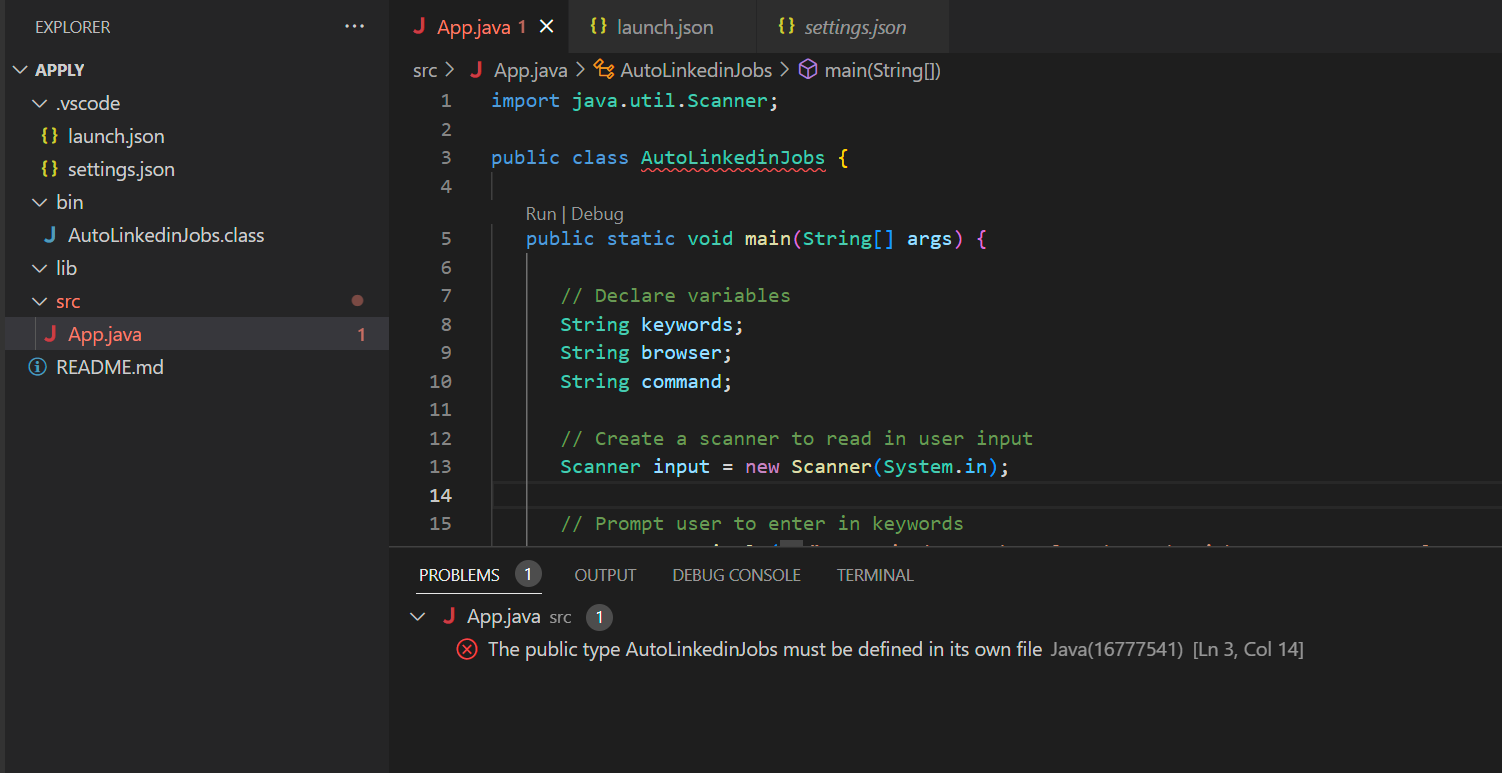
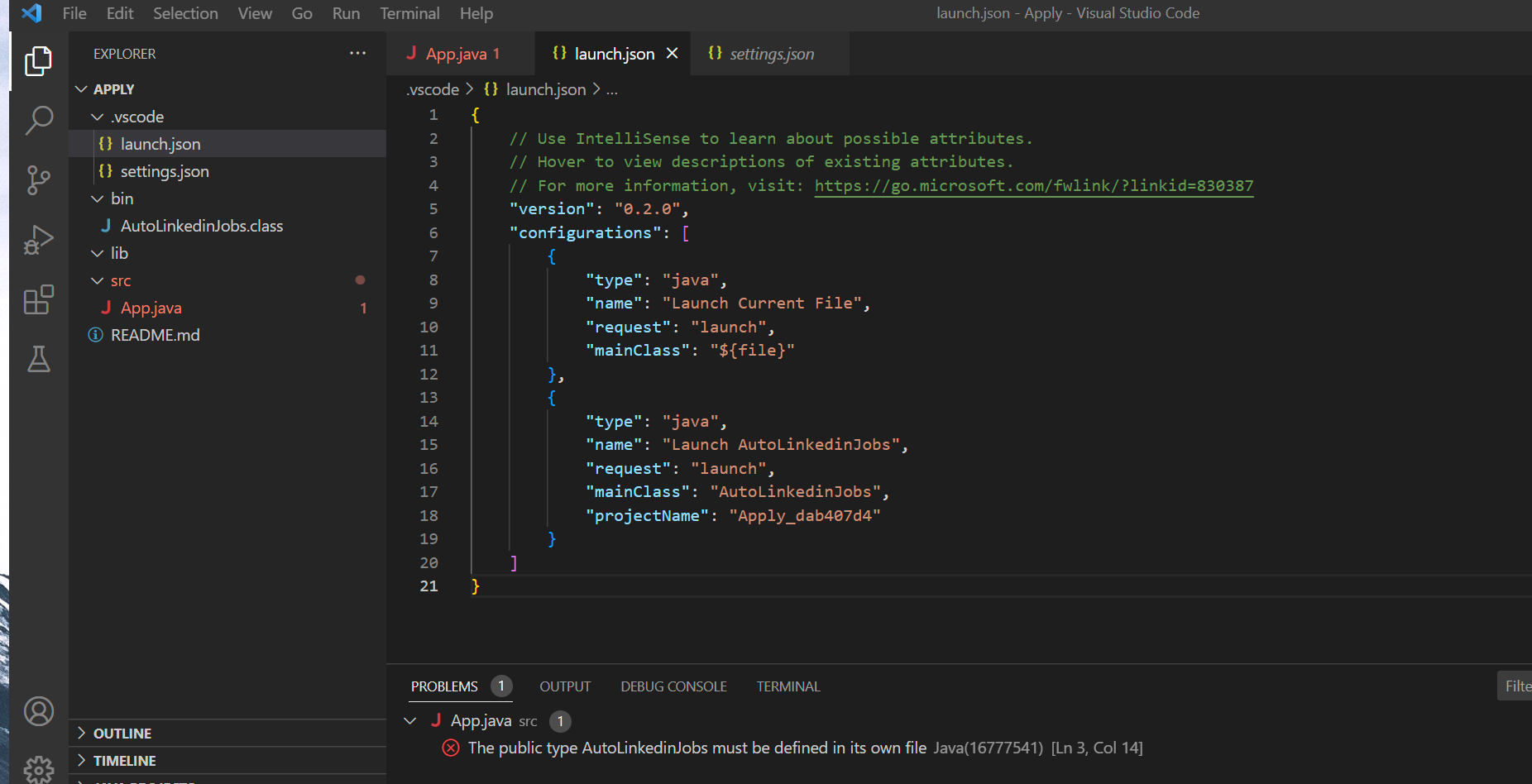
I am getting this error when trying to run the code below, I need to know if i need anything more then what i have to run this:
import java.util.Scanner;
public class AutoLinkedinJobs {
public static void main(String[] args) {
// Declare variables
String keywords;
String browser;
String command;
// Create a scanner to read in user input
Scanner input = new Scanner(System.in);
// Prompt user to enter in keywords
System.out.println("Enter in keywords related to the job you want to apply to: ");
keywords = input.nextLine();
// Prompt user to enter in their preferred browser
System.out.println("Enter in your preferred browser: ");
browser = input.nextLine();
// Open up LinkedIn on the user's preferred browser
openLinkedin(browser, keywords);
// Read in user command
System.out.println("Enter in 'stop' to end program or press enter to continue: ");
command = input.nextLine();
// While loop to continue evaluating jobs until user commands to stop
while (!command.equals("stop")) {
// Prompt user to enter in keywords
System.out.println("Enter in keywords related to the job you want to apply to: ");
keywords = input.nextLine();
// Open up LinkedIn on the user's preferred browser
openLinkedin(browser, keywords);
// Read in user command
System.out.println("Enter in 'stop' to end program or press enter to continue: ");
command = input.nextLine();
}
// Close the scanner
input.close();
}
// Method to open up LinkedIn on the user's preferred browser
public static void openLinkedin(String browser, String keywords) {
// Code to open up LinkedIn on the user's preferred browser here
System.out.println("Opening LinkedIn on " + browser + " with keywords: " + keywords);
}
}
X1 File Edit Selection View Go Run Terminal Help launch.json - Apply - Visual Studio Code File Edit Selection View Go Run Terminal Help settings.json - Apply - Visual Studio Code
Step by Step Solution
There are 3 Steps involved in it

Get step-by-step solutions from verified subject matter experts
 Study Help