







Question: JAVA Language - Skeleton for java code is below - Comment as much as possible Skeleton of Exercise4.java // Skeleton file for use with basic
JAVA Language - Skeleton for java code is below - Comment as much as possible
Skeleton of Exercise4.java
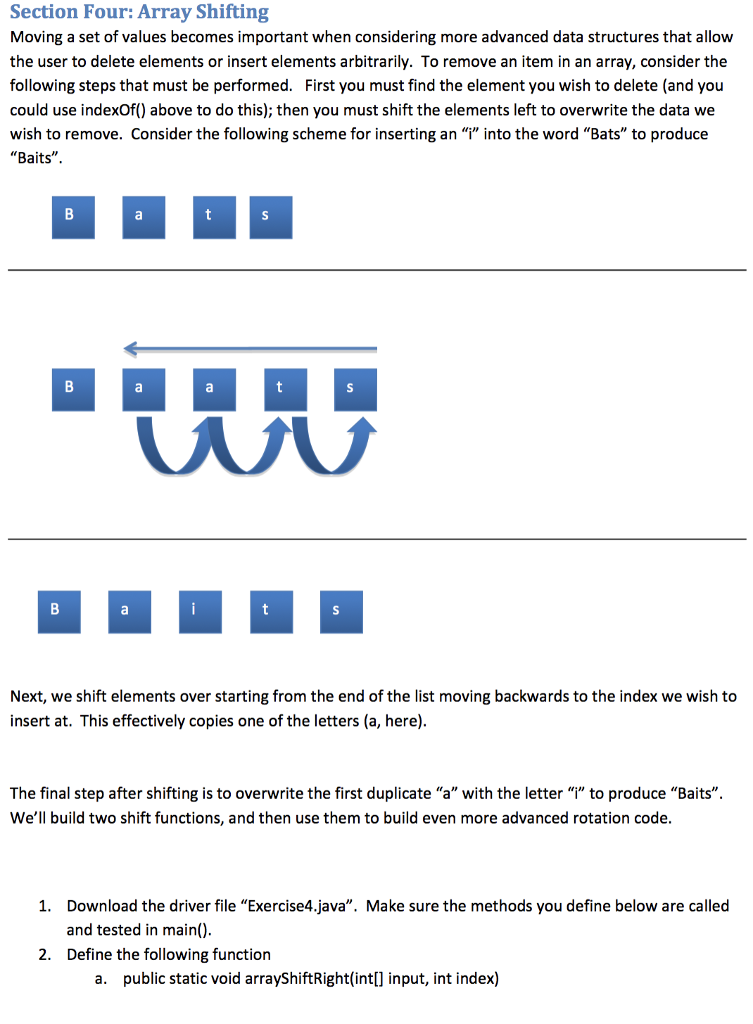
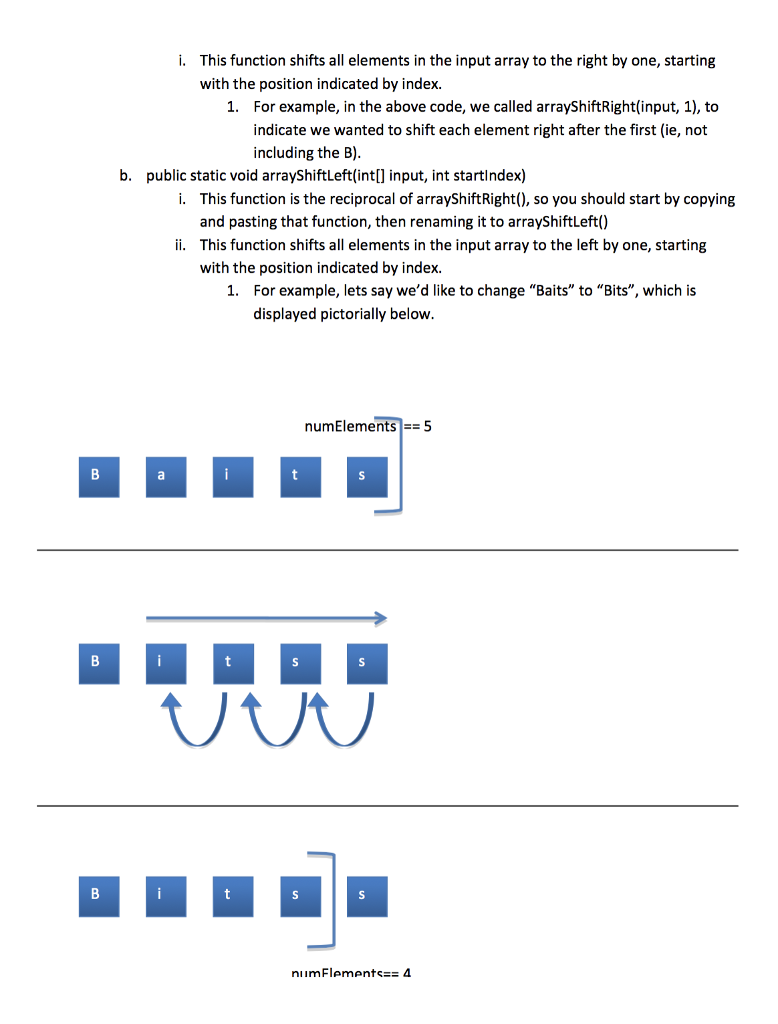
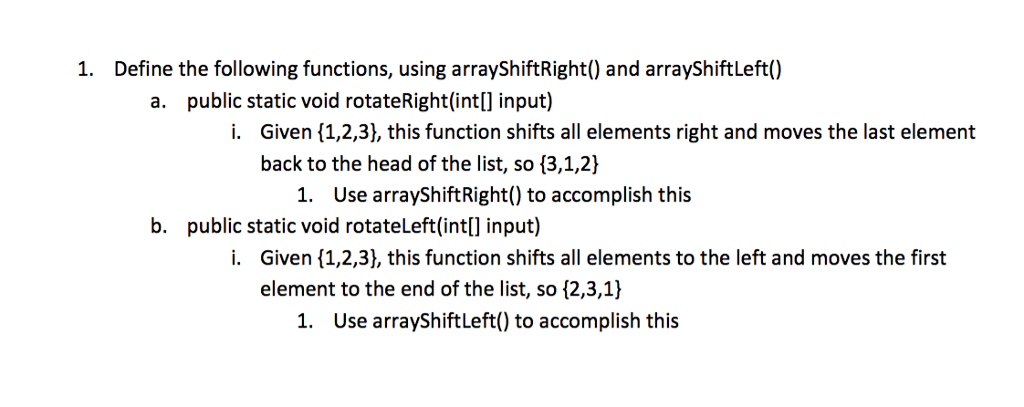
// Skeleton file for use with basic list processing, such as: // Shift elements left to make some room for a new element, or // Shift elements right to overwrite/remove a target element. // Optional challenge extends shifts to include rotates, but these // should reuse arrayShiftLeft() and right(), so do those first. // // Examples: // shifing left == {3,9,2,0,0,0} -> {9,2,0,0,0,0} // shifing right == {9,2,0,0,0,0} -> {9,9,2,0,0,0} // rotate left == {1,2,3} -> {2,3,1} // rotate right == {1,2,3} -> {3,1,2} // // // Skeleton Level: Minimal. // You need to call each function below from main; see comment stubs in main to start. // You need to define each function below; see comment stubs to get started. // import java.util.Arrays;
public class Exercise4 {
public static void main(String[] args) { //int[] data = {3,9,2,0,0,0}; //a six-element array with only three values so far //int[] data2 = {1,5,3,2,9,6}; //a six-element array filled with values. //arrayShiftLeft(data); //...do the same for data2 //print out each element in data here // for(int i = 0; i
//public static void arrayShiftRight(int[] input, int startIndex) { //optional - for extra challenge - //public static void rotateLeft(int[] input) { //hint: use arrayShiftLeft inside rotateLeft //public static void rotateRight(int[] input) { //hint: use arrayShiftRight inside rotateRight }
Step by Step Solution
There are 3 Steps involved in it

Get step-by-step solutions from verified subject matter experts
 Study Help