







Question: Java network assignment and want to apologize for not having a starter code of this assignment. Step #1: Open a server socket. Start by writing
Java network assignment and want to apologize for not having a starter code of this assignment.
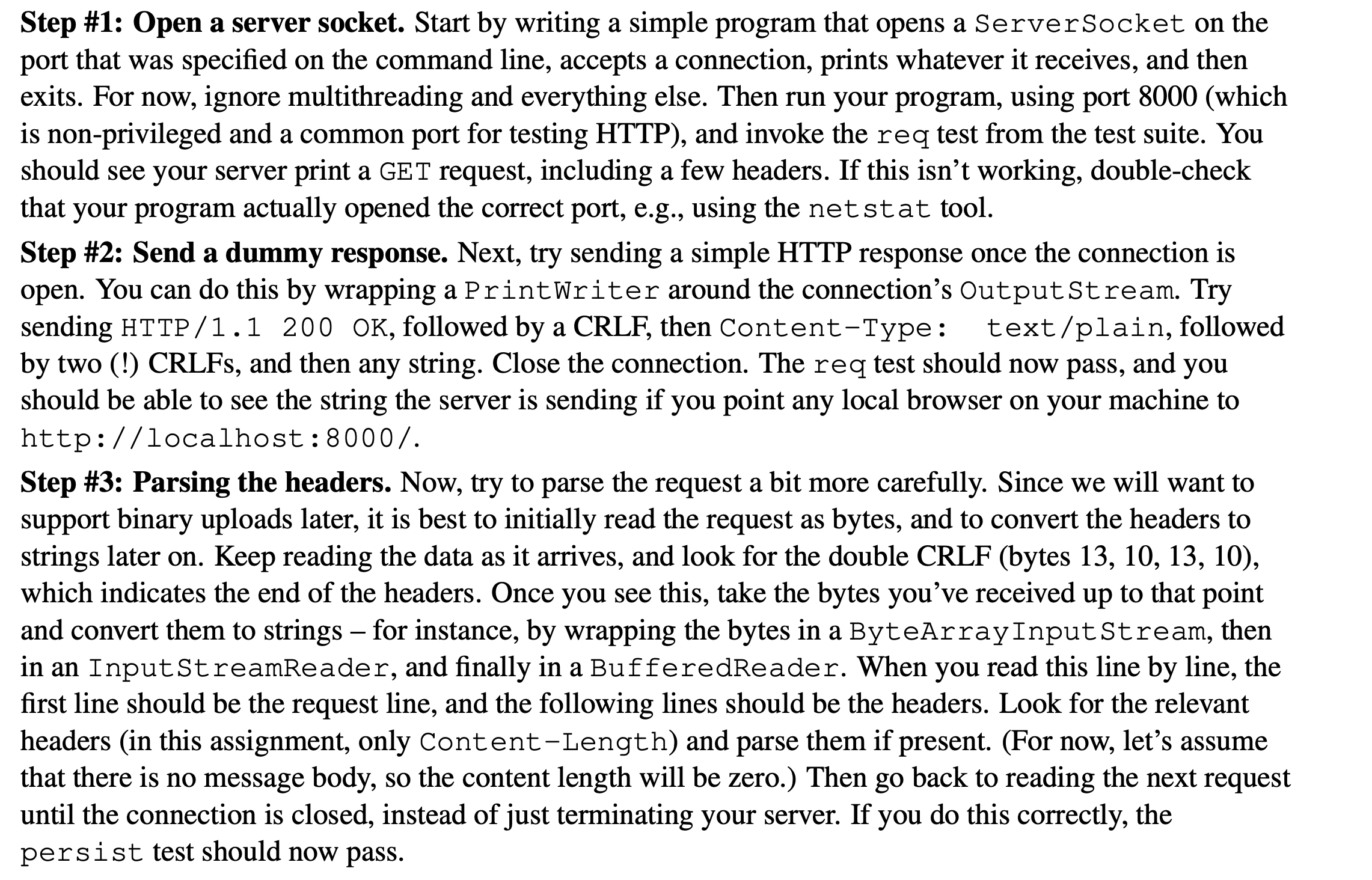
Step #1: Open a server socket. Start by writing a simple program that opens a ServerSocket on the port that was specified on the command line, accepts a connection, prints whatever it receives, and then exits. For now, ignore multithreading and everything else. Then run your program, using port 8000 (which is non-privileged and a common port for testing HTTP), and invoke the req test from the test suite. You should see your server print a GET request, including a few headers. If this isn't working, double-check that your program actually opened the correct port, e.g., using the netstat tool. Step #2: Send a dummy response. Next, try sending a simple HTTP response once the connection is open. You can do this by wrapping a Print Writer around the connection's OutputStream. Try sending HTTP/1.1 200 OK, followed by a CRLF, then Content-Type: text/plain, followed by two (!) CRLFs, and then any string. Close the connection. The req test should now pass, and you should be able to see the string the server is sending if you point any local browser on your machine to http://localhost:8000/. Step #3: Parsing the headers. Now, try to parse the request a bit more carefully. Since we will want to support binary uploads later, it is best to initially read the request as bytes, and to convert the headers to strings later on. Keep reading the data as it arrives, and look for the double CRLF (bytes 13, 10, 13, 10), which indicates the end of the headers. Once you see this, take the bytes you've received up to that point and convert them to strings - for instance, by wrapping the bytes in a ByteArrayInputStream, then in an InputStreamReader, and finally in a BufferedReader. When you read this line by line, the first line should be the request line, and the following lines should be the headers. Look for the relevant headers (in this assignment, only Content-Length) and parse them if present. (For now, let's assume that there is no message body, so the content length will be zero.) Then go back to reading the next request until the connection is closed, instead of just terminating your server. If you do this correctly, the persist test should now pass.
Step by Step Solution
There are 3 Steps involved in it
It seems you are working on a network programming assignment in Java to create a simple HTTP server Below is a basic outline of how you can implement ... View full answer

Get step-by-step solutions from verified subject matter experts
 Study Help