







Question: java please Lab Instructions: 1. Create and design a program called MegaCalc! which should be a simple calculator that has a front-end graphical user interface
java please 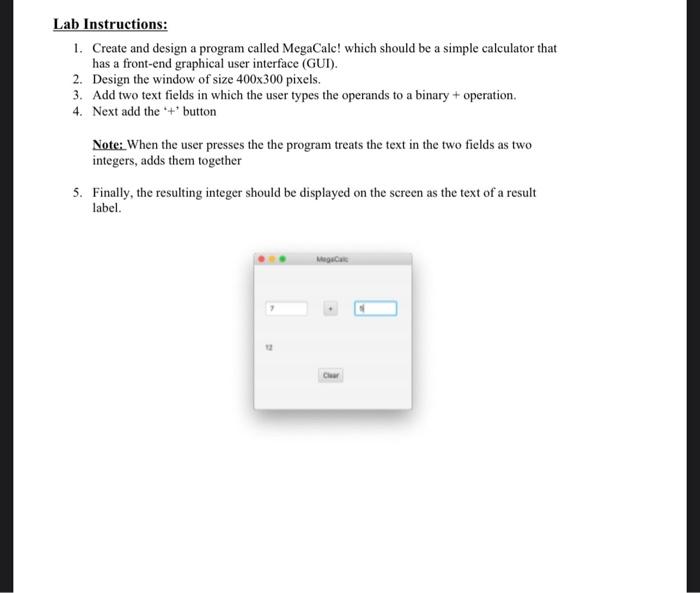

Lab Instructions: 1. Create and design a program called MegaCalc! which should be a simple calculator that has a front-end graphical user interface (GUI). 2. Design the window of size 400x300 pixels. 3. Add two text fields in which the user types the operands to a binary + operation. 4. Next add the "+" button Note: When the user presses the the program treats the text in the two fields as two integers, adds them together 5. Finally, the resulting integer should be displayed on the screen as the text of a result label. Man Cher Please upload the following files onto Gradescope: Jaya Controller.java Main.java Calc.java Lab8.fxml
Step by Step Solution
There are 3 Steps involved in it
1 Expert Approved Answer
Step: 1 Unlock

Question Has Been Solved by an Expert!
Get step-by-step solutions from verified subject matter experts
Step: 2 Unlock
Step: 3 Unlock
 Study Help