







Question: Java program: Creating a JAR (JAVA Archive File) These are not the directions in general. However, we are using two Projects, Geometry and TestJAR Go
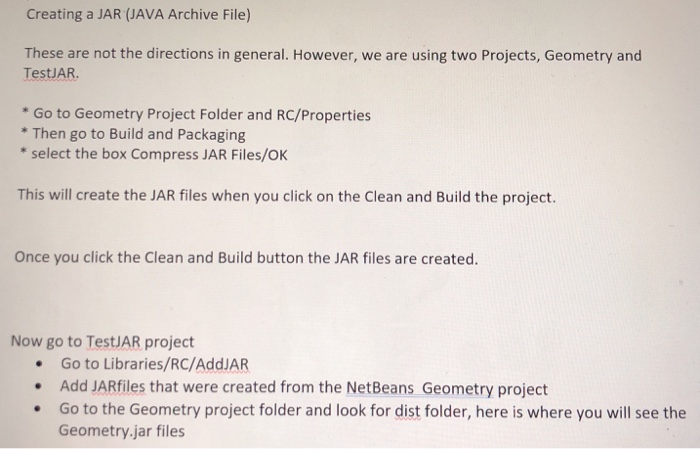
Creating a JAR (JAVA Archive File) These are not the directions in general. However, we are using two Projects, Geometry and TestJAR Go to Geometry Project Folder and RC/Properties * Then go to Build and Packaging select the box Compress JAR Files/OK This will create the JAR files when you click on the Clean and Build the project Once you click the Clean and Build button the JAR files are created. Now go to TestJAR project .Go to Libraries/RC/AddJAR Add JARfiles that were created from the NetBeans Geometry project .Go to the Geometry project folder and look for dist folder, here is where you will see the Geometry.jar files
Step by Step Solution
There are 3 Steps involved in it

Get step-by-step solutions from verified subject matter experts
 Study Help