







Question: Java program Please help me Thank you There is no test classes. please help me it's due today. Course Class Create a class to hold
Java program
Please help me
Thank you
There is no test classes.
please help me it's due today.
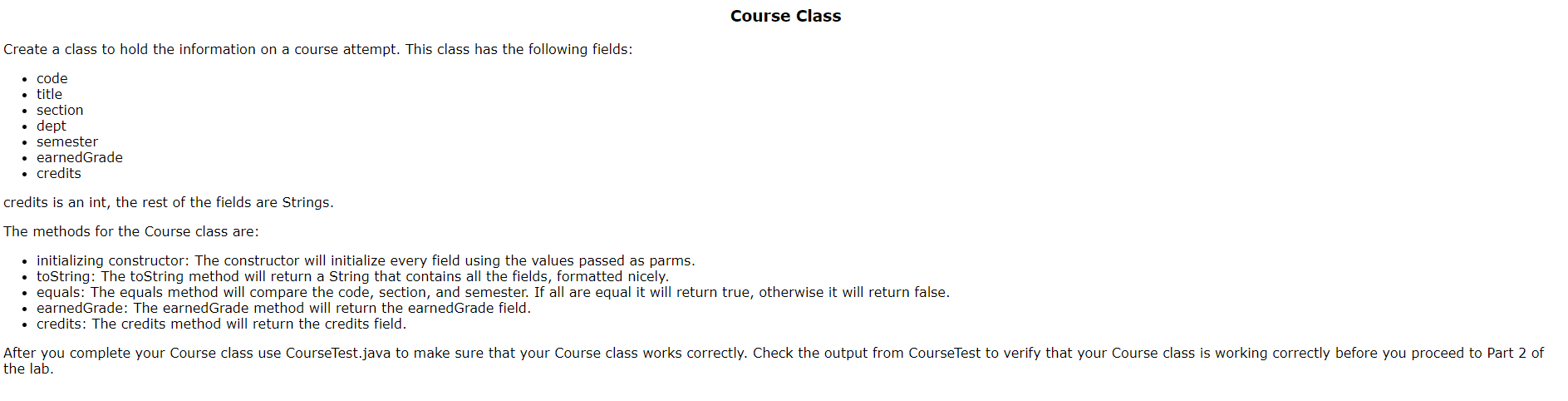
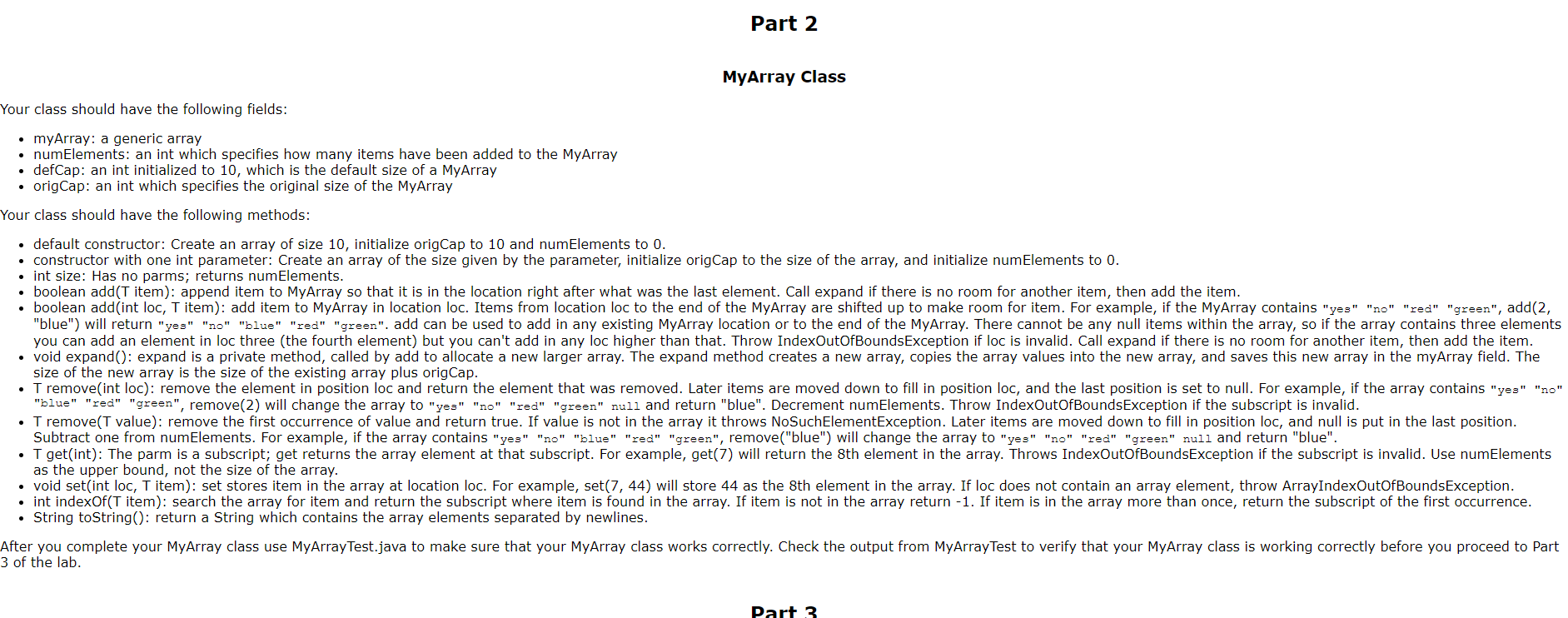
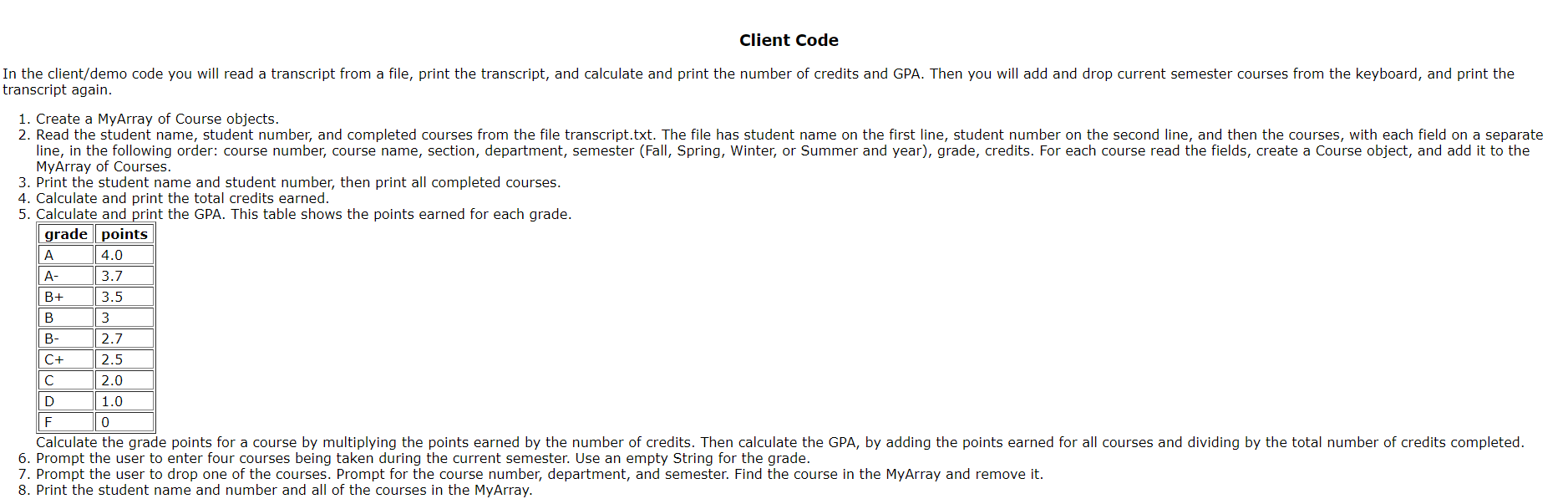
Course Class Create a class to hold the information on a course attempt. This class has the following fields: code title section dept semester earnedGrade credits credits is an int, the rest of the fields are Strings. The methods for the Course class are: initializing constructor: The constructor will initialize every field using the values passed as parms. toString: The toString method will return a String that contains all the fields, formatted nicely. equals: The equals method will compare the code, section, and semester. If all are equal it will return true, otherwise it will return false. earnedGrade: The earnedGrade method will return the earned Grade field. credits: The credits method will return the credits field. After you complete your Course class use CourseTest.java to make sure that your Course class works correctly. Check the output from CourseTest to verify that your Course class is working correctly before you proceed to Part 2 of the lab. Part 2 MyArray Class Your class should have the following fields: myArray: a generic array numElements: an int which specifies how many items have been added to the MyArray defCap: an int initialized to 10, which is the default size of a MyArray origCap: an int which specifies the original size of the MyArray Your class should have the following methods: default constructor: Create an array of size 10, initialize origCap to 10 and numElements to 0. constructor with one int parameter: Create an array of the size given by the parameter, initialize origCap to the size of the array, and initialize numElements to 0. int size: Has no parms; returns numElements. boolean add(T item): append item to MyArray so that it is in the location right after what was the last element. Call expand if there is no room for another item, then add the item. boolean add(int loc, T item): add item to MyArray in location loc. Items from location loc to the end of the MyArray are shifted up to make room for item. For example, if the MyArray contains "yes" "no" "red" "green", add(2, "blue") will return "yes" "no" "blue" "red" "green". add can be used to add in any existing MyArray location or to the end of the MyArray. There cannot be any null items within the array, so if the array contains three elements you can add an element in loc three (the fourth element) but you can't add in any loc higher than that. Throw IndexOutOfBoundsException if loc is invalid. Call expand if there is no room for another item, then add the item. void expand(): expand is a private method, called by add to allocate a new larger array. The expand method creates a new array, copies the array values into the new array, and saves this new array in the myArray field. The size of the new array is the size of the existing array plus origCap. I remove(int loc): remove the element in position loc and return the element that was removed. Later items are moved down to fill in position loc, and the last position is set to null. For example, if the array contains "yes" "no" "blue" "red" "green", remove(2) will change the array to "yes" "no" "red" "green" null and return "blue". Decrement numElements. Throw IndexOutOfBoundsException if the subscript is invalid. . I remove(T value): remove the first occurrence of value and return true. If value is not in the array it throws NoSuchElementException. Later items are moved down to fill in position loc, and null is put in the last position. Subtract one from numElements. For example, if the array contains "yes" "no" "blue" "red" "green", remove("blue") will change the array to "yes" "no" "red" "green" null and return "blue". . I get(int): The parm is a subscript; get returns the array element at that subscript. For example, get(7) will return the 8th element in the array. Throws IndexOutOfBoundsException if the subscript is invalid. Use numElements as the upper bound, not the size of the array. void set(int loc, T item): set stores item in the array at location loc. For example, set(7, 44) will store 44 as the 8th element in the array. If loc does not contain an array element, throw ArrayIndexOutOfBoundsException. int indexOf(T item): search the array for item and return the subscript where item is found in the array. If item is not in the array return -1. If item is in the array more than once, return the subscript of the first occurrence. String toString(): return a String which contains the array elements separated by newlines. After you complete your MyArray class use MyArray Test.java to make sure that your MyArray class works correctly. Check the output from MyArray Test to verify that your MyArray class is working correctly before you proceed to Part 3 of the lab. Part 3 Client Code In the client/demo code you will read a transcript from a file, print the transcript, and calculate and print the number of credits and GPA. Then you will add and drop current semester courses from the keyboard, and print the transcript again. 1. Create a MyArray of Course objects. 2. Read the student name, student number, and completed courses from the file transcript.txt. The file has student name on the first line, student number on the second line, and then the courses, with each field on a separate line, in the following order: course number, course name, section, department, semester (Fall, Spring, Winter, or Summer and year), grade, credits. For each course read the fields, create a Course object, and add it to the MyArray of Courses. 3. Print the student name and student number, then print all completed courses. 4. Calculate and print the total credits earned. 5. Calculate and print the GPA. This table shows the points earned for each grade. grade points A 4.0 A- 3.7 B+ 3.5 B 3 B- 2.7 C+ 2.5 2.0 D 1.0 F 0 Calculate the grade points for a course by multiplying the points earned by the number of credits. Then calculate the GPA, by adding the points earned for all courses and dividing by the total number of credits completed. 6. Prompt the user to enter four courses being taken during the current semester. Use an empty String for the grade. 7. Prompt the user to drop one of the courses. Prompt for the course number, department, and semester. Find the course in the MyArray and remove it. 8. Print the student name and number and all of the courses in the MyArray
Step by Step Solution
There are 3 Steps involved in it

Get step-by-step solutions from verified subject matter experts
 Study Help