







Question: JAVA PROGRAMMING Using the 'Name java' and 'Student java' files, expand both classes to include the to How mg methods: A 'copy* constructor, A 'clone'
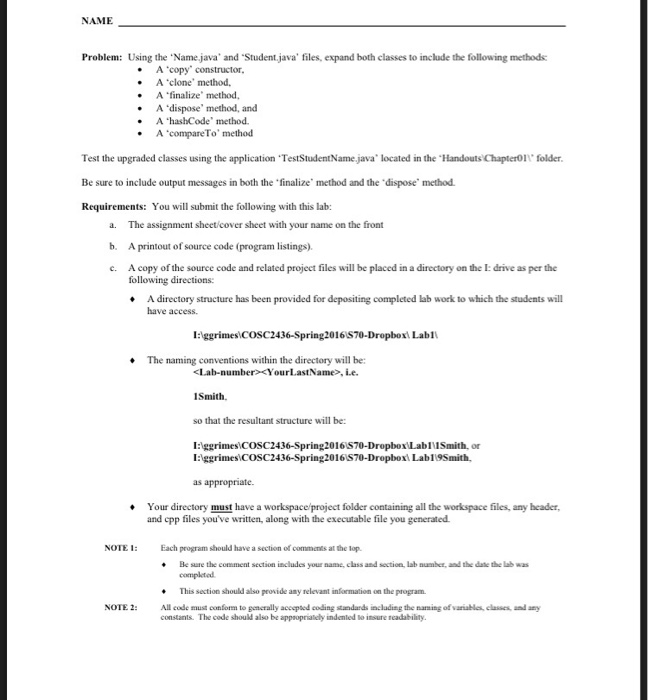
Using the 'Name java' and 'Student java' files, expand both classes to include the to How mg methods: A 'copy* constructor, A 'clone' method. A 'finalize' method, A 'dispose' method, and A 'hashCode' method. A 'compareTo' method Test the upgraded classes using the application 'TestStudentName java' located in the 'Handouts\Chapter01\' folder. Be sure to include output messages in both the 'finalize' method and the 'dispose' method Requirements: You will submit the following with this lab: The assignment sheet cover sheet with sour name on the front A printout of source code (program listings), A copy of the source code and related project files will be placed in a directory on the I: drisc as per the following directions. A directory structure has been provided for depositing completed lab work to which the students will have access. I:\ggrimes\COSC2436-Spring2016\S70-Dropbox\ Lab1\ The naming conventions within the directory will be:
Step by Step Solution
There are 3 Steps involved in it

Get step-by-step solutions from verified subject matter experts
 Study Help