







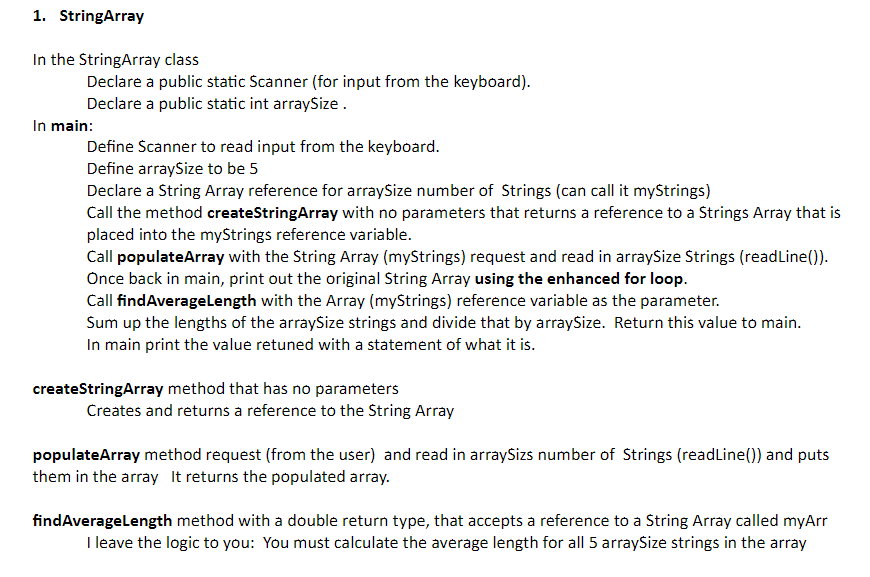
Question: JAVA StringArray In the StringArray class Declare a public static Scanner ( for input from the keyboard ) . Declare a public static int arraysize.
JAVA StringArray
In the StringArray class
Declare a public static Scanner for input from the keyboard
Declare a public static int arraysize.
In main:
Define Scanner to read input from the keyboard.
Define arraysize to be
Declare a String Array reference for arraySize number of Strings can call it myStrings
Call the method createStringArray with no parameters that returns a reference to a Strings Array that is
placed into the myStrings reference variable.
Call populateArray with the String Array myStrings request and read in arraySize Strings readLine
Once back in main, print out the original String Array using the enhanced for loop.
Call findAverageLength with the Array myStrings reference variable as the parameter.
Sum up the lengths of the arraySize strings and divide that by arraySize. Return this value to main.
In main print the value retuned with a statement of what it is
createStringArray method that has no parameters
Creates and returns a reference to the String Array
populateArray method request from the user and read in arraySizs number of Strings readLine and puts
them in the array It returns the populated array.
findAverageLength method with a double return type, that accepts a reference to a String Array called myArr
I leave the logic to you: You must calculate the average length for all arraySize strings in the array
Step by Step Solution
There are 3 Steps involved in it
1 Expert Approved Answer
Step: 1 Unlock

Question Has Been Solved by an Expert!
Get step-by-step solutions from verified subject matter experts
Step: 2 Unlock
Step: 3 Unlock
 Study Help