







Question: JAVA Write a method checkCharacter which has 2 parameters: A String, and a specified index (an int). Method checkCharacter checks the character at the specified
JAVA
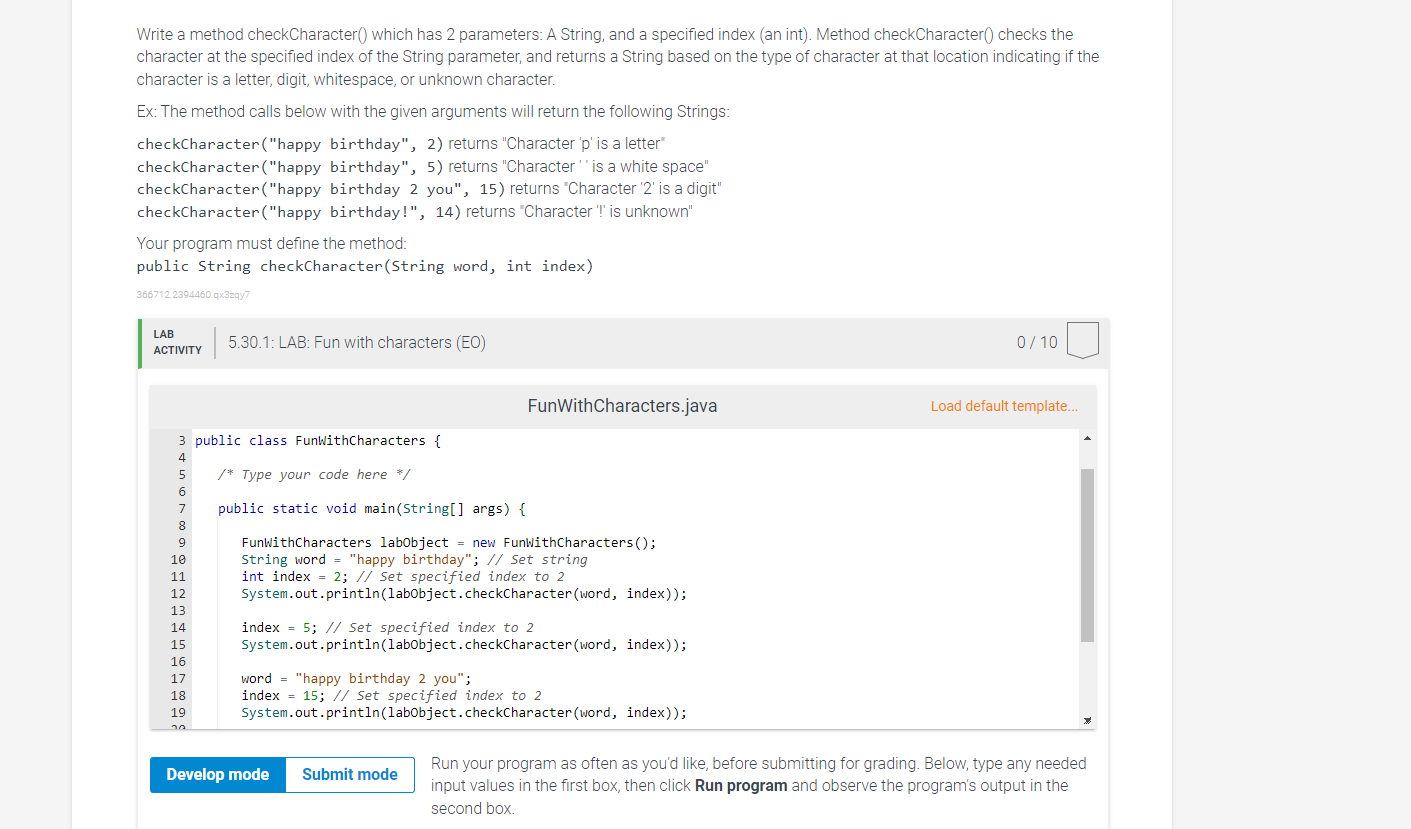
Write a method checkCharacter which has 2 parameters: A String, and a specified index (an int). Method checkCharacter checks the character at the specified index of the String parameter, and returns a String based on the type of character at that location indicating if the character is a letter, digit, whitespace, or unknown character. Ex: The method calls below with the given arguments will return the following Strings: checkCharacter("happy birthday", 2) returns "Character 'p' is a letter checkCharacter("happy birthday", 5) returns "Character is a white space" checkCharacter("happy birthday 2 you", 15) returns Character '2' is a digit" checkCharacter("happy birthday!", 14) returns "Character is unknown" Your program must define the method: public String checkCharacter(String word, int index) 3667122394460.qx3zqy7 LAB ACTIVITY 5.30.1: LAB: Fun with characters (EO) 0 / 10 FunWith Characters.java Load default template... 3 public class FunWithCharacters { 4 5 /* Type your code here */ 6 7 public static void main(String[] args) { 8 9 Funwithcharacters labobject = new FunWithCharacters(); String word = "happy birthday"; // Set string int index = 2; // Set specified index to 2 12 System.out.println(labobject.checkCharacter (word, index)); 13 14 index = 5; // Set specified index to 2 15 System.out.println(labobject.checkCharacter(word, index)); 16 17 word = "happy birthday 2 you"; index = 15; // Set specified index to 2 System.out.println(labobject.checkCharacter(word, index)); 10 11 18 19 Develop mode Submit mode Run your program as often as you'd like, before submitting for grading. Below, type any needed input values in the first box, then click Run program and observe the program's output in the second box
Step by Step Solution
There are 3 Steps involved in it

Get step-by-step solutions from verified subject matter experts
 Study Help