







Question: java;kjdfh Java HELP (1) Read in a phone number is the following format (no prompting necessary) Sample input: 111-222-3333 Use a String method to save
java;kjdfh
Java HELP
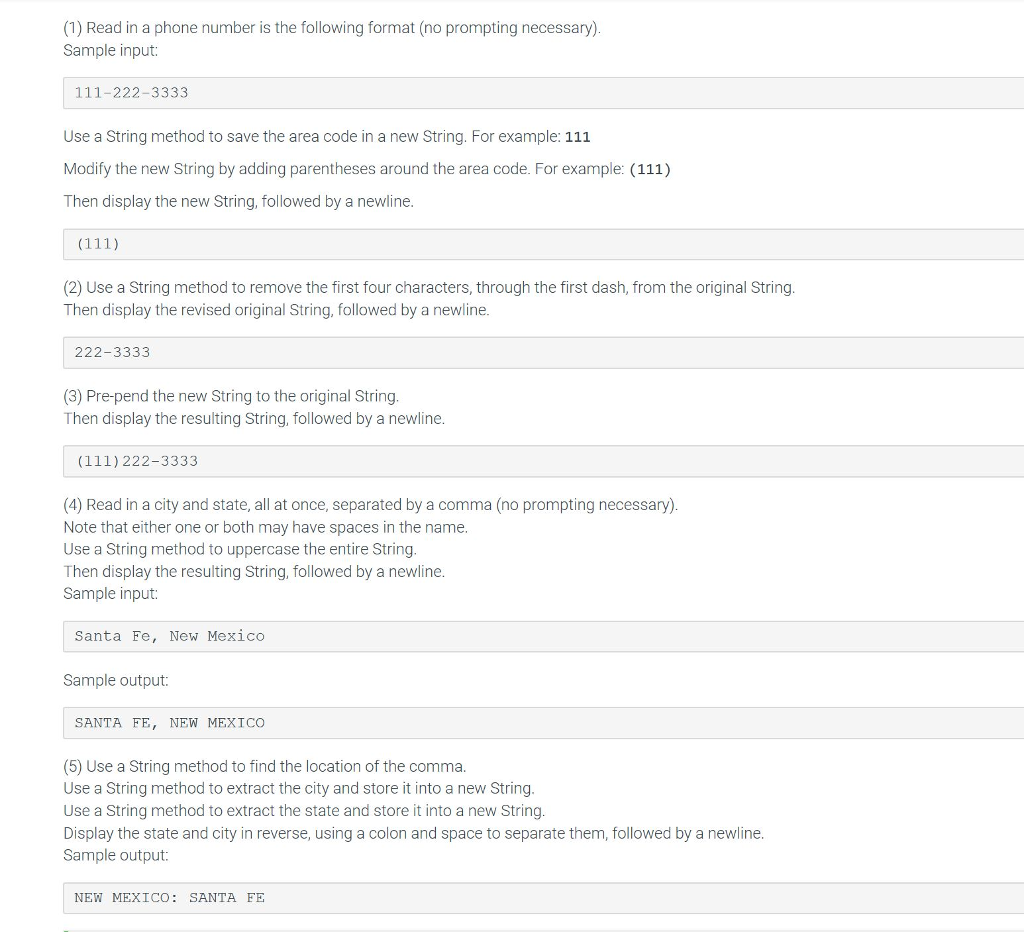
(1) Read in a phone number is the following format (no prompting necessary) Sample input: 111-222-3333 Use a String method to save the area code in a new String. For example: 111 Modify the new String by adding parentheses around the area code. For example: (111) Then display the new String, followed by a newline. (2) Use a String method to remove the first four characters, through the first dash, from the original String Then display the revised original String, followed by a newline. 222-3333 (3) Pre-pend the new String to the original String. Then display the resulting String, followed by a newline. (111)222-3333 (4) Read in a city and state, all at once, separated by a comma (no prompting necessary) Note that either one or both may have spaces in the name. Use a String method to uppercase the entire String. Then display the resulting String, followed by a newline. Sample input: Santa Fe, New Mexico Sample output: SANTA FE, NEW MEXICO (5) Use a String method to find the location of the comma. Use a String method to extract the city and store it into a new String. Use a String method to extract the state and store it into a new String Display the state and city in reverse, using a colon and space to separate them, followed by a newline. Sample output: NEW MEXICO: SANTA FF
Step by Step Solution
There are 3 Steps involved in it

Get step-by-step solutions from verified subject matter experts
 Study Help