







Question: Javascript Programming Assignment: - Tabbed panels are widely used in user interfaces. - They allow you to select an interface panel by choosing from a
Javascript Programming
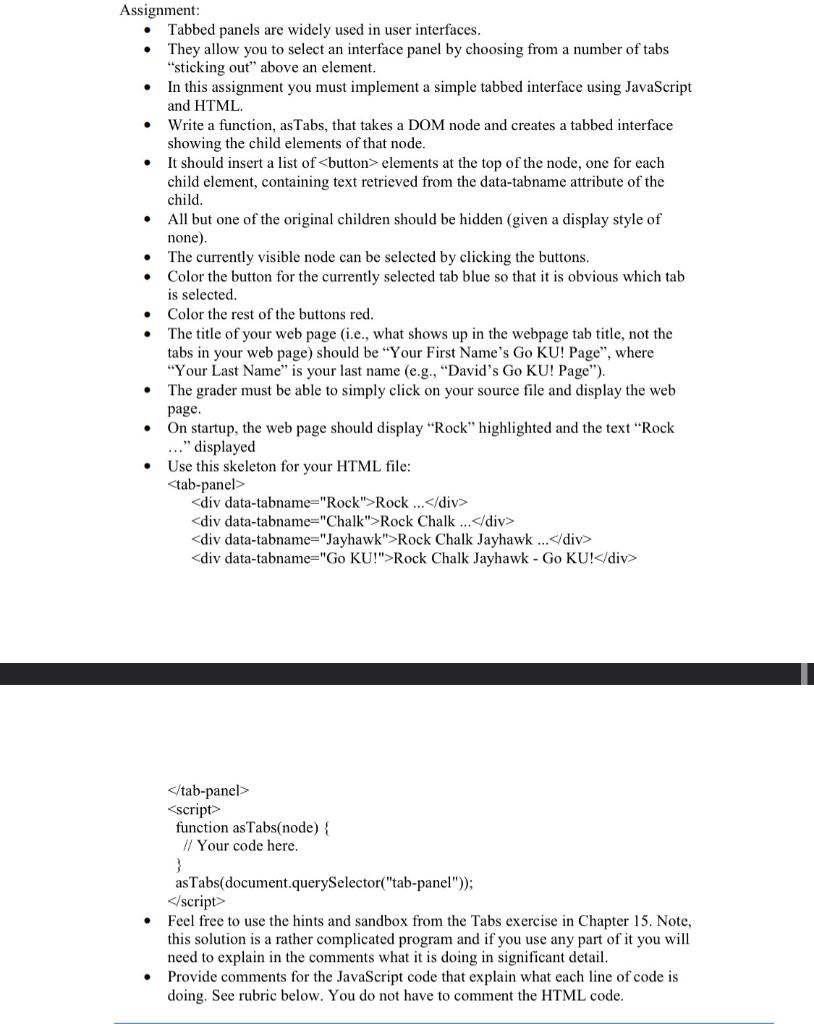
Assignment: - Tabbed panels are widely used in user interfaces. - They allow you to select an interface panel by choosing from a number of tabs "sticking out" above an element. - In this assignment you must implement a simple tabbed interface using JavaScript and HTML. - Write a function, asTabs, that takes a DOM node and creates a tabbed interface showing the child elements of that node. - It should insert a list of elements at the top of the node, one for each child element, containing text retrieved from the data-tabname attribute of the child. - All but one of the original children should be hidden (given a display style of none). - The currently visible node can be selected by clicking the buttons. - Color the button for the currently selected tab blue so that it is obvious which tab is selected. - Color the rest of the buttons red. - The title of your web page (i.e., what shows up in the webpage tab title, not the tabs in your web page) should be "Your First Name's Go KU! Page", where "Your Last Name" is your last name (e.g., "David's Go KU! Page"). - The grader must be able to simply click on your source file and display the web page. - On startup, the web page should display "Rock" highlighted and the text "Rock ..." displayed - Use this skeleton for your HTML file: Rock div > Rock Chalk div > Rock Chalk Jayhawk Rock Chalk Jayhawk - Go KU ! div> script > function asTabs(node) \{ // Your code here. \} asTabs(document.querySelector("tab-panel")); script > - Feel free to use the hints and sandbox from the Tabs exercise in Chapter 15. Note, this solution is a rather complicated program and if you use any part of it you will need to explain in the comments what it is doing in significant detail. - Provide comments for the JavaScript code that explain what each line of code is doing. See rubric below. You do not have to comment the HTML code
Step by Step Solution
There are 3 Steps involved in it

Get step-by-step solutions from verified subject matter experts
 Study Help