







Question: Jupyter Notebook Modify your code to calculate mean, biased sample variance and unbiased sample variance, using the numpy functions np.mean and np.var. We showed in
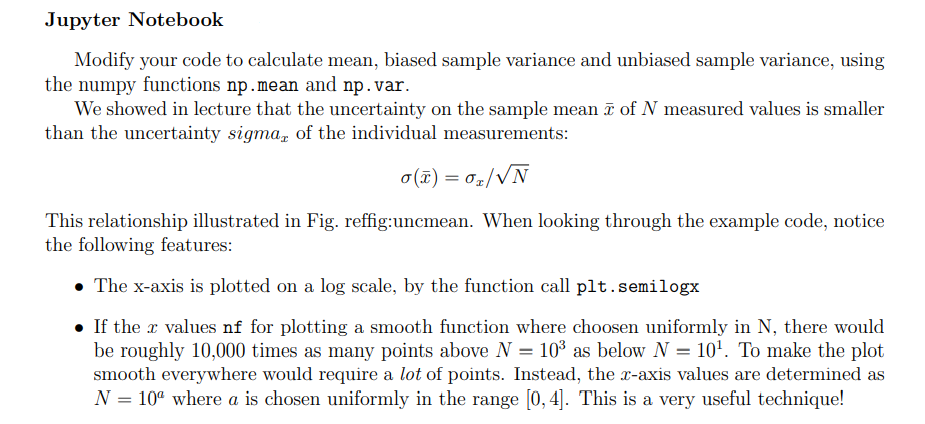
Jupyter Notebook Modify your code to calculate mean, biased sample variance and unbiased sample variance, using the numpy functions np.mean and np.var. We showed in lecture that the uncertainty on the sample mean 7 of N measured values is smaller than the uncertainty sigma, of the individual measurements: o(T) = 07/VN This relationship illustrated in Fig. reffig:uncmean. When looking through the example code, notice the following features: The x-axis is plotted on a log scale, by the function call plt.semilogx . If the x values nf for plotting a smooth function where choosen uniformly in N, there would be roughly 10,000 times as many points above N = 103 as below N = 10To make the plot smooth everywhere would require a lot of points. Instead, the z-axis values are determined as N = 104 where a is chosen uniformly in the range (0,4). This is a very useful technique! Jupyter Notebook Modify your code to calculate mean, biased sample variance and unbiased sample variance, using the numpy functions np.mean and np.var. We showed in lecture that the uncertainty on the sample mean 7 of N measured values is smaller than the uncertainty sigma, of the individual measurements: o(T) = 07/VN This relationship illustrated in Fig. reffig:uncmean. When looking through the example code, notice the following features: The x-axis is plotted on a log scale, by the function call plt.semilogx . If the x values nf for plotting a smooth function where choosen uniformly in N, there would be roughly 10,000 times as many points above N = 103 as below N = 10To make the plot smooth everywhere would require a lot of points. Instead, the z-axis values are determined as N = 104 where a is chosen uniformly in the range (0,4). This is a very useful technique
Step by Step Solution
There are 3 Steps involved in it

Get step-by-step solutions from verified subject matter experts
 Study Help