







Question: JUST NEED OPTION no need explain NO need for explanation i will rate you How would you make a 10 pointed star? a. Use the
JUST NEED OPTION
no need explain
NO need for explanation
i will rate you
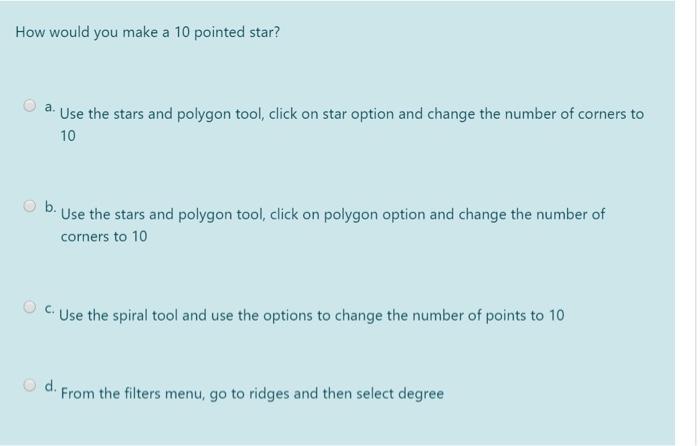
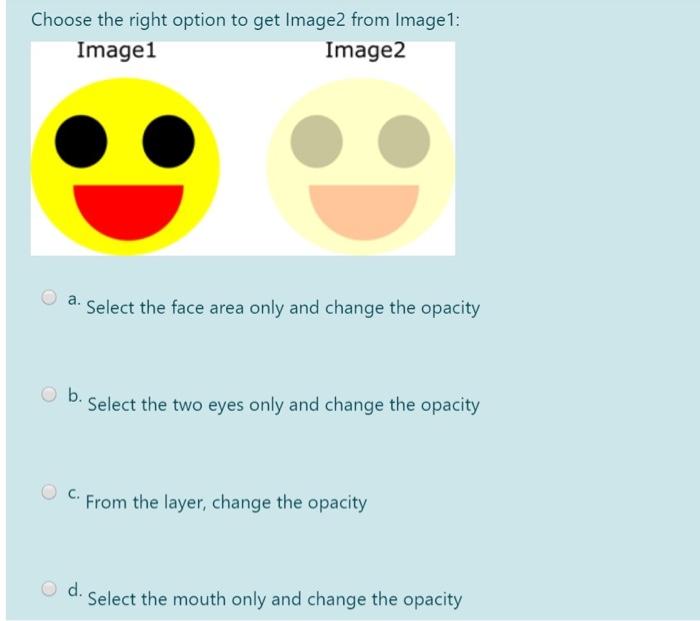
How would you make a 10 pointed star? a. Use the stars and polygon tool, click on star option and change the number of corners to 10 b. Use the stars and polygon tool, click on polygon option and change the number of corners to 10 C. Use the spiral tool and use the options to change the number of points to 10 d. From the filters menu, go to ridges and then select degree Choose the right option to get Image2 from Image 1: Image1 Image2 a. Select the face area only and change the opacity Select the two eyes only and change the opacity C. From the layer, change the opacity d. Select the mouth only and change the opacity
Step by Step Solution
There are 3 Steps involved in it

Get step-by-step solutions from verified subject matter experts
 Study Help