







Question: keeps running wrong program include tot une cest COOYOMSTER DOOR () Challenge #3 she will DO NOT ALTER ANY OF THE www.code DOSTING C-CODE IN
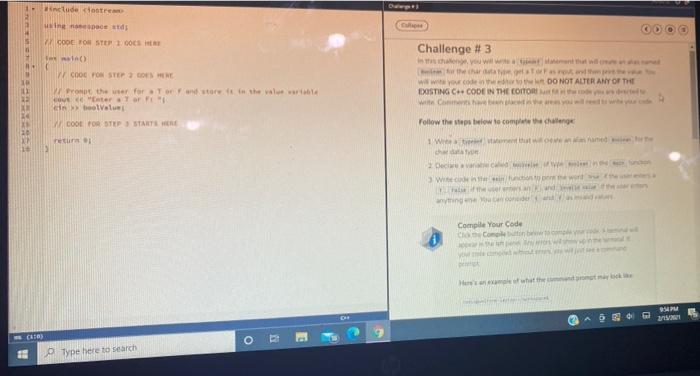
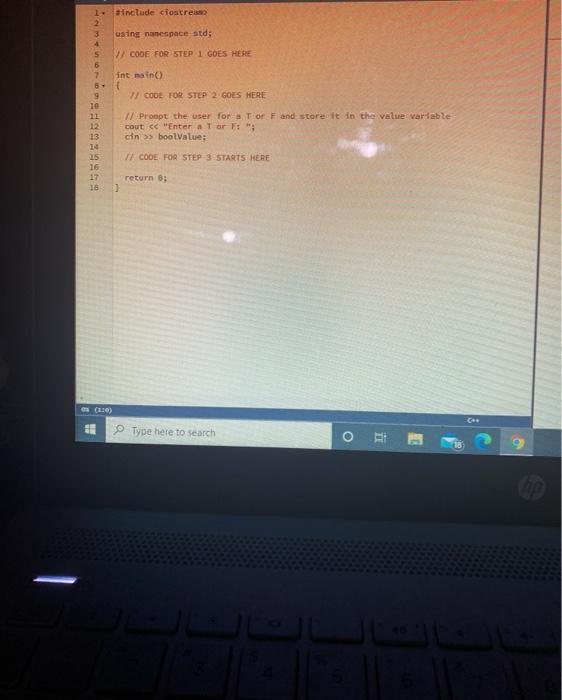
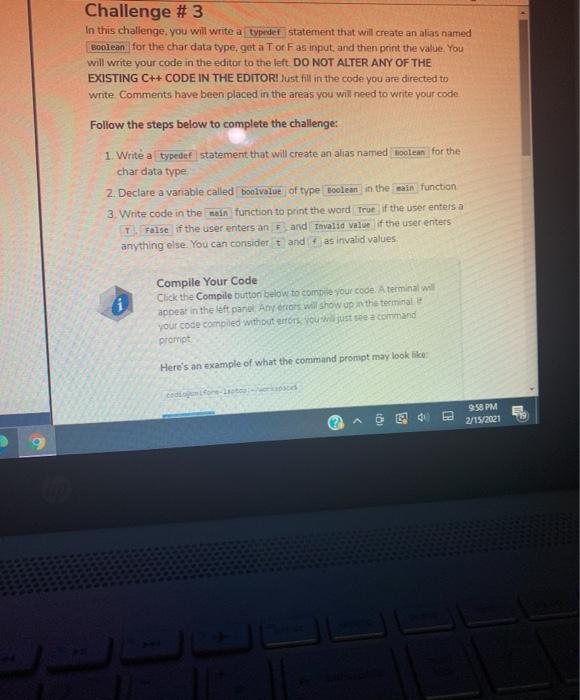
include tot une cest COOYOMSTER DOOR () Challenge #3 she will DO NOT ALTER ANY OF THE www.code DOSTING C-CODE IN THE wa WOOD POSTE GOES HERE the war for store the value center Tor F en V COSTUP STARTER return 2 Follow the steps below to come the challenge 1. Wat w Complile Your Code Hum what the MPM an o Type here to search 1. include ciostres 2 3 using namespace std; V CODE FOR STEP 1 GOES HERE 5 6 7 int main ( COOE FOR STEP 2 GOES HERE 9 Il Prompt the user for Tor F and store it in the value variable cout > boolValue: 12 13 14 15 16 17 16 VE CODE FOR STEP 3 STARTS HERE return 0; Type here to search o 11 9 Challenge #3 In this challenge you will write a typedef statement that will create an alias named Boolean for the char data type, get a Tor Fas input, and then print the value. You will write your code in the editor to the left DO NOT ALTER ANY OF THE EXISTING C++ CODE IN THE EDITOR! Just fill in the code you are directed to write Comments have been placed in the areas you will need to write your code Follow the steps below to complete the challenge: 1. Write a typedef statement that will create an alias named noolean for the char data type 2. Declare a variable called boolvalue of type Boolean in the main function 3. Write code in the main function to print the word True if the user enters a T False if the user enters an F and Invalid value if the user enters anything else. You can consider t and as invalid values Compile Your Code Click the Compile button below to compile your code. A terminal wil appear in the left panel Any ons will show up the terminal your code comoded without store you just see a comand prompt Here's an example of what the command prompt may look like Cadore 958 PM 2/15/2021
Step by Step Solution
There are 3 Steps involved in it

Get step-by-step solutions from verified subject matter experts
 Study Help