



Question: ( L ) Due January 2 5 at 1 1 : 5 9 PM Open a SAS window and type in the following program. However,
L Due January at : PM
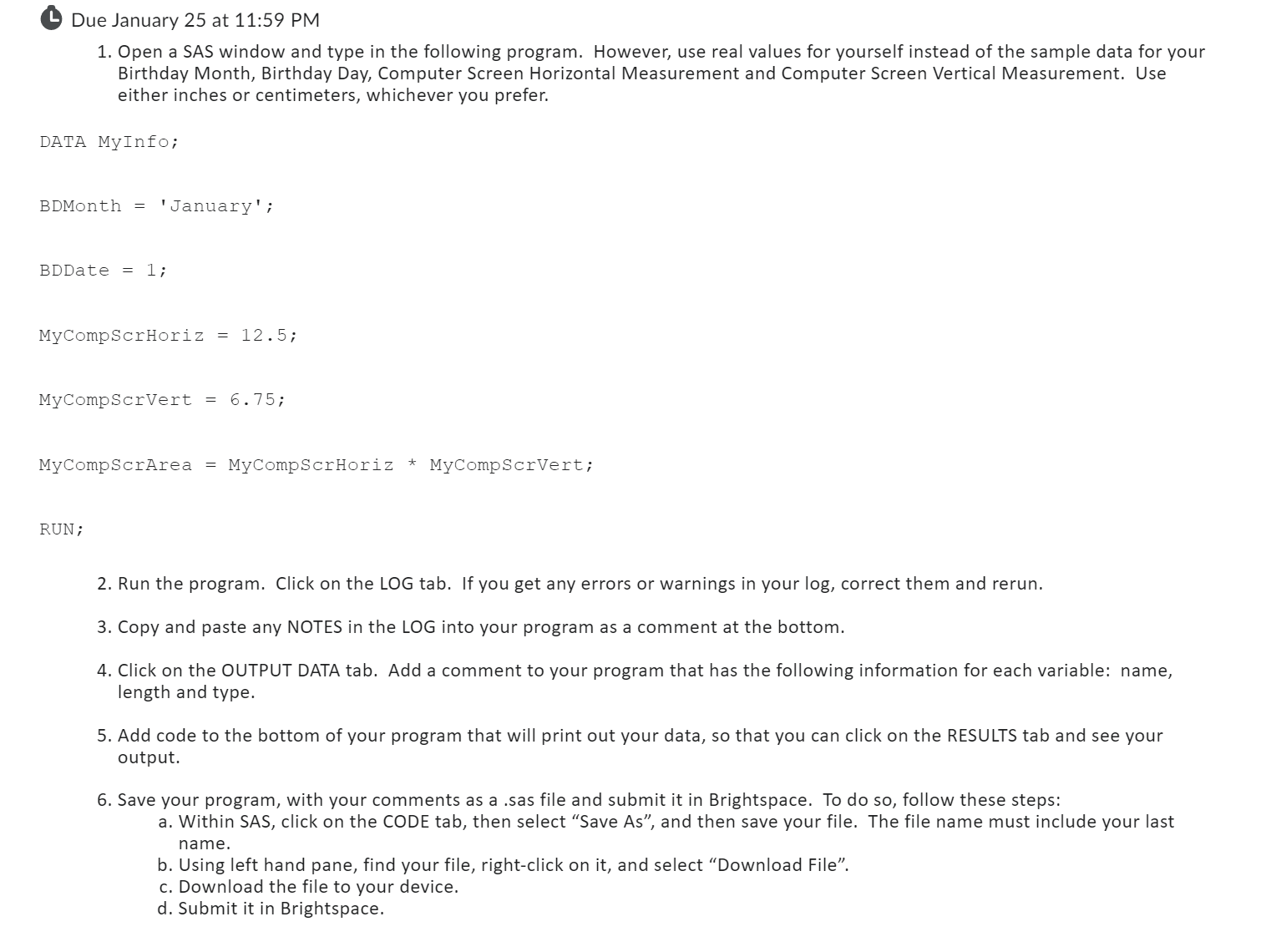
Open a SAS window and type in the following program. However, use real values for yourself instead of the sample data for your
Birthday Month, Birthday Day, Computer Screen Horizontal Measurement and Computer Screen Vertical Measurement. Use
either inches or centimeters, whichever you prefer.
DATA MyInfo;
BDMonth 'January' ;
BDDate ;
MyCompScrHoriz ;
MyCompScrVert ;
MyCompscrArea MyCompScrHoriz MyCompscrVert;
RUN ;
Run the program. Click on the LOG tab. If you get any errors or warnings in your log correct them and rerun.
Copy and paste any NOTES in the LOG into your program as a comment at the bottom.
Click on the OUTPUT DATA tab. Add a comment to your program that has the following information for each variable: name,
length and type.
Add code to the bottom of your program that will print out your data, so that you can click on the RESULTS tab and see your
output.
Save your program, with your comments as a sas file and submit it in Brightspace. To do so follow these steps:
a Within SAS, click on the CODE tab, then select "Save As and then save your file. The file name must include your last
name.
b Using left hand pane, find your file, rightclick on it and select "Download File".
c Download the file to your device.
d Submit it in Brightspace.
Step by Step Solution
There are 3 Steps involved in it
1 Expert Approved Answer
Step: 1 Unlock

Question Has Been Solved by an Expert!
Get step-by-step solutions from verified subject matter experts
Step: 2 Unlock
Step: 3 Unlock