







Question: l o g as the type. Below the source element, provide fallback text for legacy browsers that do not support the audio element. In the
as the type.
Below the source element, provide fallback text for legacy browsers that do not support the audio element.
In the violin section, after the paragraph element, insert two new blank lines and then add an It element with the text, Violin Spring Performance.
It Below the h element, add an audio element with the controls attribute.
Nest a source element within the audio element that specifies the violin.mp as the source file and audiomp as the type.
Nest another source element that specifies the violin.ogg as the source file and audio logg as the type.
Below the source element, provide fallback text for legacy browsers that do not support the audio element.
Check your spelling. Validate your HTML file and correct any errors. Save your changes.
Open the lessons.html file in your browser and test the audio.
Submit your assignment in the format specified by your instructor.
Research the Internet to locate free resources for audio files and provide a summary of your findings. Include at least three resource links.
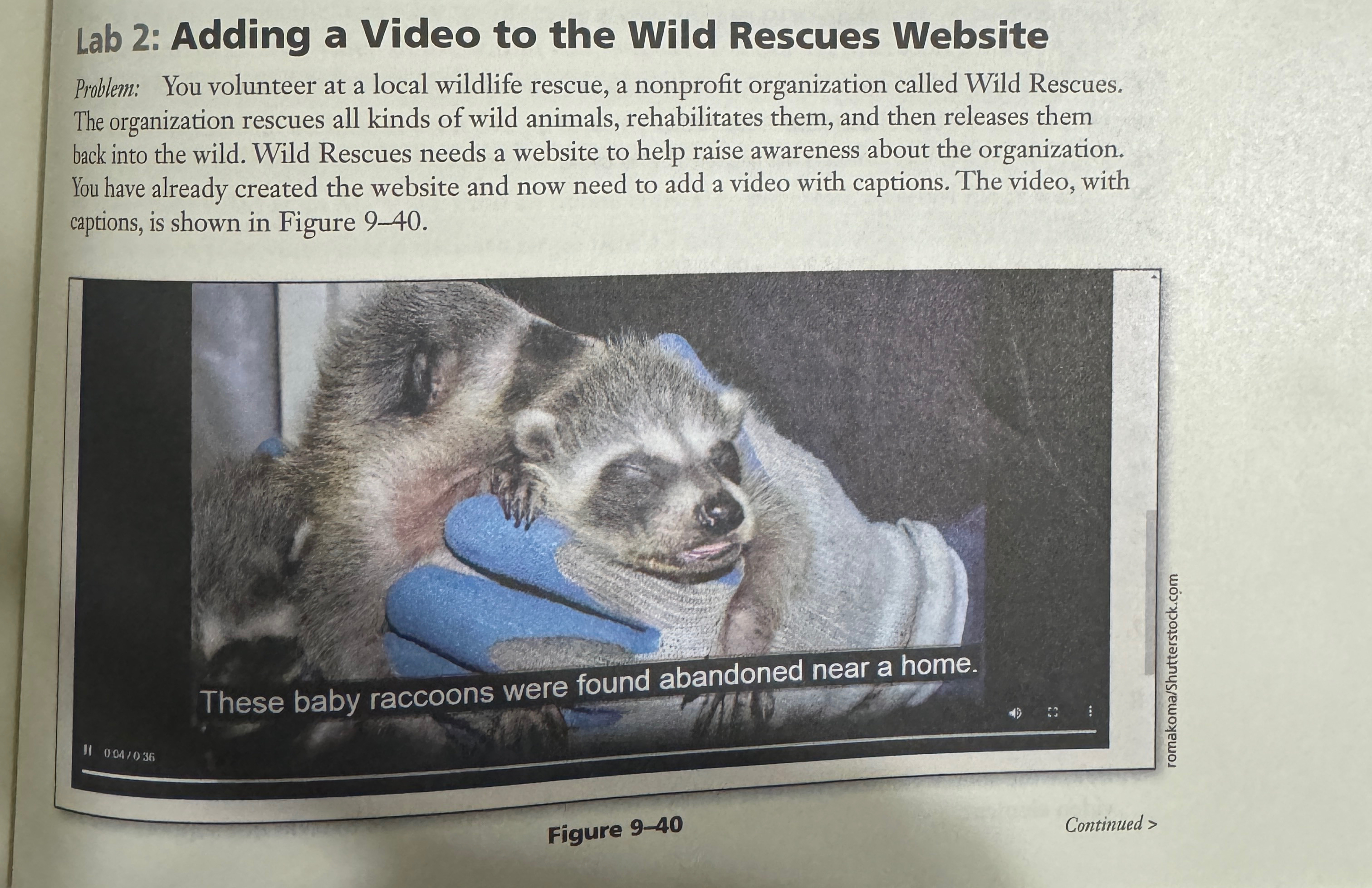
Lab : Adding a Video to the Wild Rescues Website
Problem: You volunteer at a local wildlife rescue, a nonprofit organization called Wild Rescues. The organization rescues all kinds of wild animals, rehabilitates them, and then releases them back into the wild. Wild Rescues needs a website to help raise awareness about the organization. You have already created the website and now need to add a video with captions. The video, with captions, is shown in Figure
Figure
Continued
HTML HTML Chapter Integrating Audio and Video
In the Lab continued
Instructions: Perform the following tasks:
Open your rescue folder and create a new subfolder named media. Copy the Data Files from chapterlab to your rescuemedia folder.
Open the about.html file in your text editor. Replace the image element on Line with a paragraph element that includes the following text:
watch the video below to meet our new, rescued friends.
Insert two new lines below the paragraph element you added in Step Add a video element with the controls attribute and a poster attribute that uses the babyhawk.jpg image file.
Nest a source element within the video element that specifies wildrescues.mp as the source file and videomp as the type.
Nest another source element that specifies wildrescues.webm as the source file and videowebm as the type.
Open the medialcaptions.vtt file in your text editor. Add your name and date to the NOTE, Use Table to create a captions file.
Table Captions for the Wild Rescues Video
tableLine Number,Code to InsertThese baby raccoons were found abanumichetable::
Step by Step Solution
There are 3 Steps involved in it
1 Expert Approved Answer
Step: 1 Unlock

Question Has Been Solved by an Expert!
Get step-by-step solutions from verified subject matter experts
Step: 2 Unlock
Step: 3 Unlock
 Study Help